Steam guide
Desktop Mate on Steam
The Steam listing is the verified starting point for Desktop Mate.
Independent fan resource. Not affiliated with, endorsed by, or sponsored by infiniteloop Co., Ltd., Valve/Steam, or any character rights holder.
WHAT THE LISTING TELLS YOU
Use the store page as your source of truth.
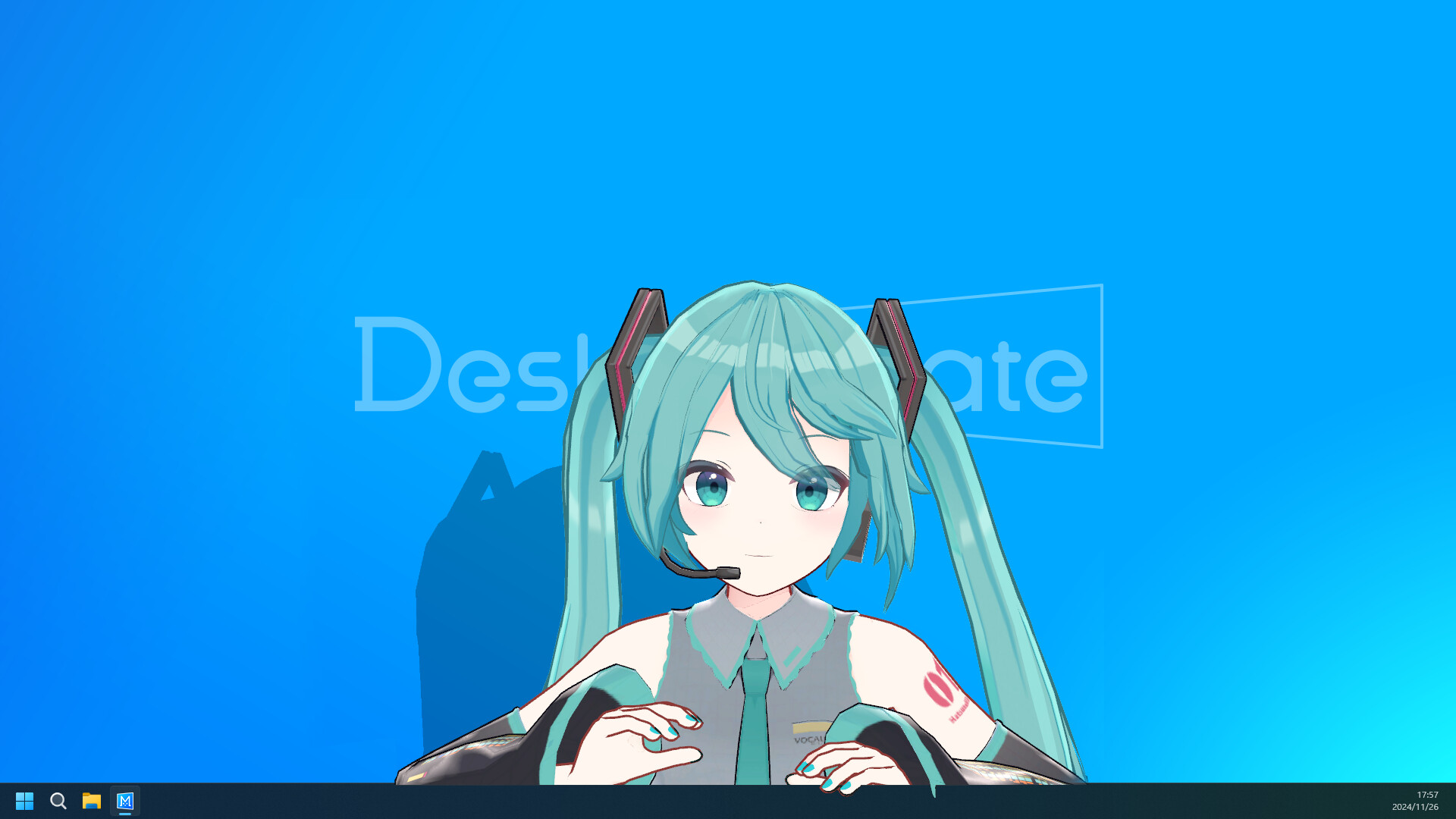
The Desktop Mate product page identifies infiniteloop as developer and publisher, lists the product as free to play, and shows the operating systems currently supported. It is also where licensed character DLC is released.
Steam App ID: 3301060
Base application: Free to play
Creator: infiniteloop
Extra characters: DLC has its own listing
Install from Steam
- Open the Desktop Mate store page in Steam or in a browser.
- Select Play Game or Install while signed in.
- Let Steam download updates through its client instead of using third-party mirrors.
- Open the app once before considering additional models or DLC.
DLC is not the same as a mod
Licensed DLC is released through Steam by the publisher and may involve character rights. A community-made model or mod is not automatically endorsed by the publisher or the character owner. Always read the creator's source page and license.