
Verified download route
Use Steam for the verified Windows and Mac release.
See download optionsIndependent Desktop Mate guide
Finde den offiziellen Desktop-Mate-Download, verstehe Modellquellen und bringe etwas Charakter auf deinen Bildschirm.
Independent fan resource. Not affiliated with, endorsed by, or sponsored by infiniteloop Co., Ltd., Valve/Steam, or any character rights holder.

Desktop Mate lässt sich kostenlos über Steam installieren.
Steam führt derzeit Windows und macOS als unterstützte Systeme.
Für Linux, Android und iOS gibt es keinen offiziellen Desktop Mate.
Offizielle DLCs und Modelle aus der Community sind nicht dasselbe.
IN THE APP
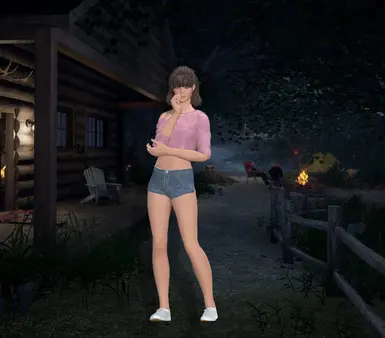
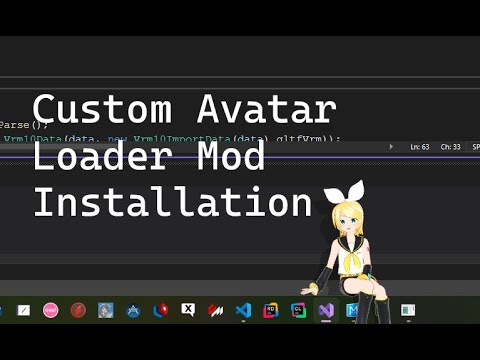
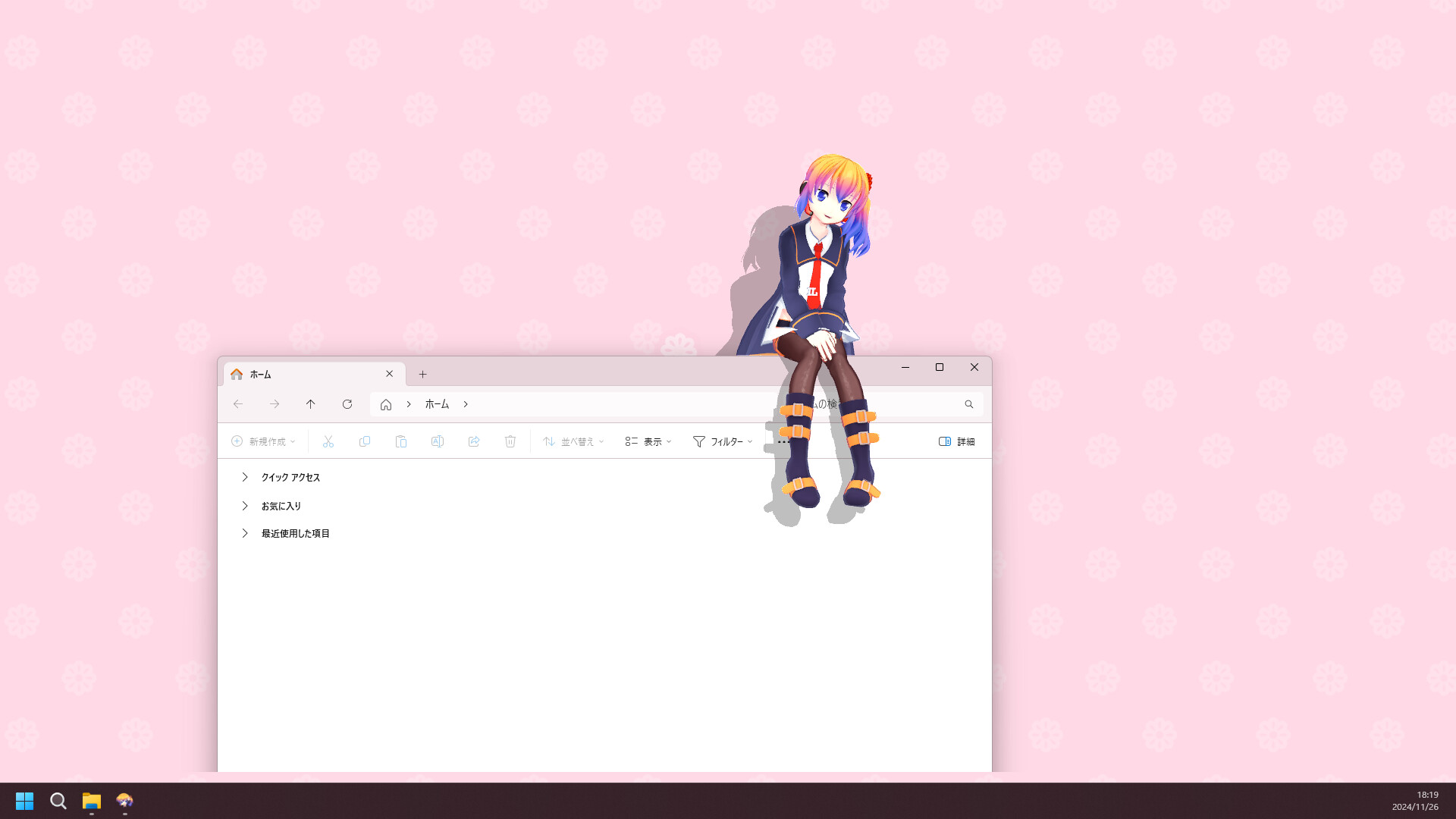
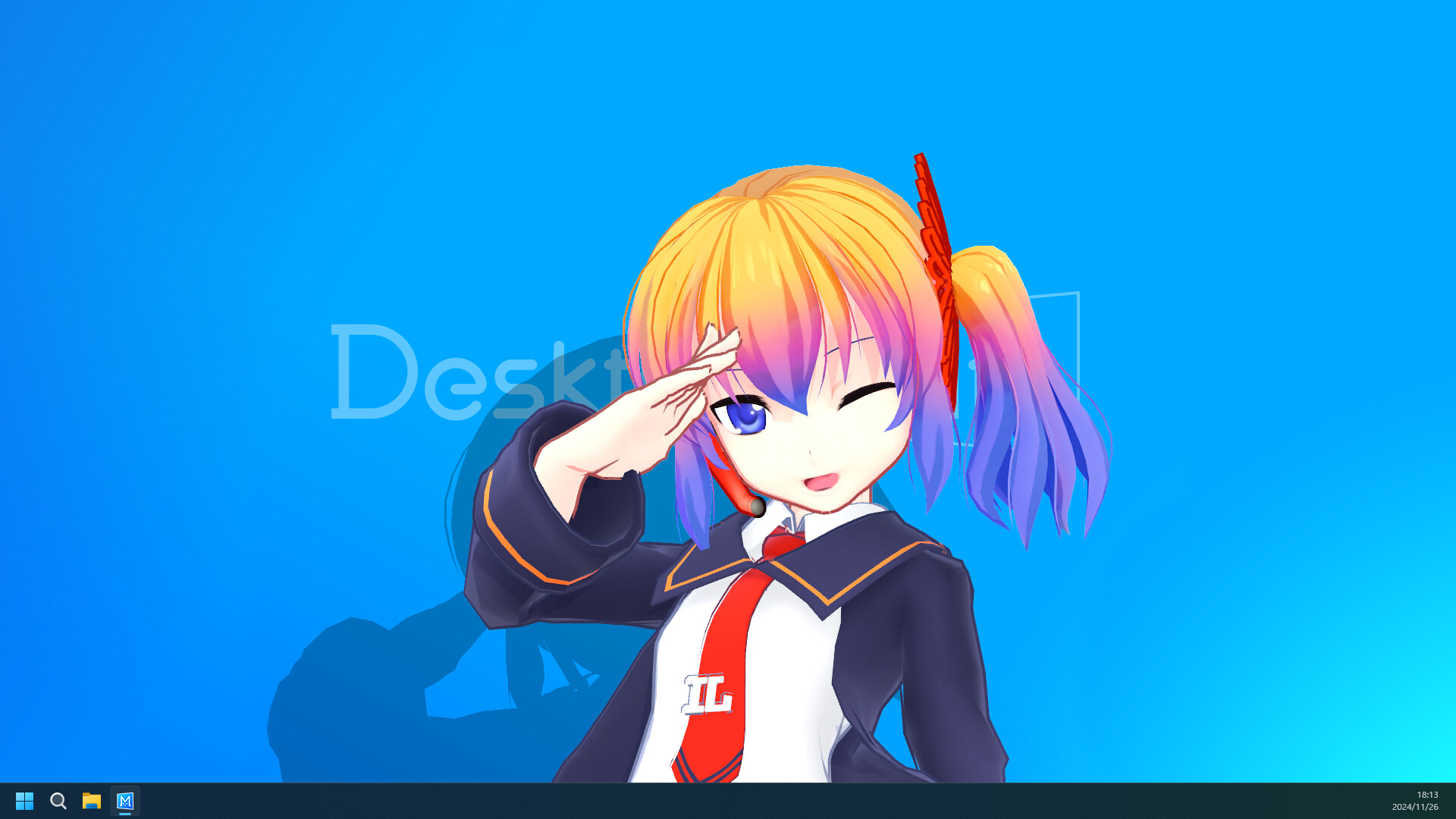
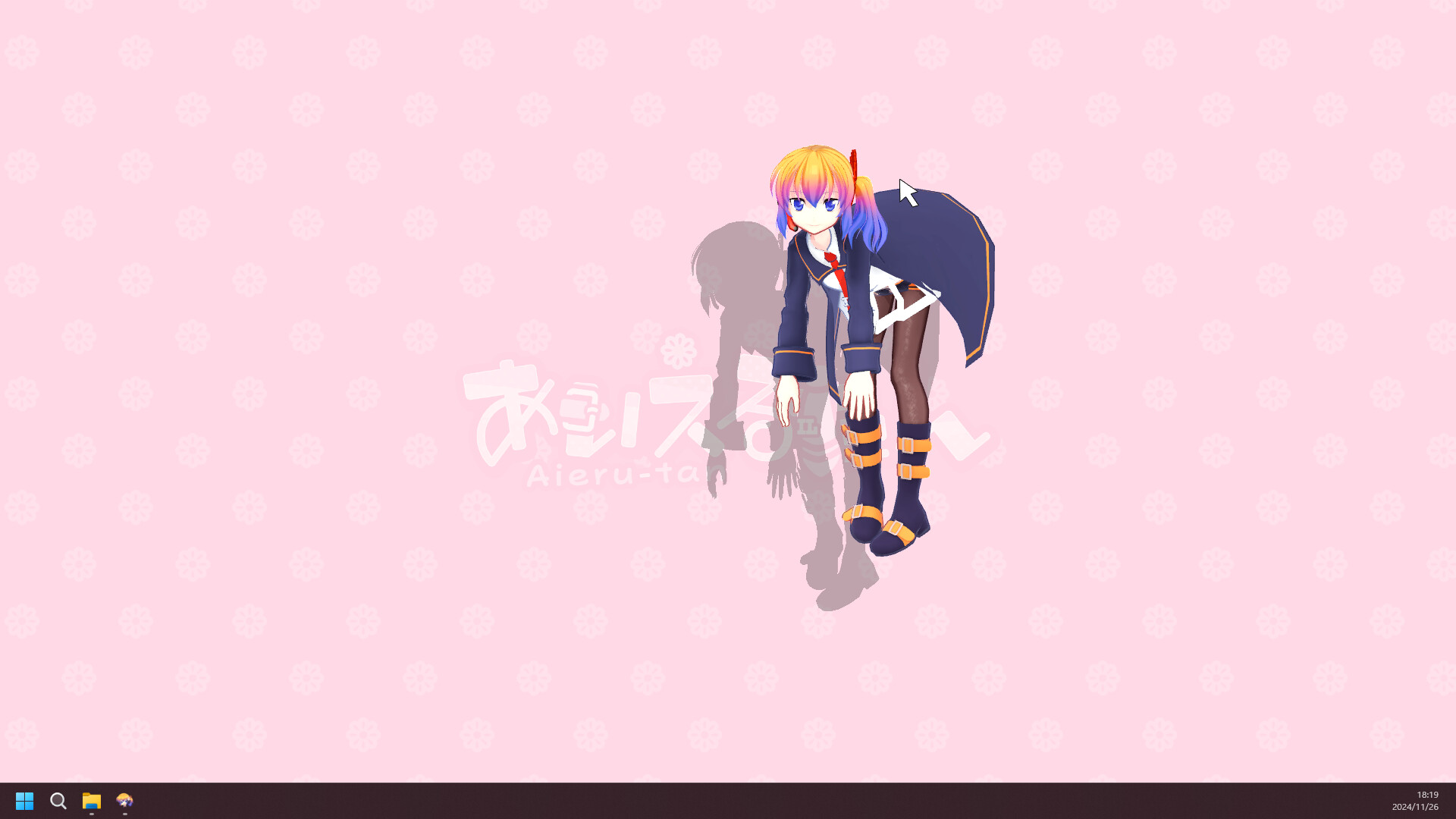
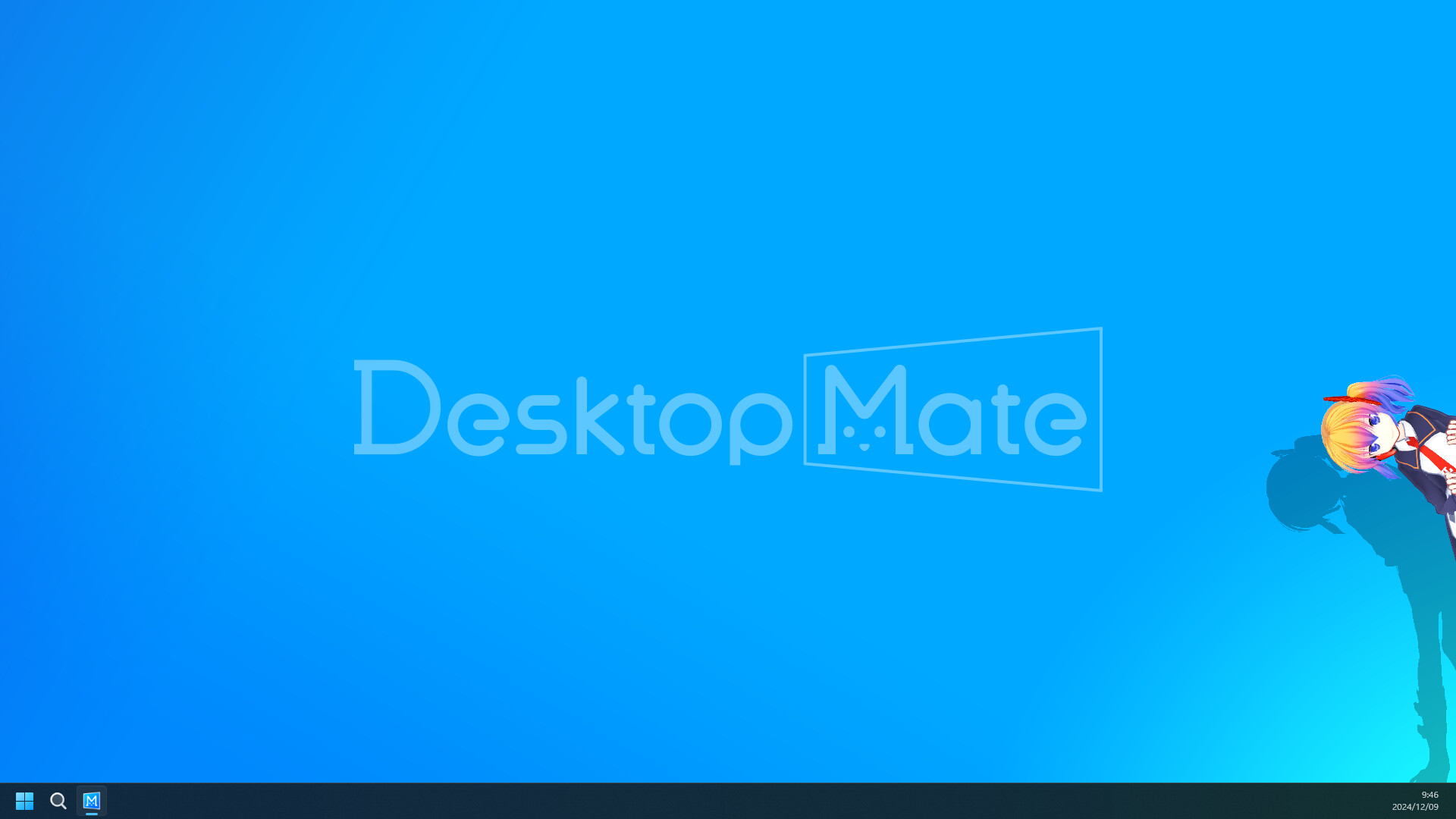
These product screenshots are sourced from the Desktop Mate Steam listing. They show how a companion can sit in the space around your work.


DESK DROP
Choose a mood, tap once, and get a one-of-one companion card. It stays on this device unless you share it.
Pick a mood, then summon a desk companion.
READY
A little surprise for your next study break.
START HERE
Use Steam for the verified Windows and Mac release.
See download optionsLearn the important difference between licensed DLC and community-made models.
Browse mod guidanceMATE Desktop Environment and Ubuntu MATE are real, but they are not this app.
Clear it upFIRST SESSION
Desktop Mate is a desktop companion: characters can sit around your windows, interact with the cursor, and support daily routines such as alarms. Start with the verified Steam listing, then take five minutes to learn its settings before adding anything from elsewhere.