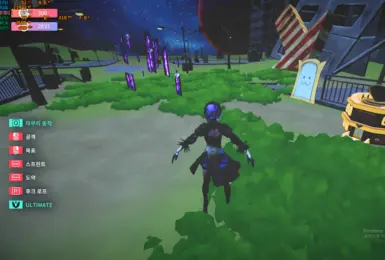
mate 2B Project
이 이미지는 Nexus Mods 항목 87에 게시된 실제 미리보기입니다. 공식 DLC가 아니며 모델·텍스처·캐릭터 권리는 각각 별도일 수 있습니다.
- 버전
- 1
- 플랫폼
- Windows
- 제작자
- RX5708GB
Desktop Mate 호환성
Download on NexusNexus 계정이 필요할 수 있습니다
DESKTOP MATE 종합 가이드
Desktop Mate를 처음 설치하는 순간부터 캐릭터를 안전하게 바꾸는 단계까지 한곳에서 확인하세요. 공식 Steam 경로, 실제 제품 화면, 원작자 모드 링크만 정리했습니다.
독립 팬 자료입니다. infiniteloop Co., Ltd., Valve/Steam 또는 캐릭터 권리자의 승인·후원 사이트가 아닙니다.
Steam 무료 기본 앱
App ID 3301060
Windows와 Apple Silicon Mac
모드별 원본 출처와 복구법
공식 설치 경로
기본 앱은 infiniteloop가 배포하는 Steam 버전입니다. 별도 EXE, DMG, APK 또는 잠금 해제 파일은 공식 설치본이 아닙니다. 먼저 깨끗한 기본 앱을 실행한 뒤 DLC나 모드를 하나씩 추가하세요.

모드와 캐릭터 모델
GitHub 도구는 원작자 릴리스 파일로, Nexus 캐릭터는 업로더의 파일 탭으로 연결합니다. 각 페이지에서 버전, 로더, 알려진 고장 여부와 되돌리는 방법을 먼저 확인할 수 있습니다.
이 이미지는 Nexus Mods 항목 87에 게시된 실제 미리보기입니다. 공식 DLC가 아니며 모델·텍스처·캐릭터 권리는 각각 별도일 수 있습니다.
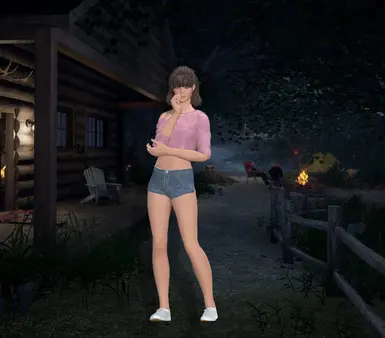
이 이미지는 Nexus Mods 항목 83에 게시된 실제 미리보기입니다. 공식 DLC가 아니며 모델·텍스처·캐릭터 권리는 각각 별도일 수 있습니다.
Custom Avatar Loader은(는) 아바타 용도의 커뮤니티 프로젝트입니다. 버전 1.0.4, 제작자 YusufOzmen01, MelonLoader 0.6.6 환경을 기준으로 원본 자료를 확인한 뒤 설치하세요.

MateChat은(는) AI 및 채팅 용도의 커뮤니티 프로젝트입니다. 버전 1.2.1, 제작자 dvhsh, MelonLoader 환경을 기준으로 원본 자료를 확인한 뒤 설치하세요.
창 가장자리, 알람, 캐릭터가 만드는 데스크톱 경험
Desktop Mate는 별도 게임 화면이 아니라 평소 쓰는 창 주변에 캐릭터를 배치합니다. 알람과 크기·위치 설정을 먼저 익히면 작업이나 공부 화면을 가리지 않고 사용할 수 있습니다.
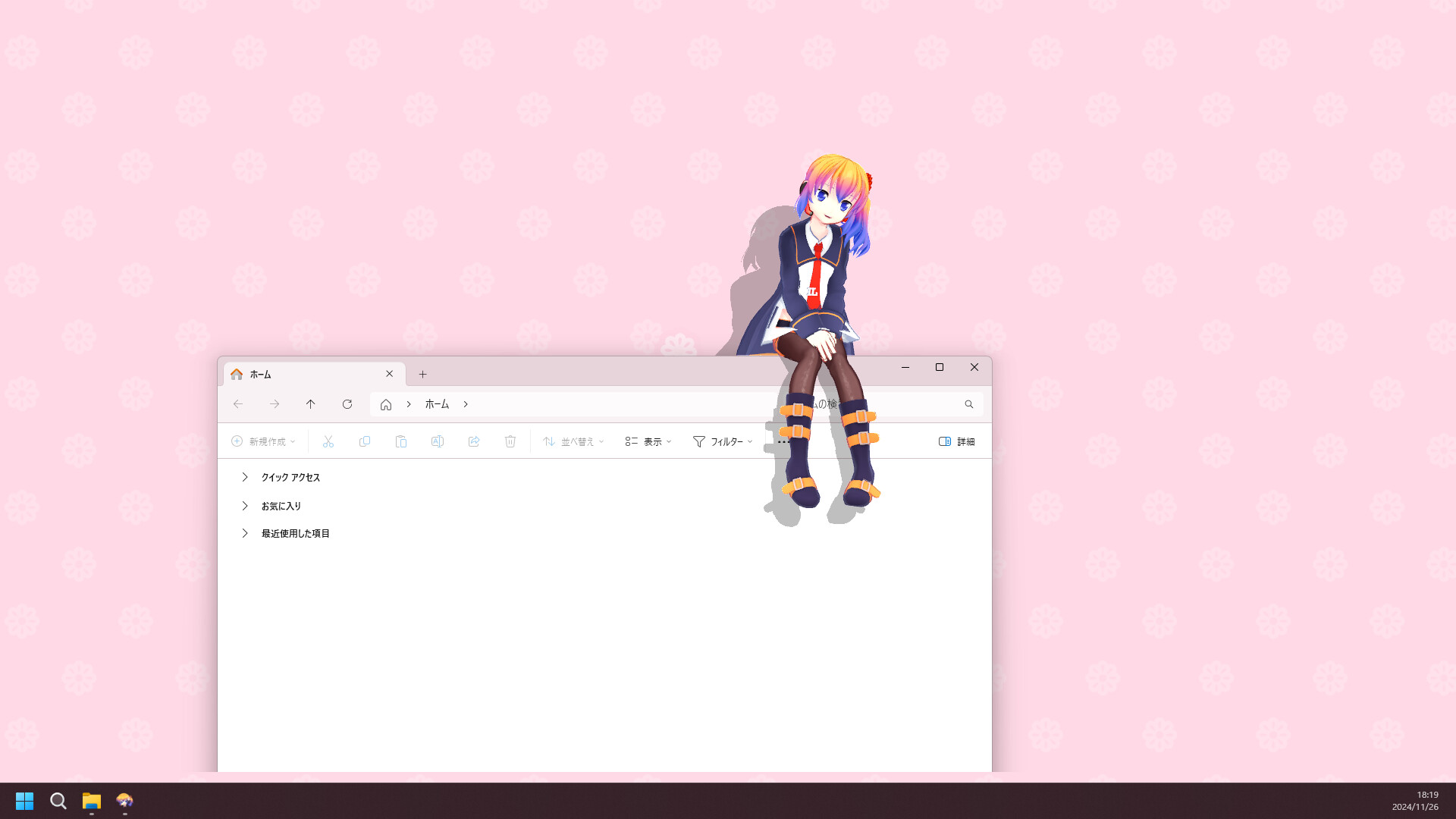
처음 10분에 해야 할 Desktop Mate 설정
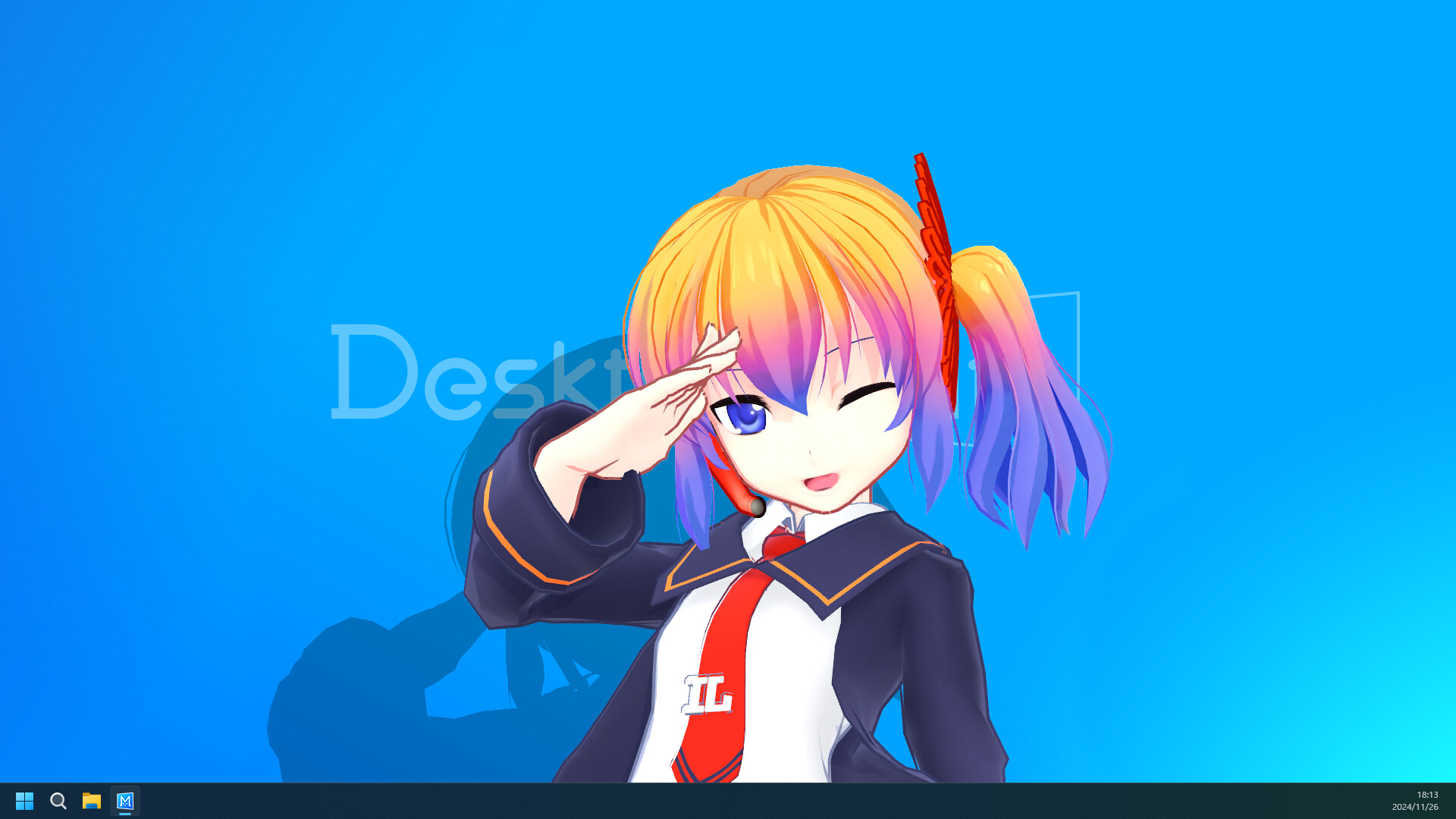
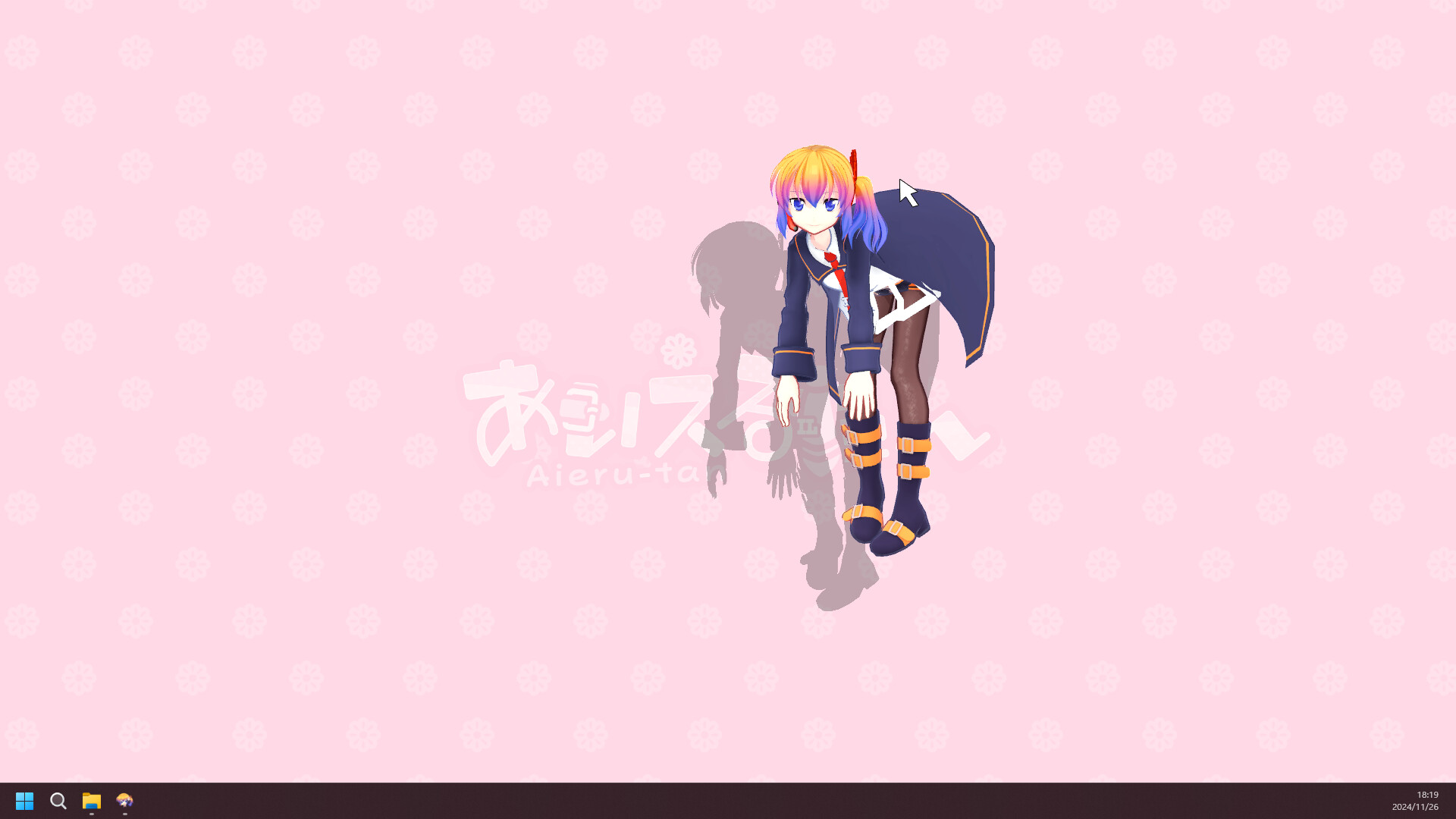
Steam App ID 3301060이 확인 가능한 공식 스토어 페이지를 사용하세요. 이 사이트는 프로그램을 다시 포장하지 않습니다.
현재 공식 안내는 Apple Silicon과 지정된 macOS 버전을 대상으로 합니다. Intel Mac은 지원 대상으로 안내되지 않습니다.
아닙니다. DLC는 Steam을 통해 배포되는 공식 상품이고, 커뮤니티 모드는 별도 제작자와 로더·권한·호환성 조건이 있습니다.
최신 제품 정보는 Steam과 infiniteloop 원문을 우선하고, 모드는 제작자의 릴리스 또는 Nexus 파일만 사용하세요.