첫 설치 뒤 Desktop Mate 설정
Desktop Mate 시작 가이드
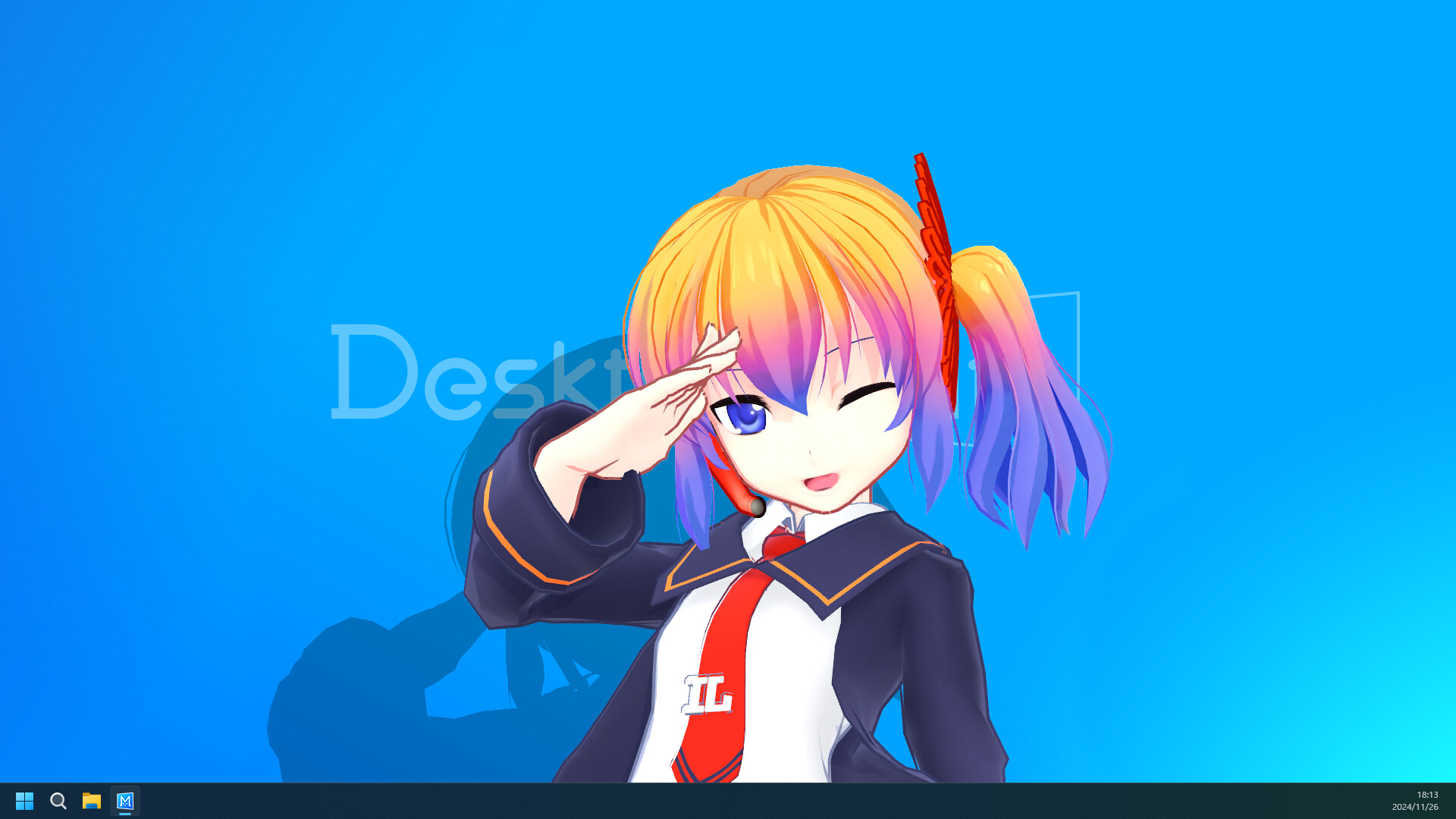
Desktop Mate를 처음 실행할 때는 추가 콘텐츠보다 기본 앱의 동작을 먼저 익히는 것이 좋습니다. 캐릭터가 화면에서 차지하는 위치와 알람 설정을 실제 작업 환경에 맞춰 보세요.
독립 팬 자료입니다. infiniteloop Co., Ltd., Valve/Steam 또는 캐릭터 권리자의 승인·후원 사이트가 아닙니다.
01
Steam에서 기본 앱 설치
02
첫 실행에서 기본 동작 확인
03
창 상호작용과 알람 점검
04
추가 콘텐츠는 한 개씩 적용
기본 앱을 먼저 실행
Steam 라이브러리에서 Desktop Mate를 실행한 뒤 캐릭터가 표시되는지, 창 가장자리와의 상호작용이 기대한 대로인지 확인합니다.
첫 실행에서 이상이 있다면 모드나 로더를 추가하지 말고 상점 요구 사항과 파일 상태부터 살펴보세요.

화면과 알람을 조절
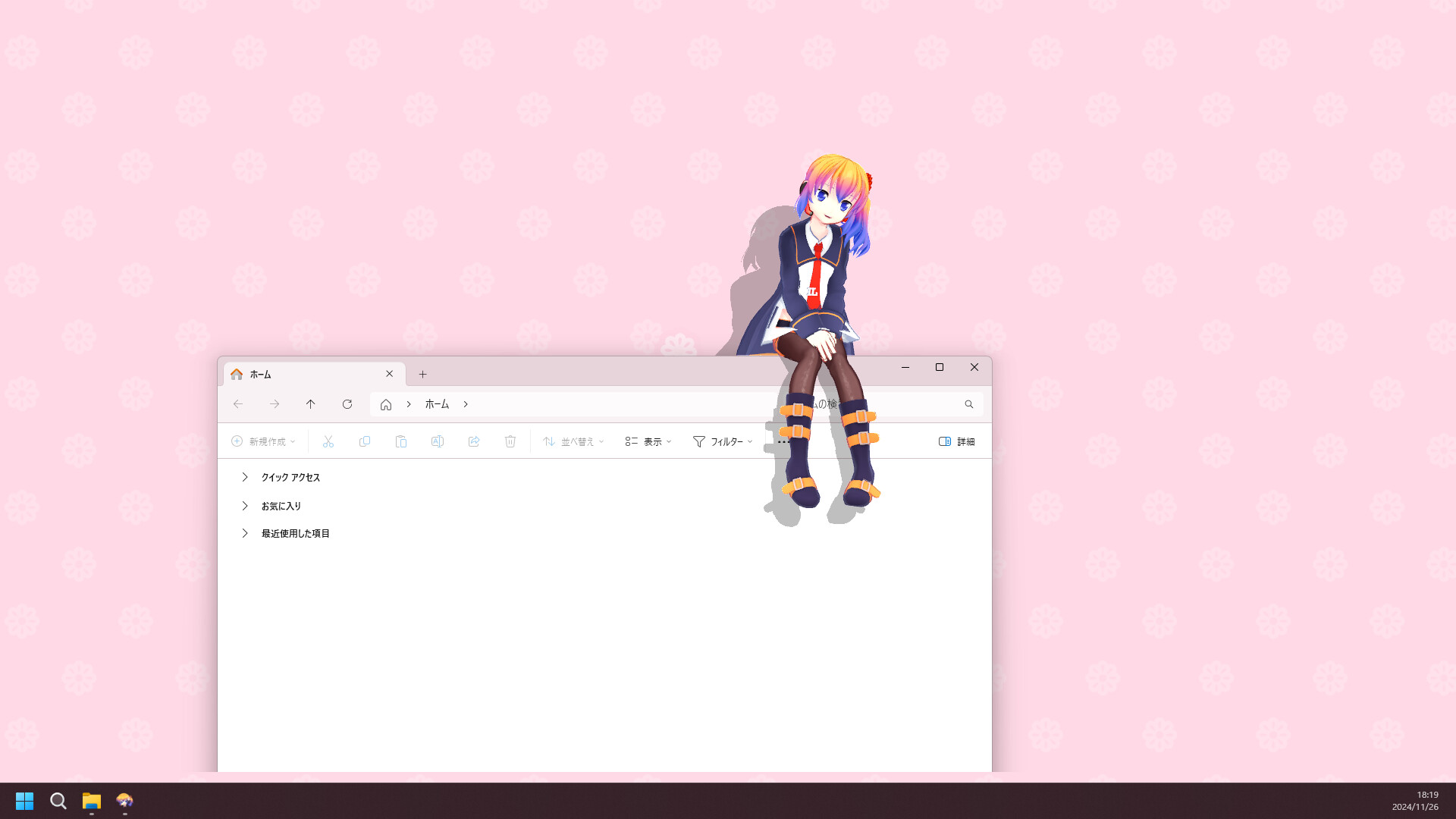
캐릭터를 자주 쓰는 프로그램의 버튼과 문서 영역에서 비켜난 곳에 배치하세요. 필요하면 크기와 소리를 함께 조정합니다.
알람은 실제 휴식이나 일정에 맞는 항목만 남기면 데스크톱을 과도하게 복잡하게 만들지 않습니다.
- 캐릭터 위치와 크기 설정
- 창을 가리지 않는지 확인
- 필요한 알람만 켜기
추가 콘텐츠는 나중에
기본 앱이 안정적으로 동작한 뒤에만 DLC 또는 모드를 검토하세요. 두 콘텐츠는 출처와 설치 방식이 다릅니다.
모드를 시험할 때는 한 번에 하나만 추가하고 실행 결과를 확인한 뒤 다음 변경을 진행하세요.
Desktop Mate 시작 가이드 자주 묻는 질문
처음에 모드를 설치해도 되나요?
먼저 기본 앱이 정상 동작하는지 확인한 뒤에 추가하세요.
캐릭터 위치는 바꿀 수 있나요?
설정에서 작업 영역을 가리지 않도록 위치와 크기를 조절하세요.
알람은 꼭 써야 하나요?
필수는 아닙니다. 필요한 경우에만 사용 환경에 맞춰 설정하세요.