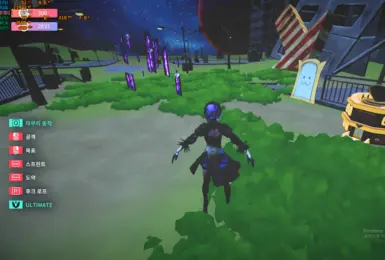
mate 2B Project
mate engine X nier automata 2B MOD
- Version
- 1
- Download
- Nexus login
- Author
- RX5708GB
Preview & install guide
Download on NexusNexus account may be required
Independent Desktop Mate guide
Desktop Mate is a free desktop companion from infiniteloop, delivered through Steam. This verified guide explains the real download route, current platform status, official character DLC, and the safer way to explore community models and mods.
Independent fan resource. Not affiliated with, endorsed by, or sponsored by infiniteloop Co., Ltd., Valve/Steam, or any character rights holder.
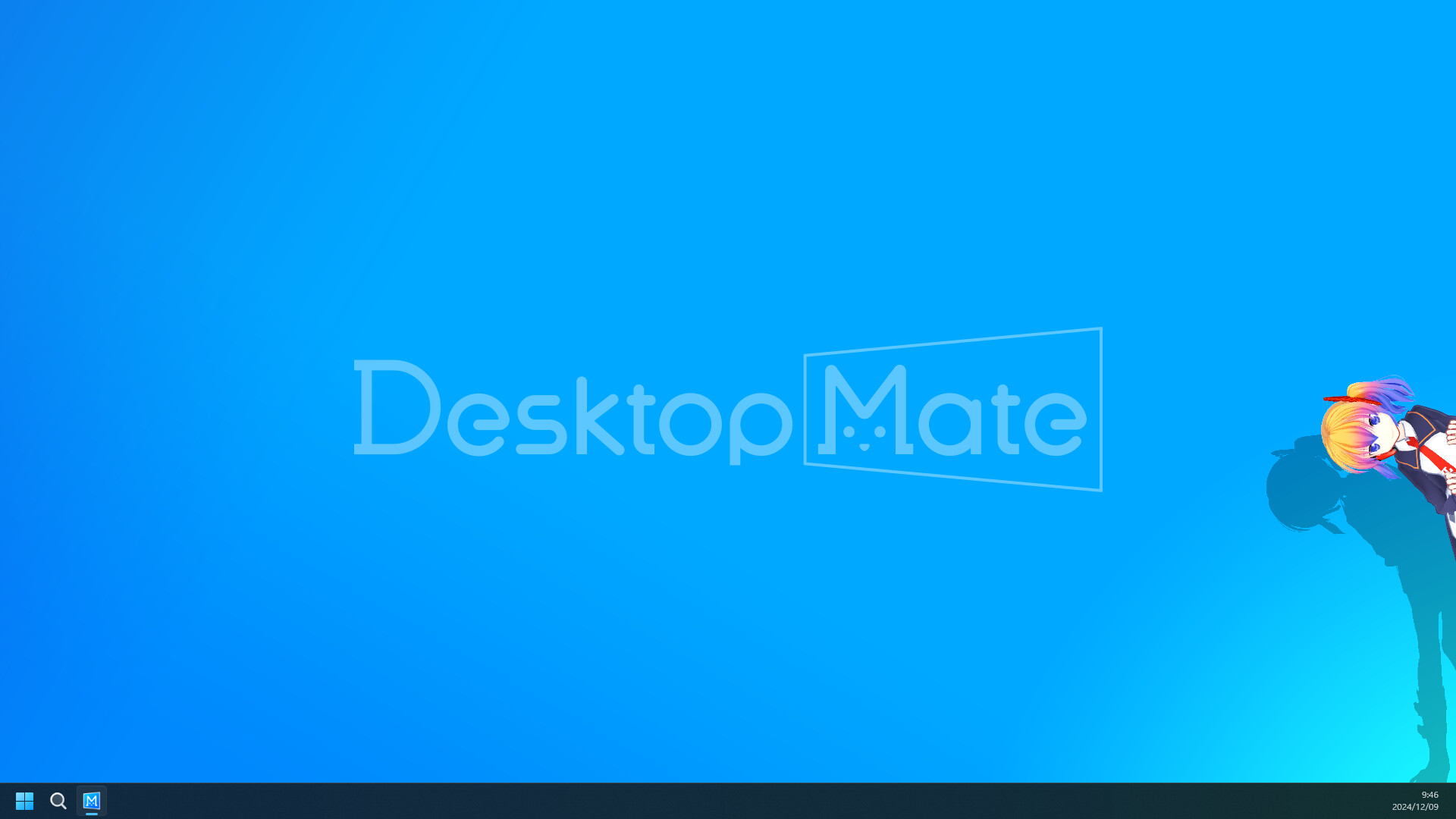
Free base app on Steam
Steam App ID 3301060
Windows and macOS listed
DLC and community files are different
DESKTOP MATE DOWNLOAD
The base app is free to play on Steam under App ID 3301060, where infiniteloop is shown as both developer and publisher. That is the route to use when you want the correct installer, Steam-managed updates, and file verification if a later change breaks the app.
Steam currently lists Windows and macOS. The Mac page explains the Apple silicon requirement; the Linux, Steam Deck, Android, and iOS pages give a direct availability answer instead of sending you to an unverified installer. There is no reason to search for a separate Desktop Mate EXE, DMG, APK, or IPA.

DESKTOP MATE MODS
Community files deserve more context than a download button. These highlighted projects show the original author, version, compatibility label, loader, and direct source route. Nexus models stay on the uploader's own Files page; GitHub releases remain on the author repository.
mate engine X nier automata 2B MOD

Friday the 13th: The Game - Tiffany Cox
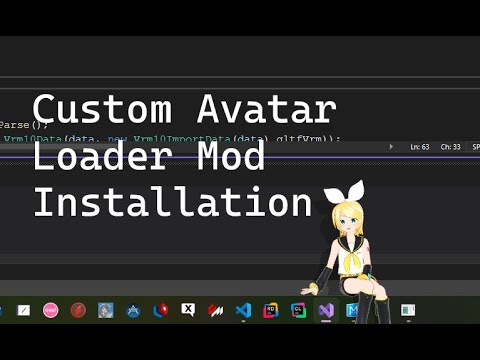
Custom Avatar Loader is the best-known community mod for loading VRM 0.x character files into legacy Desktop Mate builds. Its original repository was archived on December 4, 2025, so current Steam compatibility should not be assumed.

MateChat connects a Desktop Mate character to configurable language-model APIs and optional text-to-speech. The project is archived and its author states that current Desktop Mate no longer supports the modding path it used.
DESKTOP MATE FEATURES
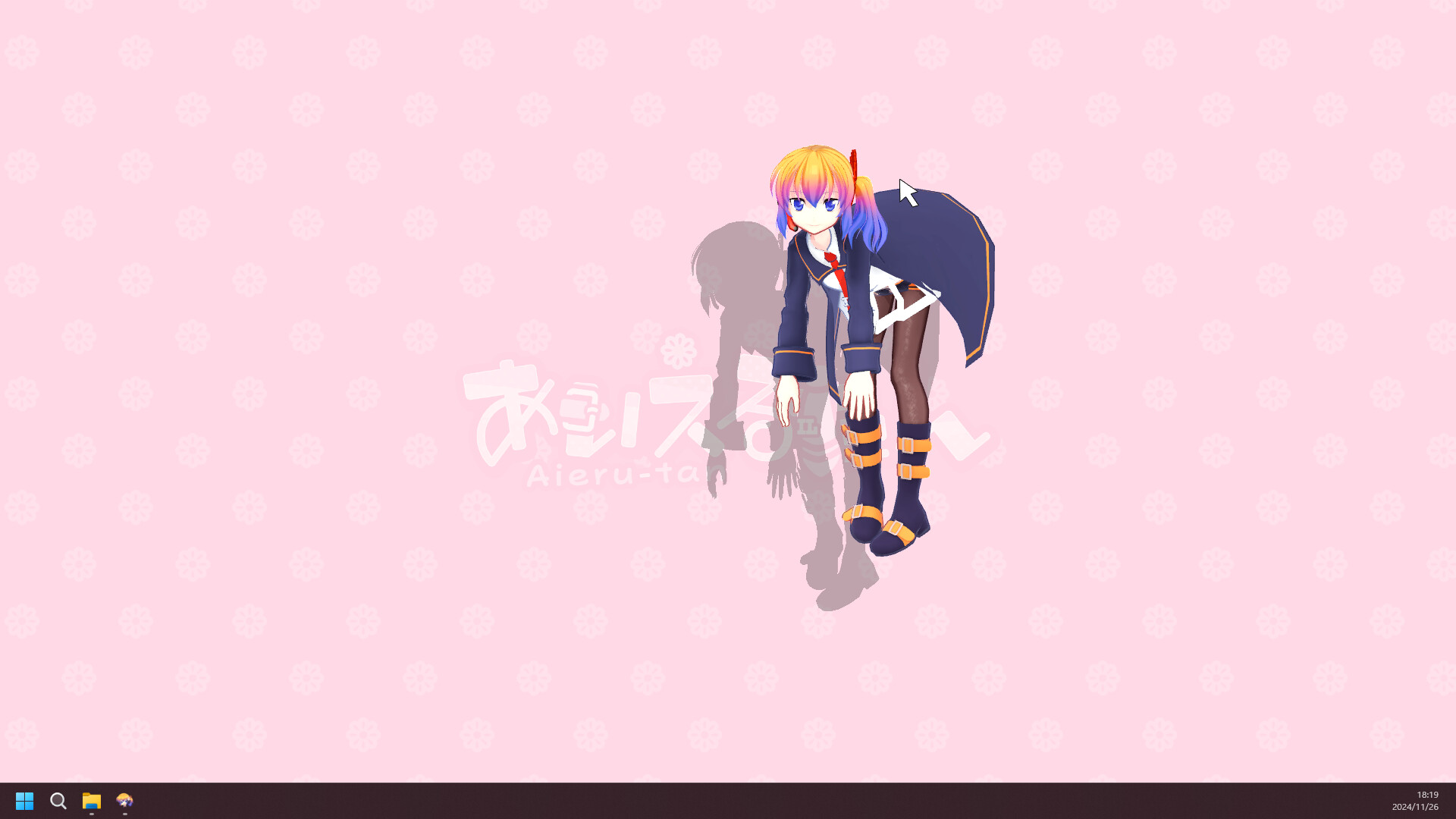
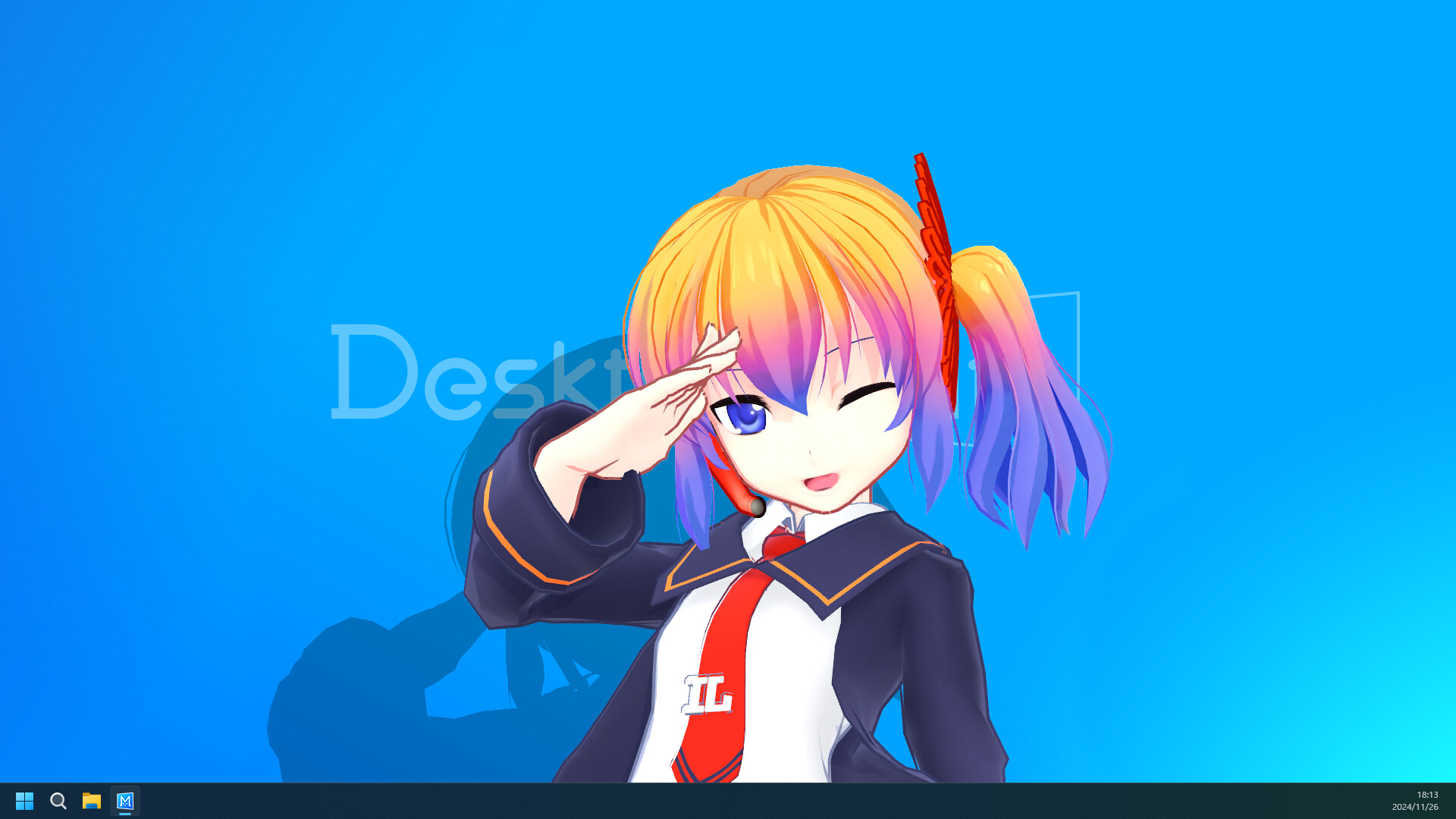
The official product material shows a companion designed to share the desktop rather than occupy a separate game screen. Use those small interactions as the clean baseline before adding a loader, extra model, or window-management tool.
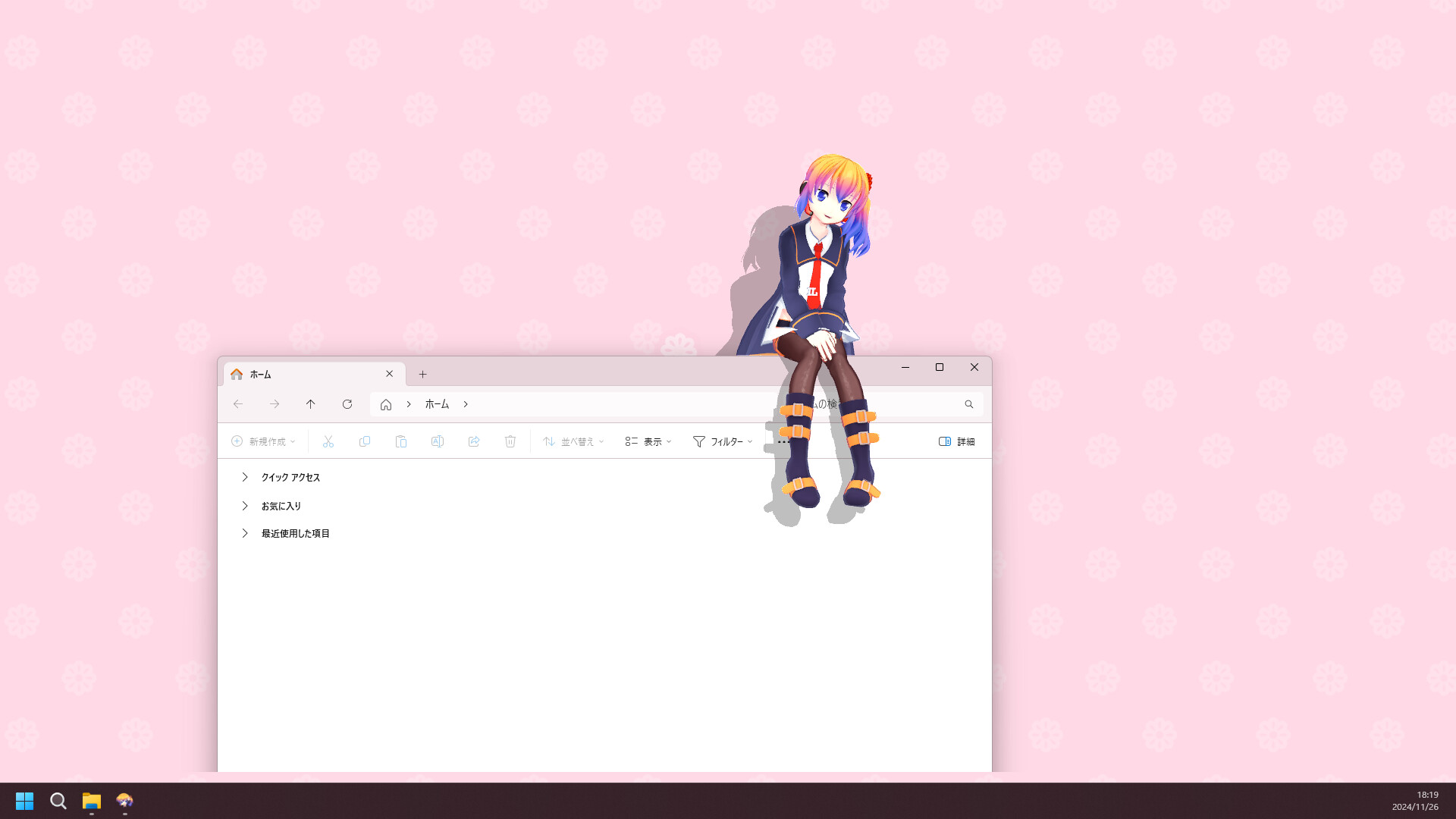
DESKTOP MATE CHARACTERS
Start with the free base app, then decide what you actually want to add. Official character DLC is delivered through Steam and follows the publisher's product flow. Community models and loader-based tools are different projects: they can be archived, legacy, source-only, or unverified on the current build.
That distinction matters when an update lands. A clean Steam install can be verified and restored; a community project needs its own version check, author instructions, and removal plan.
Learn how Desktop Mate mods differ from DLCDESKTOP MATE SETUP
This sequence answers the practical question behind most Desktop Mate searches: how to get the experience without turning a harmless desktop companion into a troubleshooting project.
Read the Desktop Mate first-setup guideDESKTOP MATE FAQ
Desktop Mate's verified base-app route is its Steam listing, App ID 3301060. The base app is free to install; this site does not repackage it as an EXE, DMG, APK, IPA, or unlocked bundle.
Steam currently lists Windows and macOS for Desktop Mate. The Mac route is for Apple silicon on the publisher's stated macOS version. Linux, Steam Deck, Android, and iOS do not have a publisher-listed route here.
No. Character DLC is publisher-delivered through Steam. A community mod or model comes from a separate author, can need a loader, can become incompatible after an update, and may have different redistribution rules.
Launch the clean Steam app first, read the original author's requirements and removal notes, keep a rollback path, and test one change at a time. Do not use anonymous installers, DLC unlockers, or files that ask you to disable security software.
This page uses the publisher-linked Steam route for product availability and separates it from third-party Mod sources. Check the live listing before installing because platform support, DLC, and community compatibility can change after an update.
Use the base Steam app first, then choose a documented source for every extra. The safest Desktop Mate setup is the one you can explain, remove, and restore.