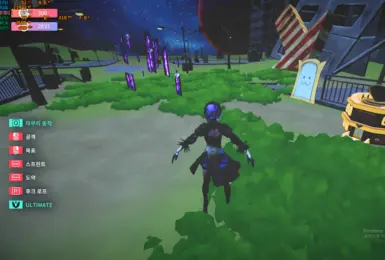
mate 2B Project
圖片來自 Nexus Mods 項目 87 的實際縮圖,不是 AI 圖或無關配圖。這是第三方角色替換,不是官方 DLC。
- 版本
- 1
- 平台
- Windows
- 作者
- RX5708GB
Desktop Mate 相容性
Download on Nexus可能需要 Nexus 帳號
DESKTOP MATE 玩家指南
從第一次安裝 Desktop Mate 到安全更換角色,這裡整理 Steam 官方入口、真實產品畫面、原作者模組與可還原的安裝步驟。
獨立玩家資源,非 infiniteloop Co., Ltd.、Valve/Steam 或任何角色權利人的官方、授權或贊助網站。
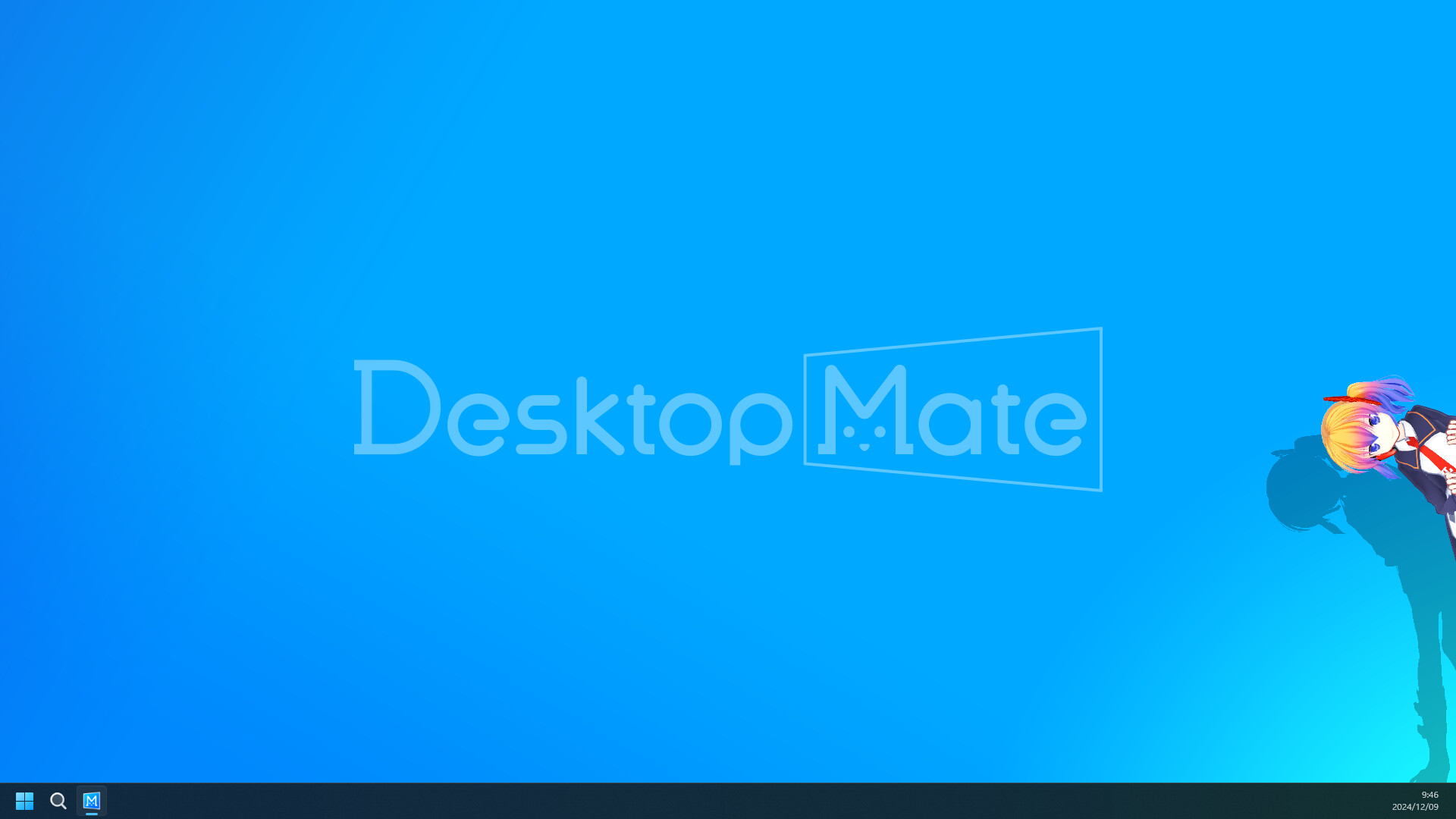
Steam 免費本體
App ID 3301060
Windows 與 Apple Silicon Mac
每個模組都有原始來源
官方安裝入口
免費本體由 infiniteloop 透過 Steam 發布。網路上的獨立 EXE、DMG、APK、IPA 或解鎖包都不是本站推薦的官方本體。先跑過乾淨版本,再決定是否買 DLC 或裝模組。

模組與角色模型
GitHub 工具直接連原作者 發布版本;Nexus 角色模型保留在上傳者的 檔案 分頁。每一頁都先交代 載入器、相容性、已知失效與移除方法。
圖片來自 Nexus Mods 項目 87 的實際縮圖,不是 AI 圖或無關配圖。這是第三方角色替換,不是官方 DLC。
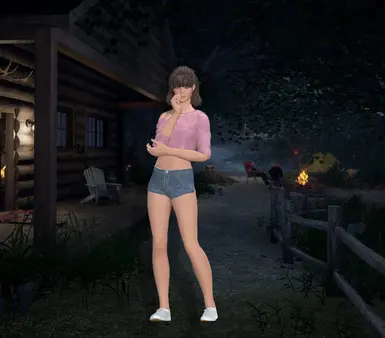
圖片來自 Nexus Mods 項目 83 的實際縮圖,不是 AI 圖或無關配圖。這是第三方角色替換,不是官方 DLC。
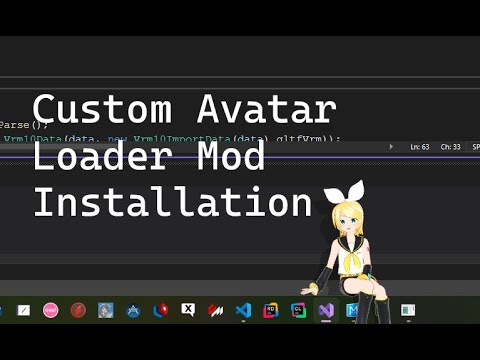
Custom Avatar Loader 是 角色模型 類型的社群專案。請先依版本 1.0.4、作者 YusufOzmen01 與 MelonLoader 0.6.6 環境核對原始文件,再進行安裝。

MateChat 是 AI 與聊天 類型的社群專案。請先依版本 1.2.1、作者 dvhsh 與 MelonLoader 環境核對原始文件,再進行安裝。
讓角色待在視窗旁,而不是占滿整個螢幕
官方畫面展示角色與視窗邊緣、游標和鬧鐘互動。先調好大小、位置、音量與提醒,工作、追劇或打遊戲時比較不會擋住重要介面。
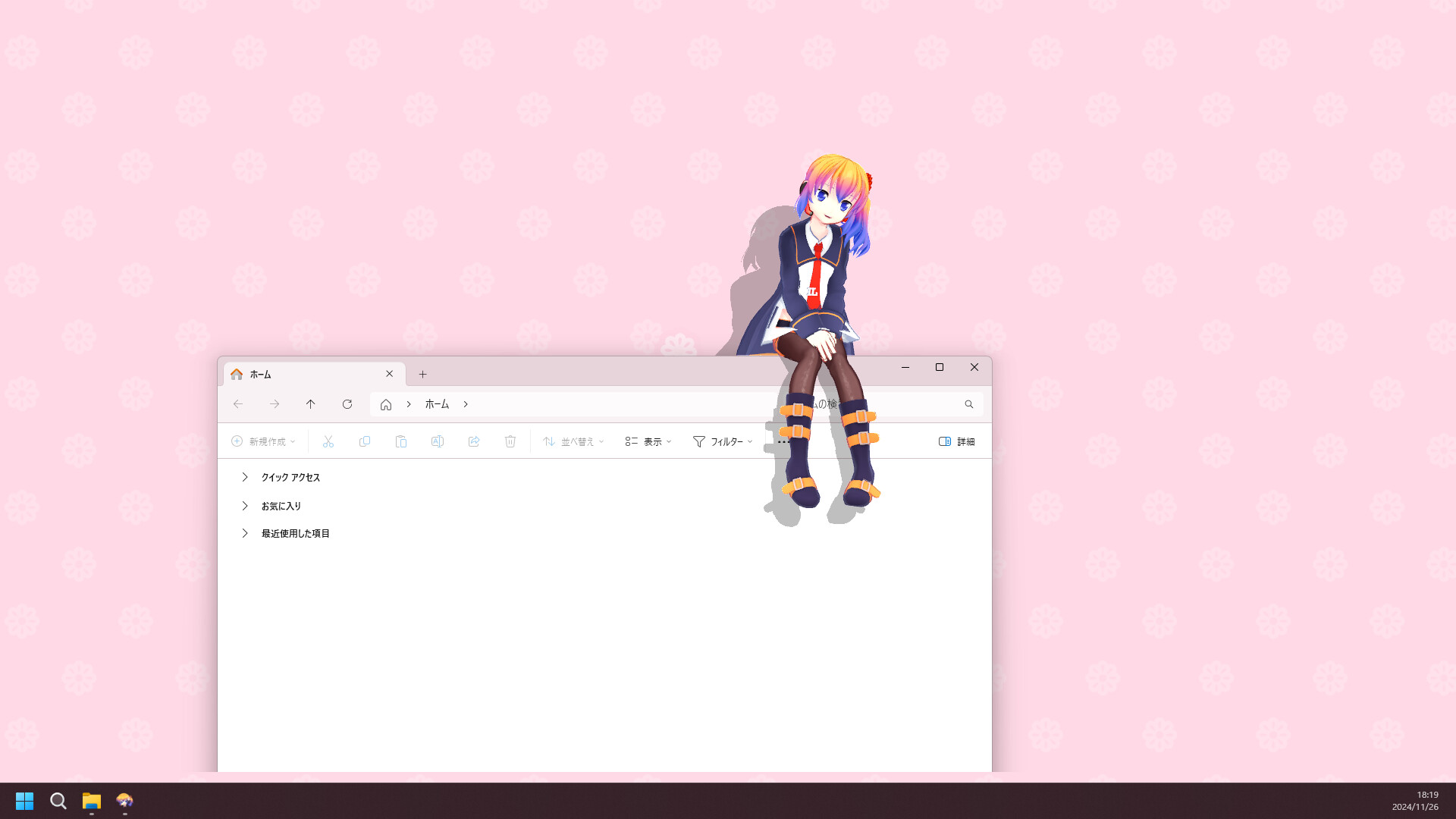
Desktop Mate 第一次開啟的五個步驟
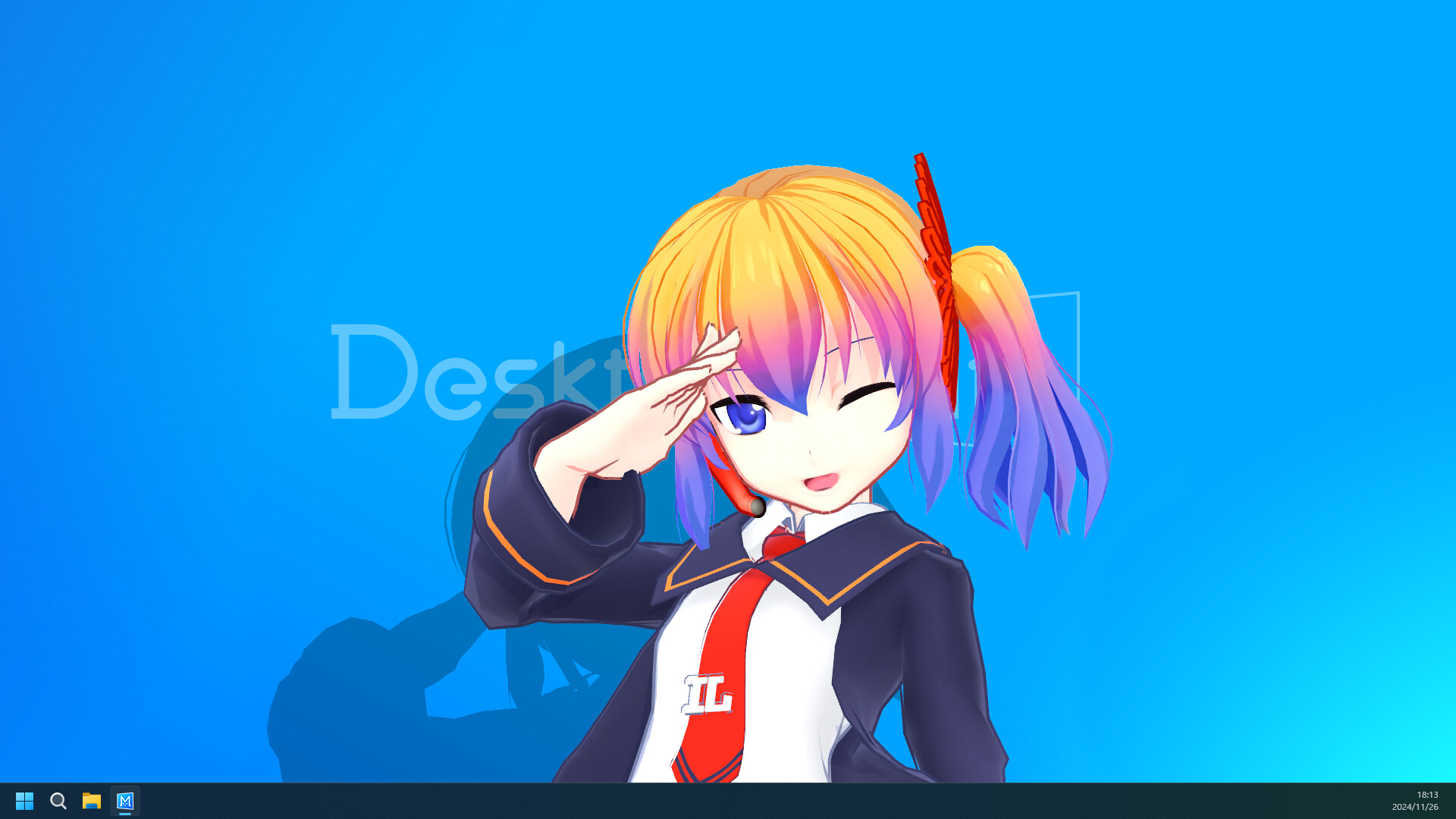
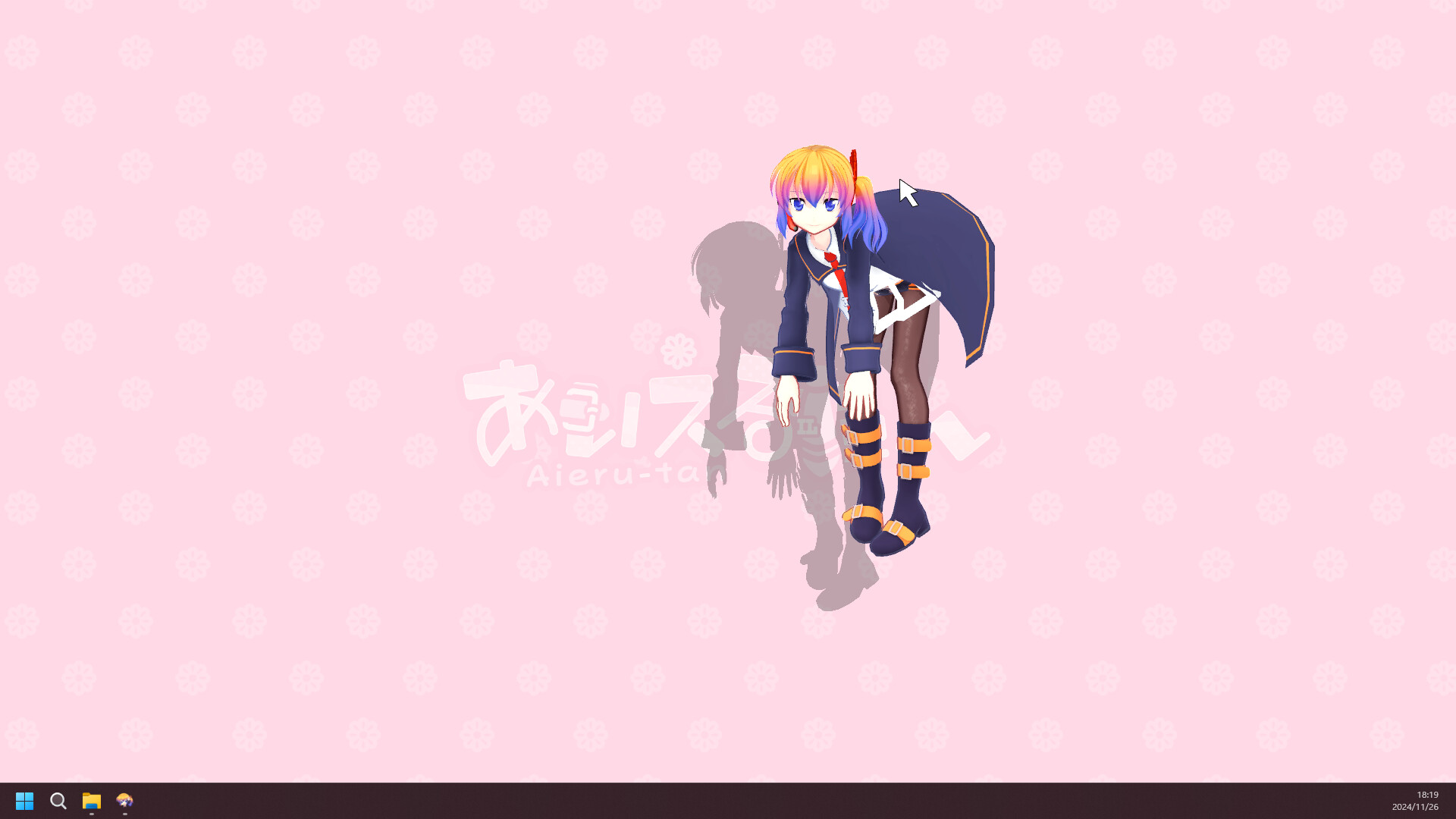
請使用能核對 App ID 3301060 的 Steam 商店頁。本站不重新打包程式。
官方目前列出的 Mac 路線以 Apple Silicon 與指定 macOS 版本為主,Intel Mac 不在支援說明內。
不一樣。DLC 由官方透過 Steam 發布;社群模組有自己的作者、載入器、授權與相容性風險。
產品細節以 Steam 與 infiniteloop 原文為準;模組只連作者 發布版本 或 Nexus 檔案。