Desktop Mate guide

Desktop Mate getting started

A relaxed first setup should take just a few minutes: install the official base app, let it update through Steam, then spend a little time with the interaction and alarm features before you add extras.

Independent fan resource. Not affiliated with, endorsed by, or sponsored by infiniteloop Co., Ltd., Valve/Steam, or any character rights holder.

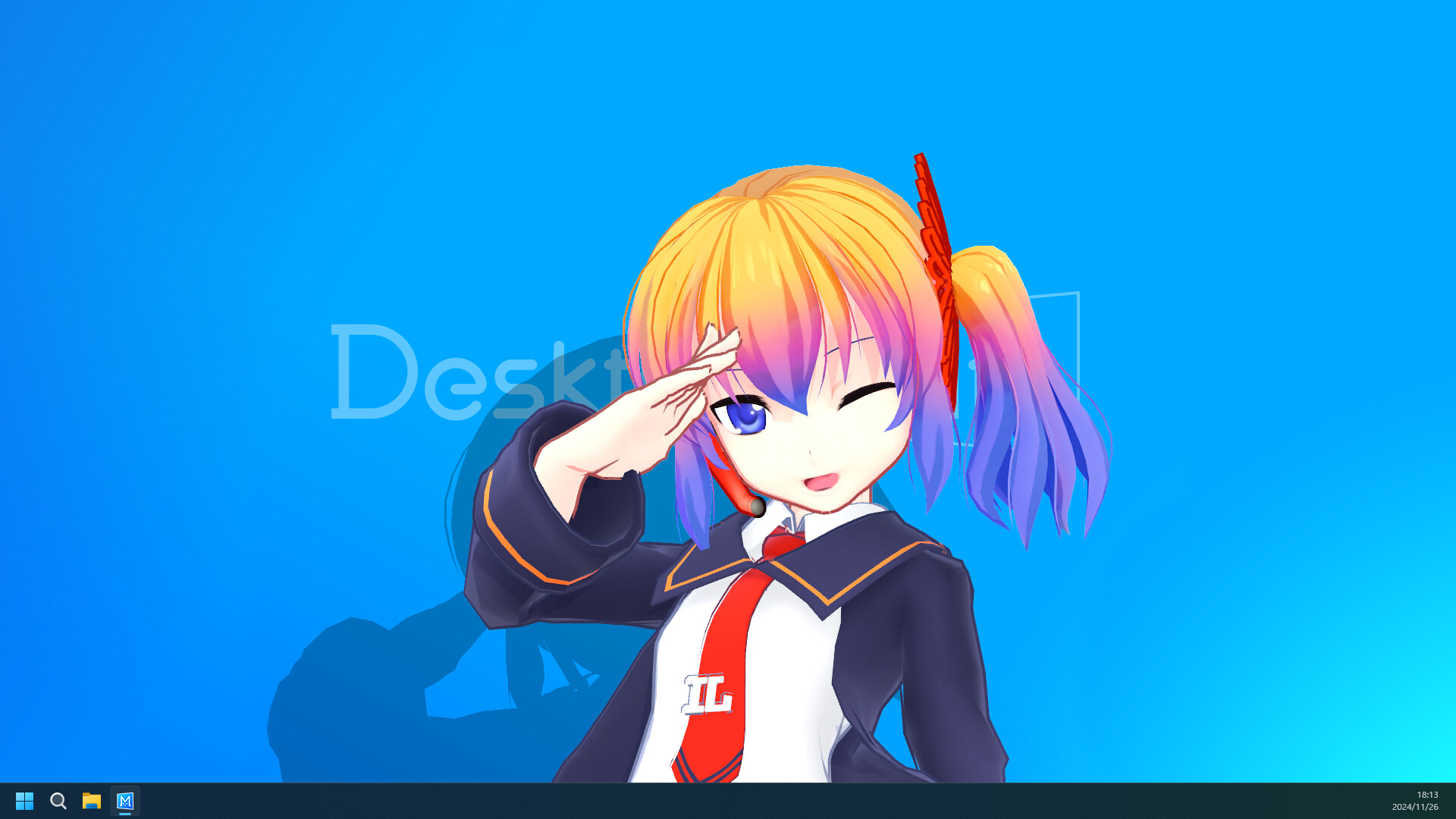
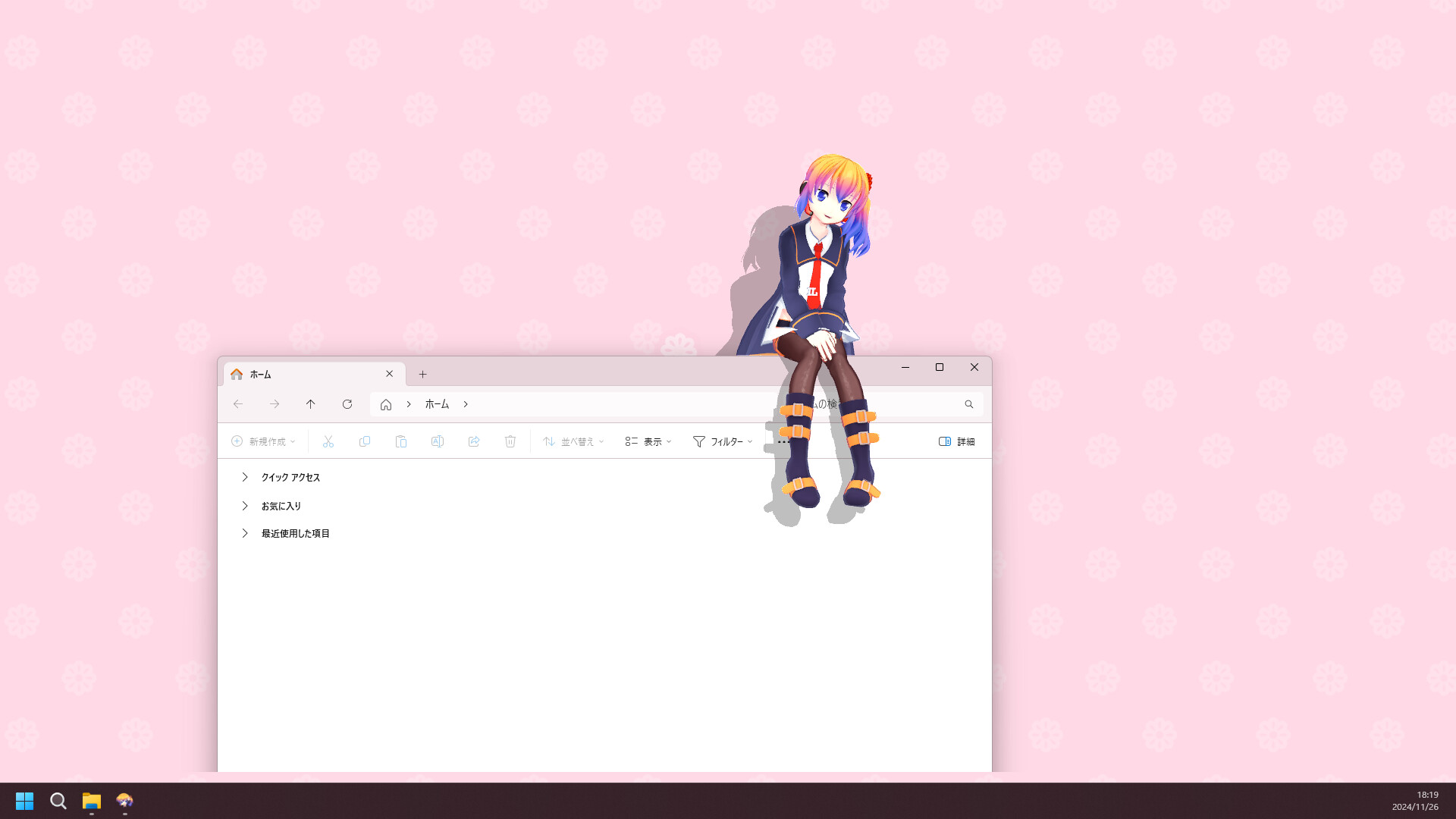
Desktop Mate running on a Windows desktop.
Desktop Mate in useSteam listing screenshot

1. Install

Use the Steam App ID 3301060 listing from infiniteloop.

2. Explore

Try the included experience and learn where interactions appear around windows.

3. Personalize

Consider official DLC or a carefully sourced community model only after the base app feels right.

Useful context

A relaxed first setup should take just a few minutes: install the official base app, let it update through Steam, then spend a little time with the interaction and alarm features before you add extras.

Sources and boundaries

For current product details, follow the Desktop Mate Steam listing and infiniteloop's Desktop Mate page. This guide does not host the program, DLC, models, or characters, and it does not claim an affiliation with their owners.