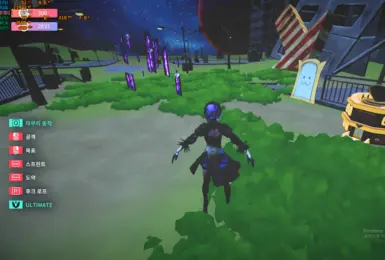
mate 2B Project
画像はNexus Mods項目87で公開された実物です。AI画像や別キャラの代用ではなく、公式DLCでもありません。
- バージョン
- 1
- 対応OS
- Windows
- 作者
- RX5708GB
Desktop Mate 互換性
Download on NexusNexusアカウントが必要な場合があります
DESKTOP MATE 総合ガイド
Desktop Mate を初めて入れるところからキャラクターを安全に追加するところまで、Steam 公式ルート、実際の製品画面、作者配布のMODを一か所に整理しました。
独立したファン向け資料です。infiniteloop Co., Ltd.、Valve/Steam、各キャラクター権利者による公式・公認・協賛サイトではありません。
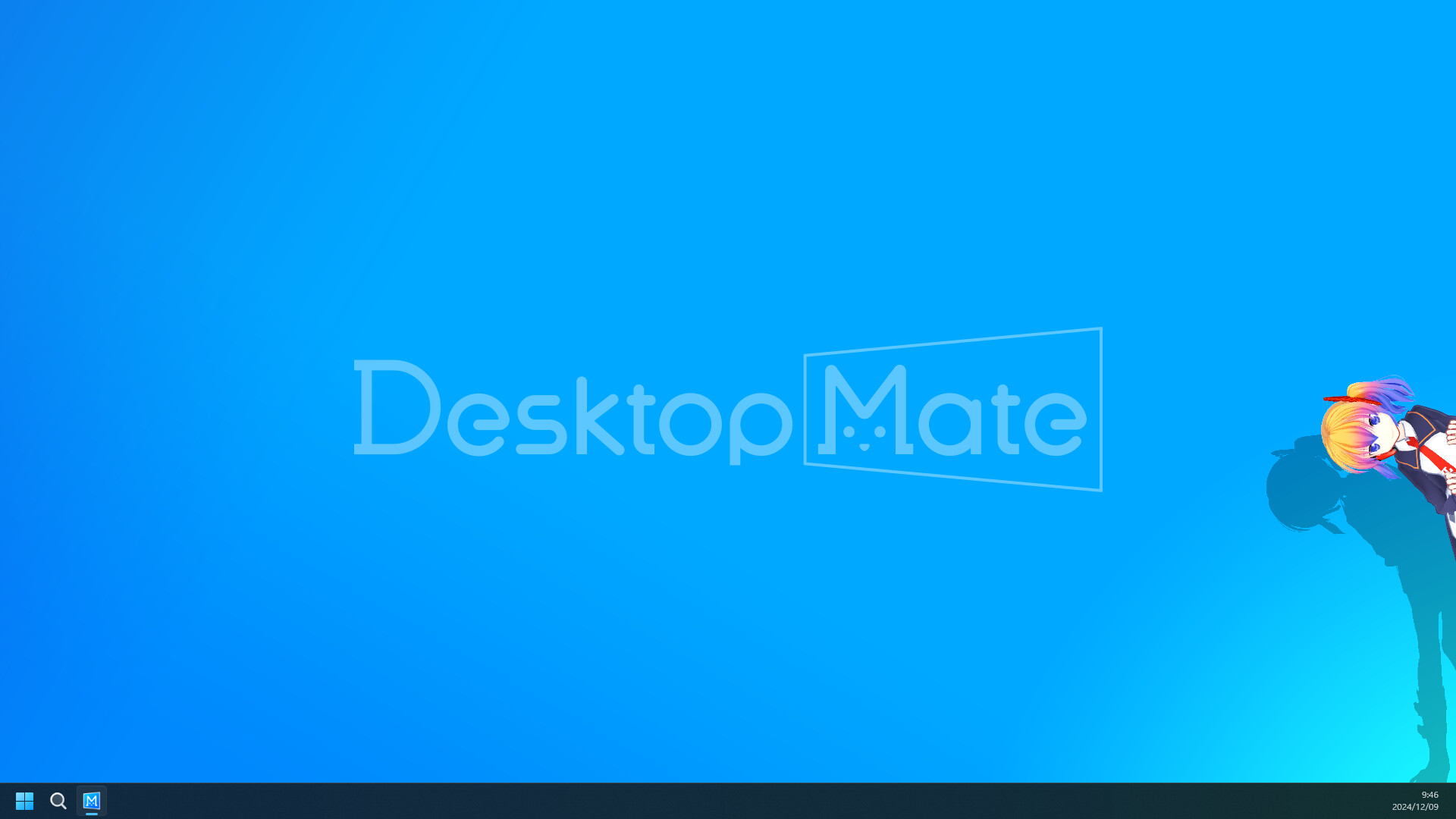
Steamの無料ベースアプリ
App ID 3301060
WindowsとApple Silicon Mac
全MODに配布元と復旧手順
公式インストール先
ベースアプリはinfiniteloopがSteamで配布しています。単体EXE、DMG、APK、IPA、アンロック済みパックは公式版ではありません。まず無改造の状態を起動し、その後にDLCかMODを一つずつ追加します。

MODとキャラクターモデル
GitHub系ツールは作者のリリースへ、Nexusのキャラクターは投稿者のファイルへ移動します。各ページでローダー、既知の不具合、削除と復旧を先に確認できます。
画像はNexus Mods項目87で公開された実物です。AI画像や別キャラの代用ではなく、公式DLCでもありません。
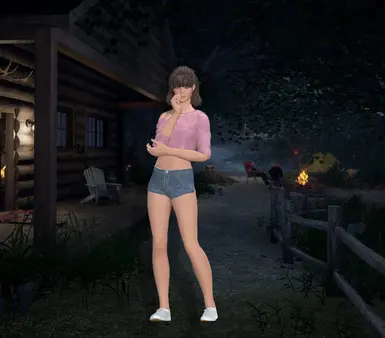
画像はNexus Mods項目83で公開された実物です。AI画像や別キャラの代用ではなく、公式DLCでもありません。
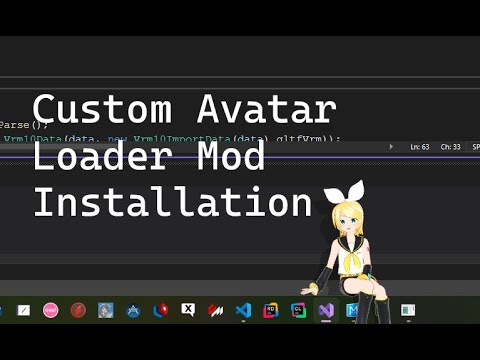
Custom Avatar Loaderはアバター向けのコミュニティプロジェクトです。版1.0.4、作者YusufOzmen01、MelonLoader 0.6.6環境を元資料で確認してから導入してください。

MateChatはAI・チャット向けのコミュニティプロジェクトです。版1.2.1、作者dvhsh、MelonLoader環境を元資料で確認してから導入してください。
ウィンドウのそばにいるキャラクターとアラーム
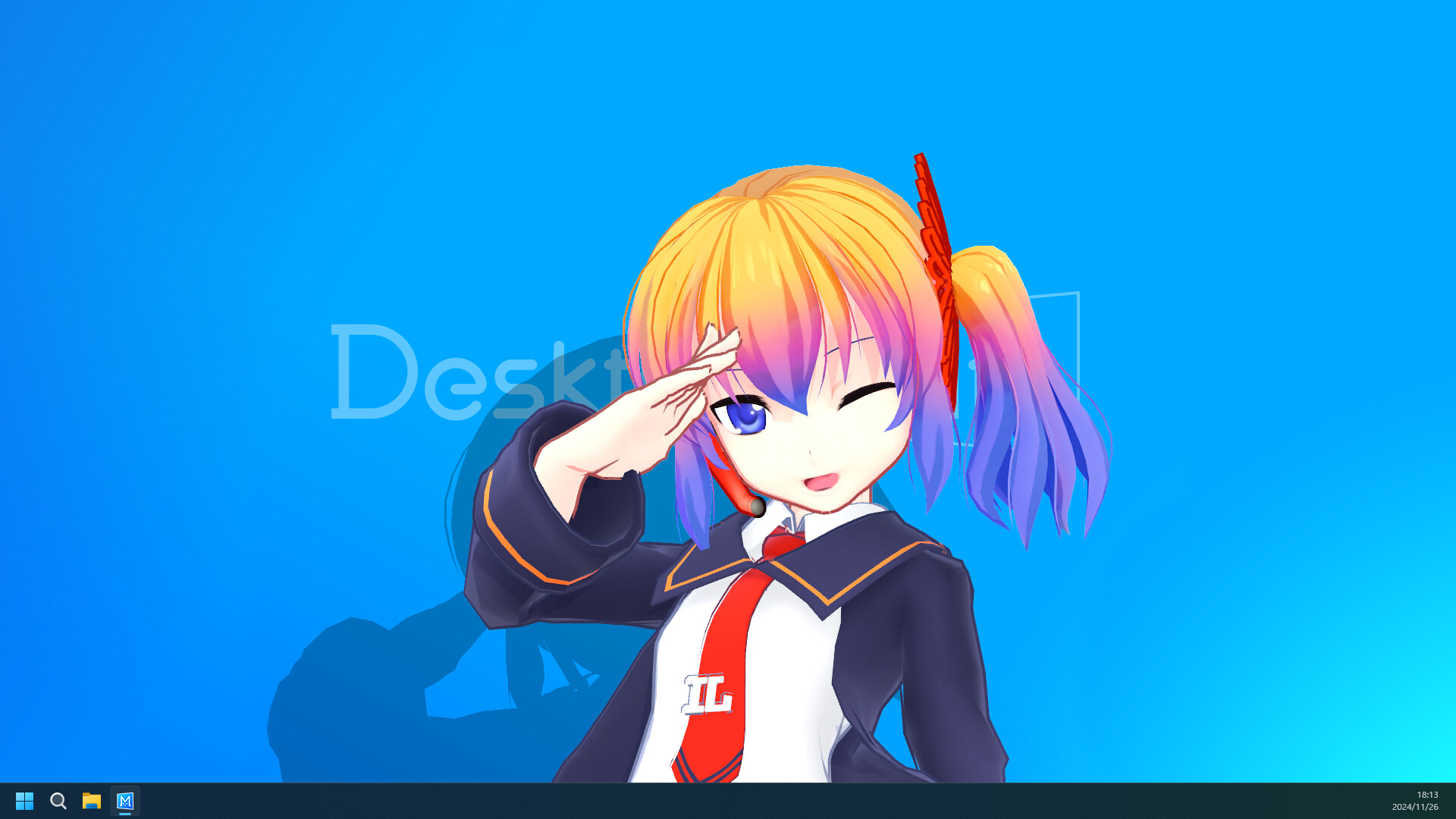
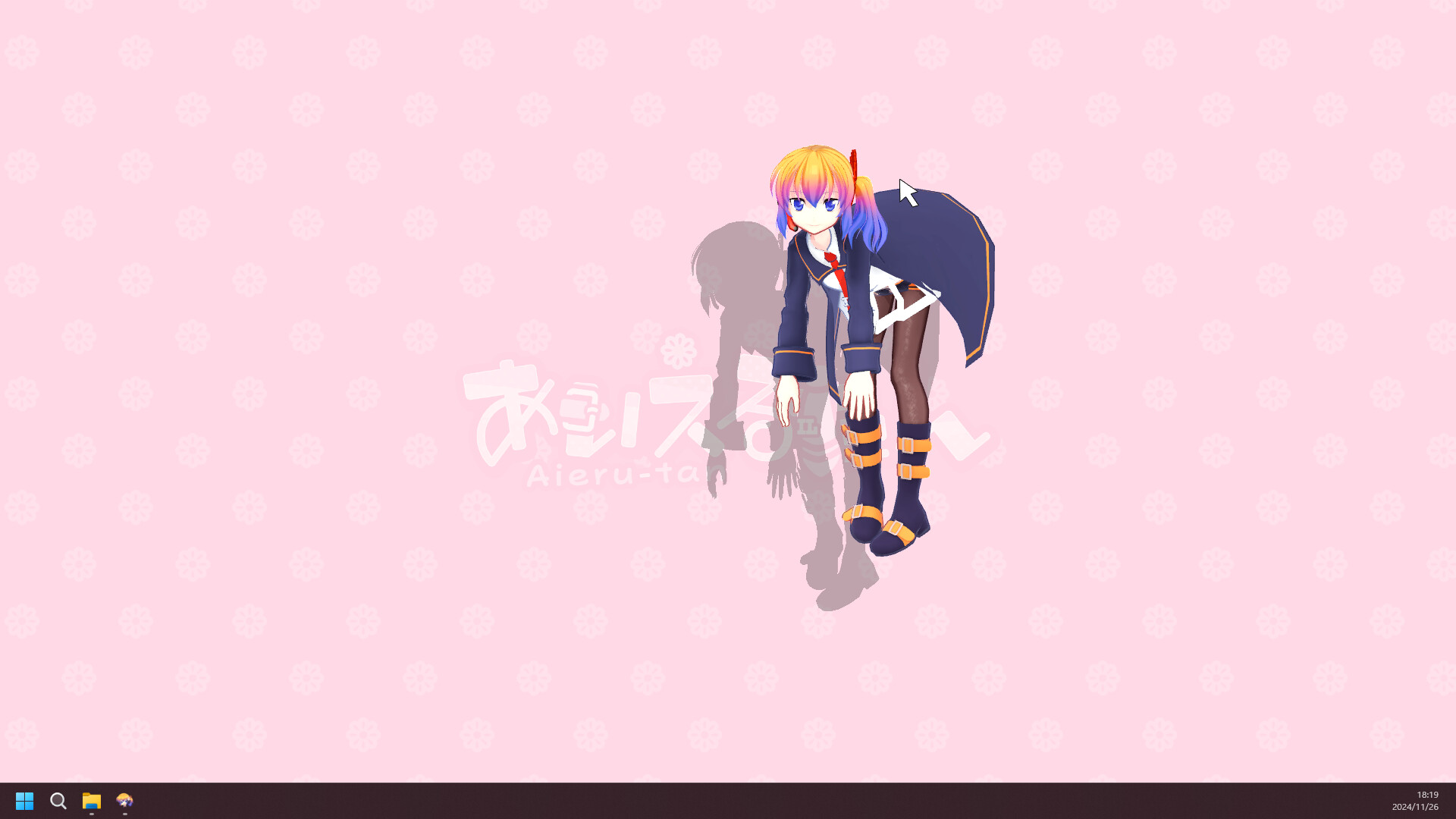
Desktop Mateは別画面を占有するゲームではなく、普段のデスクトップにキャラクターを置くアプリです。サイズ、位置、音量、アラームを整えると作業や配信の邪魔になりにくくなります。
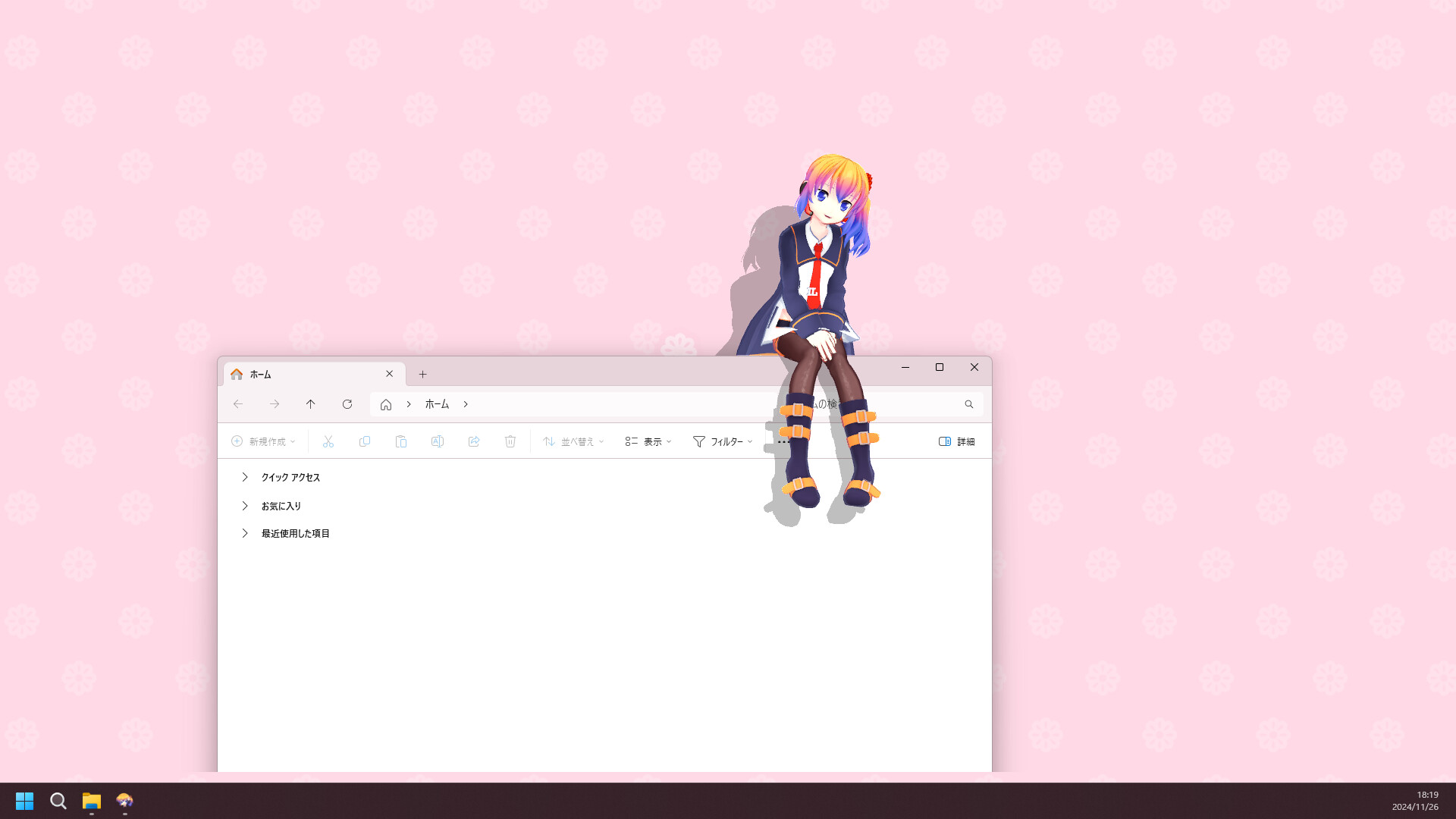
最初の10分で行うDesktop Mate設定
App ID 3301060を確認できるSteamストアを利用してください。本サイトはアプリを再配布しません。
現在の公式案内はApple Siliconと指定macOSが対象です。Intel Macは対応対象として案内されていません。
違います。DLCはSteam経由の公式コンテンツ、コミュニティMODは別作者・ローダー・権利・互換性条件があります。
製品情報はSteamとinfiniteloopを優先し、MODは作者リリースまたはNexusファイルを使います。