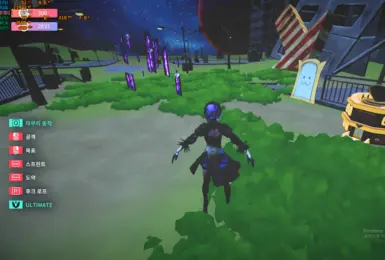
mate 2B Project
画像はNexus Mods項目87で公開された実物です。AI画像や別キャラの代用ではなく、公式DLCでもありません。
- バージョン
- 1
- 対応OS
- Windows
- 作者
- RX5708GB
Desktop Mate 互換性
Download on NexusNexusアカウントが必要な場合があります
MODとキャラクターモデル
各Desktop Mate MODを実際の画像、作者、版、ローダー、互換性で比較し、ダウンロード前に導入・削除・復旧方法まで確認できます。
独立したファン向け資料です。infiniteloop Co., Ltd.、Valve/Steam、各キャラクター権利者による公式・公認・協賛サイトではありません。
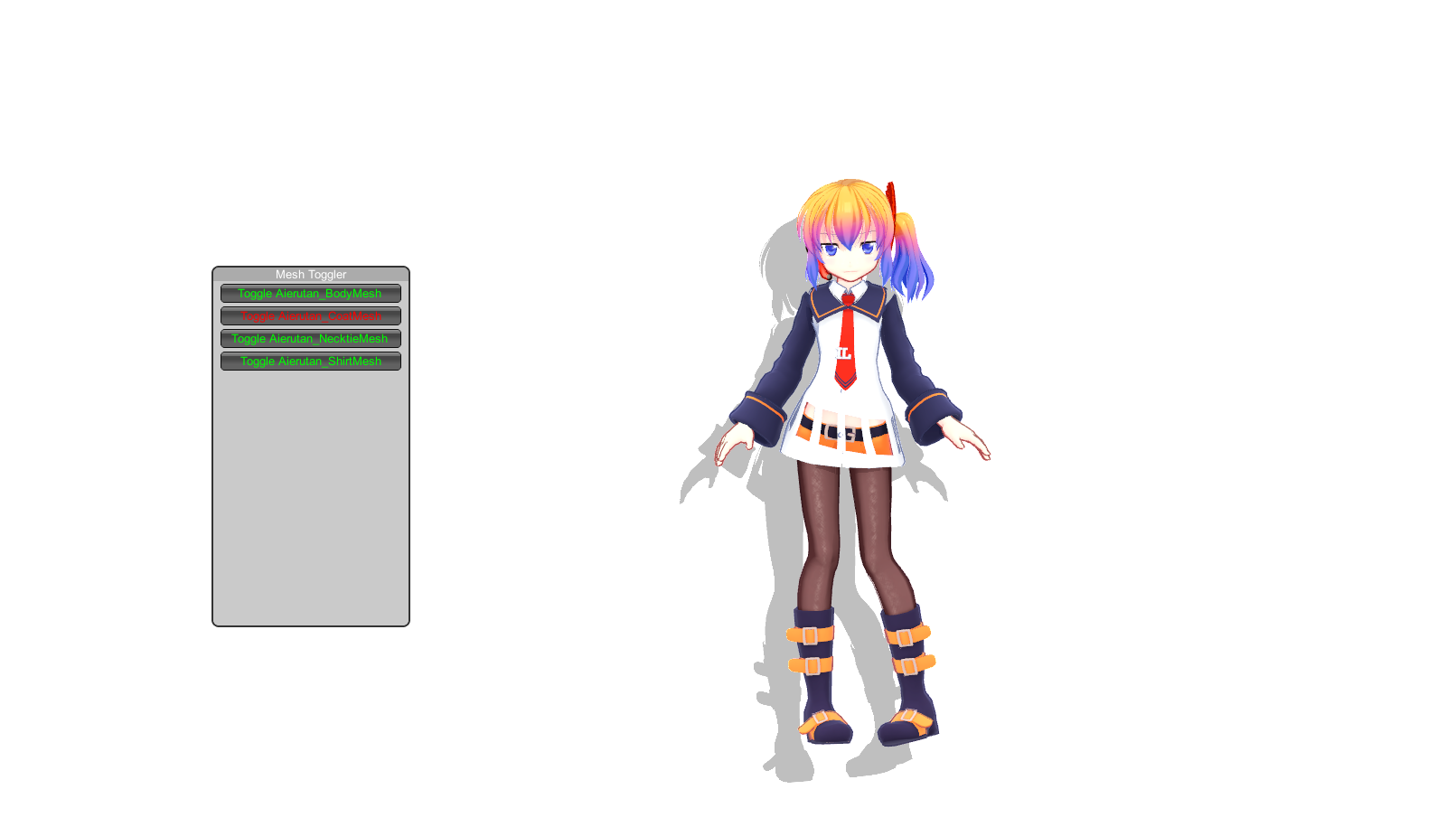
MODとキャラクターモデル
GitHubプロジェクトは作者のリリース資産へ直接リンクできます。Nexusモデルは投稿者が権限と履歴を管理するため、元のファイルタブを新しいウィンドウで開きます。
画像はNexus Mods項目87で公開された実物です。AI画像や別キャラの代用ではなく、公式DLCでもありません。
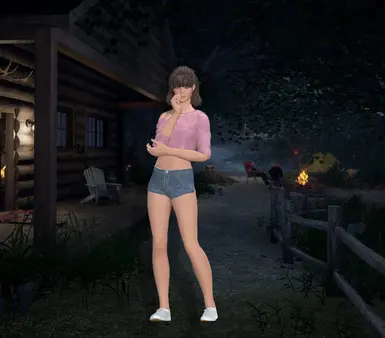
画像はNexus Mods項目83で公開された実物です。AI画像や別キャラの代用ではなく、公式DLCでもありません。
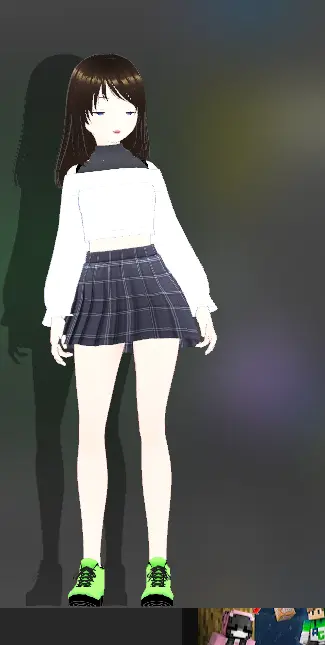
画像はNexus Mods項目81で公開された実物です。AI画像や別キャラの代用ではなく、公式DLCでもありません。
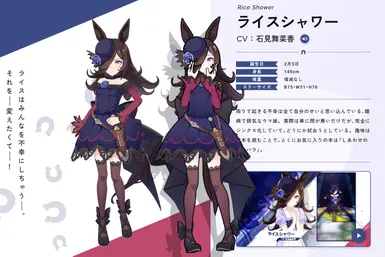
画像はNexus Mods項目17で公開された実物です。AI画像や別キャラの代用ではなく、公式DLCでもありません。
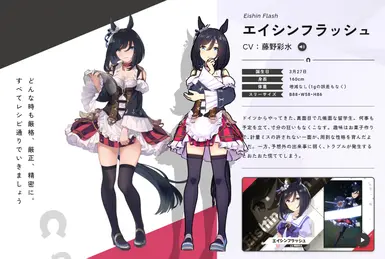
画像はNexus Mods項目5で公開された実物です。AI画像や別キャラの代用ではなく、公式DLCでもありません。
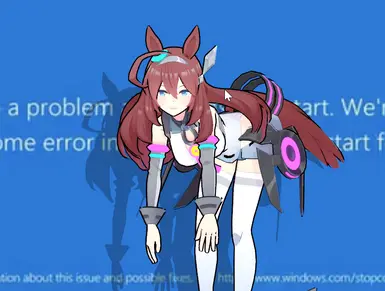
画像はNexus Mods項目1で公開された実物です。AI画像や別キャラの代用ではなく、公式DLCでもありません。
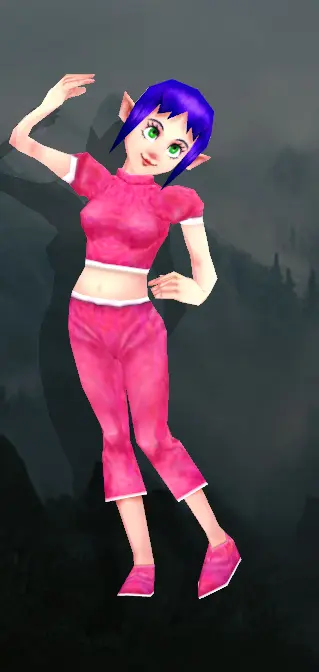
画像はNexus Mods項目76で公開された実物です。AI画像や別キャラの代用ではなく、公式DLCでもありません。
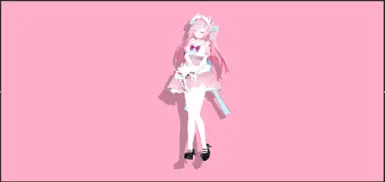
画像はNexus Mods項目73で公開された実物です。AI画像や別キャラの代用ではなく、公式DLCでもありません。
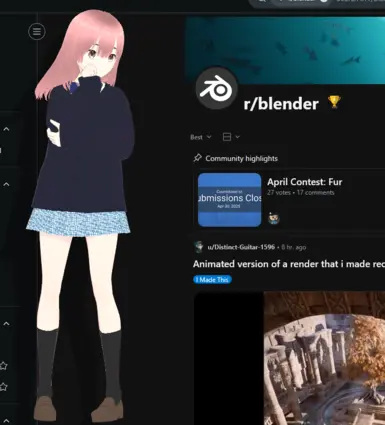
画像はNexus Mods項目71で公開された実物です。AI画像や別キャラの代用ではなく、公式DLCでもありません。
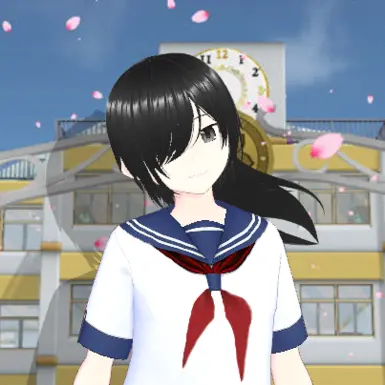
画像はNexus Mods項目70で公開された実物です。AI画像や別キャラの代用ではなく、公式DLCでもありません。
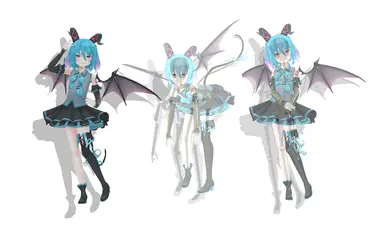
画像はNexus Mods項目69で公開された実物です。AI画像や別キャラの代用ではなく、公式DLCでもありません。
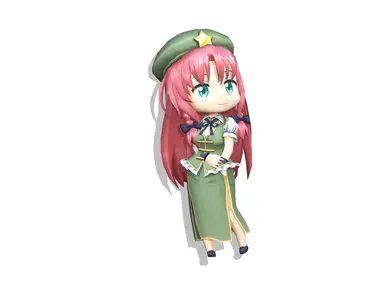
画像はNexus Mods項目67で公開された実物です。AI画像や別キャラの代用ではなく、公式DLCでもありません。
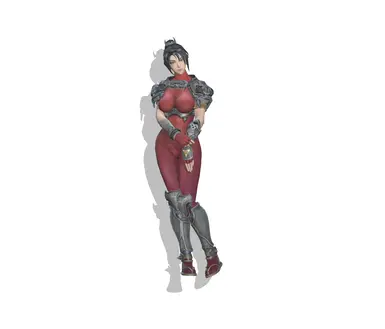
画像はNexus Mods項目65で公開された実物です。AI画像や別キャラの代用ではなく、公式DLCでもありません。
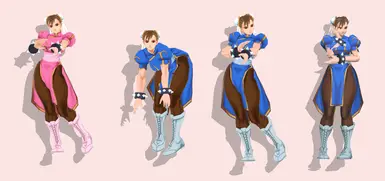
画像はNexus Mods項目61で公開された実物です。AI画像や別キャラの代用ではなく、公式DLCでもありません。
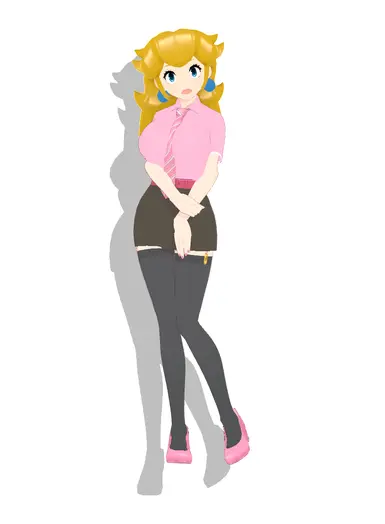
画像はNexus Mods項目60で公開された実物です。AI画像や別キャラの代用ではなく、公式DLCでもありません。
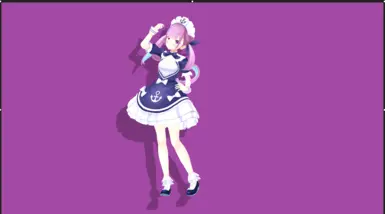
画像はNexus Mods項目54で公開された実物です。AI画像や別キャラの代用ではなく、公式DLCでもありません。
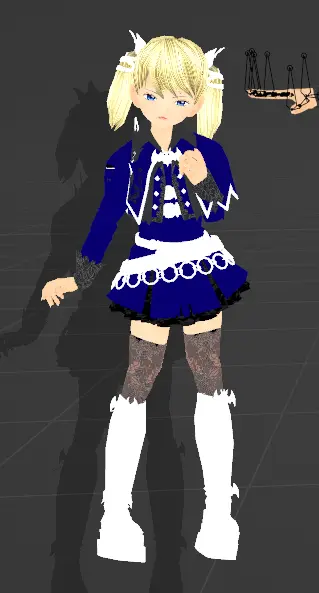
画像はNexus Mods項目53で公開された実物です。AI画像や別キャラの代用ではなく、公式DLCでもありません。
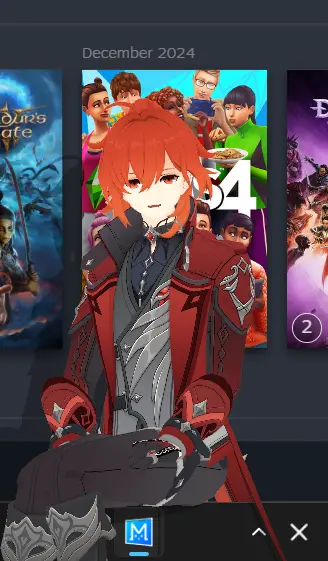
画像はNexus Mods項目52で公開された実物です。AI画像や別キャラの代用ではなく、公式DLCでもありません。
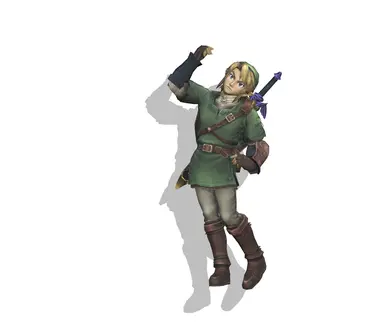
画像はNexus Mods項目50で公開された実物です。AI画像や別キャラの代用ではなく、公式DLCでもありません。
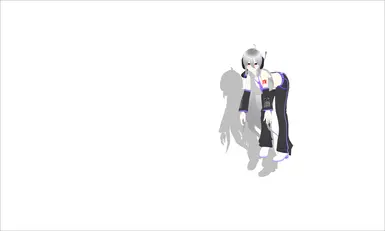
画像はNexus Mods項目47で公開された実物です。AI画像や別キャラの代用ではなく、公式DLCでもありません。
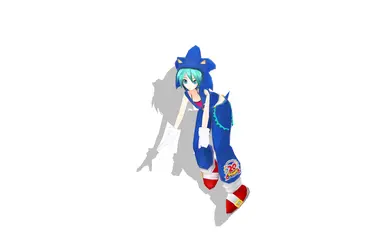
画像はNexus Mods項目46で公開された実物です。AI画像や別キャラの代用ではなく、公式DLCでもありません。
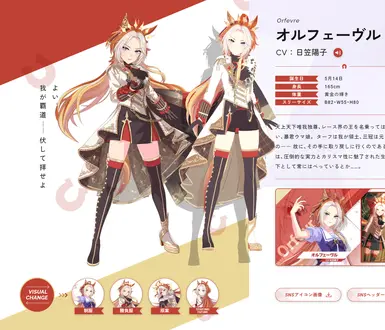
画像はNexus Mods項目39で公開された実物です。AI画像や別キャラの代用ではなく、公式DLCでもありません。
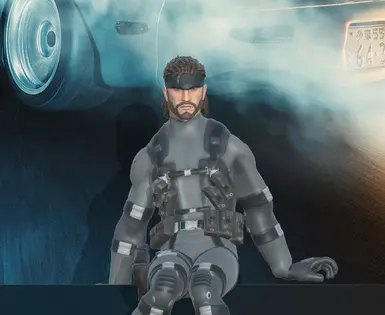
画像はNexus Mods項目38で公開された実物です。AI画像や別キャラの代用ではなく、公式DLCでもありません。
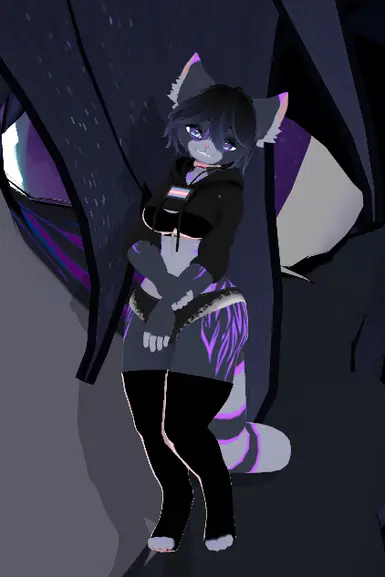
画像はNexus Mods項目37で公開された実物です。AI画像や別キャラの代用ではなく、公式DLCでもありません。
画像はNexus Mods項目35で公開された実物です。AI画像や別キャラの代用ではなく、公式DLCでもありません。
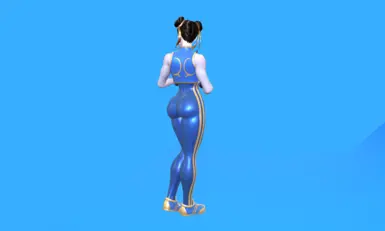
画像はNexus Mods項目34で公開された実物です。AI画像や別キャラの代用ではなく、公式DLCでもありません。
画像はNexus Mods項目31で公開された実物です。AI画像や別キャラの代用ではなく、公式DLCでもありません。
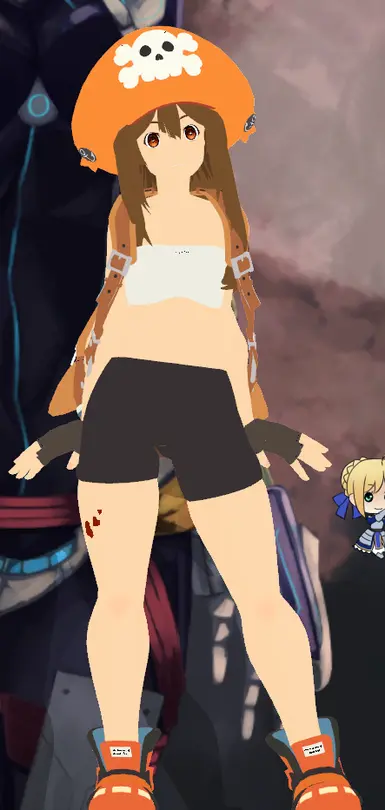
画像はNexus Mods項目30で公開された実物です。AI画像や別キャラの代用ではなく、公式DLCでもありません。
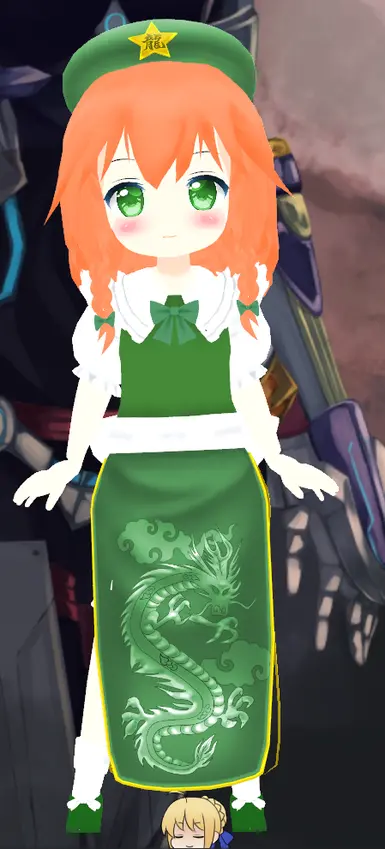
画像はNexus Mods項目29で公開された実物です。AI画像や別キャラの代用ではなく、公式DLCでもありません。
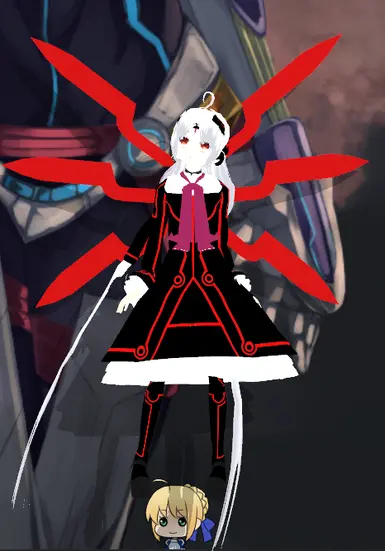
画像はNexus Mods項目28で公開された実物です。AI画像や別キャラの代用ではなく、公式DLCでもありません。
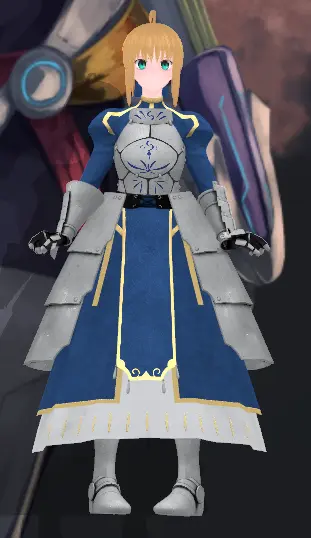
画像はNexus Mods項目27で公開された実物です。AI画像や別キャラの代用ではなく、公式DLCでもありません。
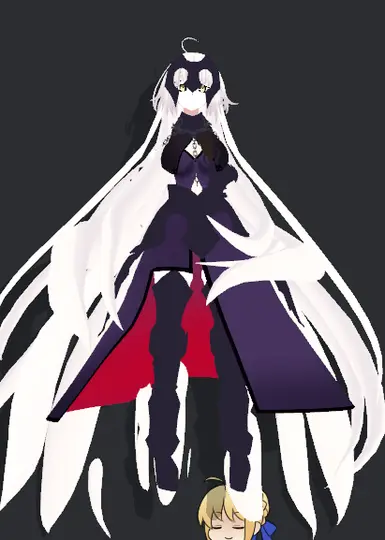
画像はNexus Mods項目26で公開された実物です。AI画像や別キャラの代用ではなく、公式DLCでもありません。
画像はNexus Mods項目20で公開された実物です。AI画像や別キャラの代用ではなく、公式DLCでもありません。
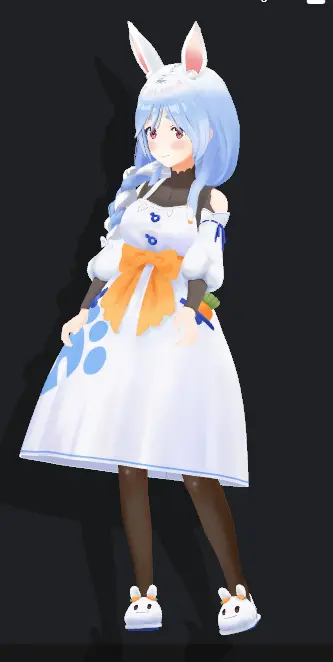
画像はNexus Mods項目24で公開された実物です。AI画像や別キャラの代用ではなく、公式DLCでもありません。
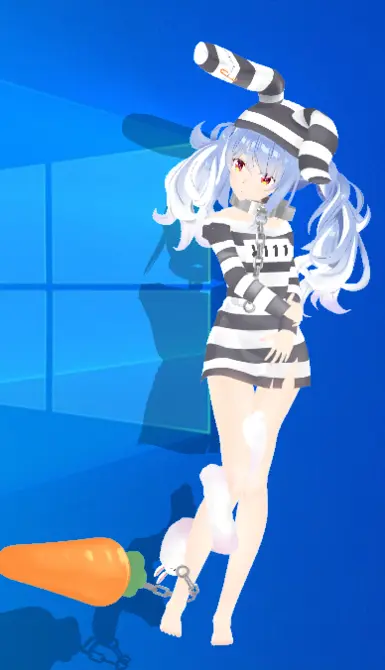
画像はNexus Mods項目23で公開された実物です。AI画像や別キャラの代用ではなく、公式DLCでもありません。
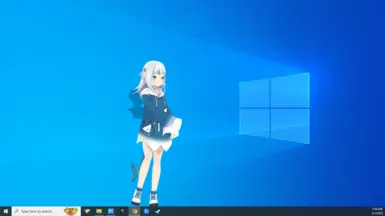
画像はNexus Mods項目22で公開された実物です。AI画像や別キャラの代用ではなく、公式DLCでもありません。
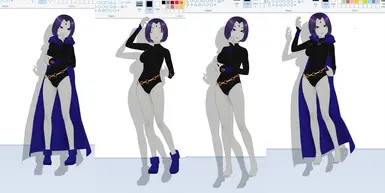
画像はNexus Mods項目18で公開された実物です。AI画像や別キャラの代用ではなく、公式DLCでもありません。
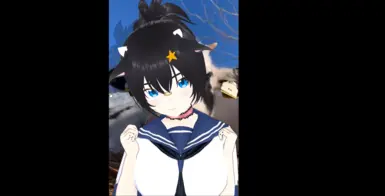
画像はNexus Mods項目16で公開された実物です。AI画像や別キャラの代用ではなく、公式DLCでもありません。
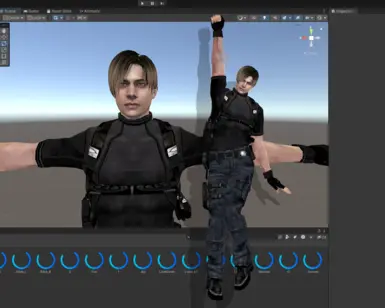
画像はNexus Mods項目15で公開された実物です。AI画像や別キャラの代用ではなく、公式DLCでもありません。
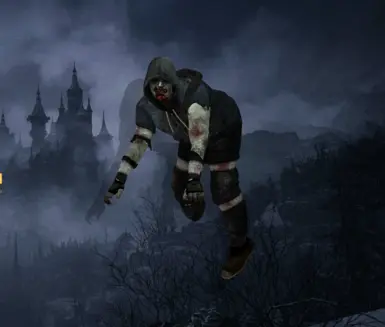
画像はNexus Mods項目14で公開された実物です。AI画像や別キャラの代用ではなく、公式DLCでもありません。
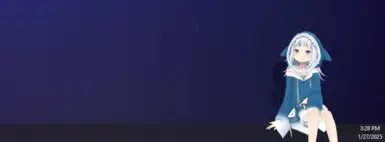
画像はNexus Mods項目13で公開された実物です。AI画像や別キャラの代用ではなく、公式DLCでもありません。
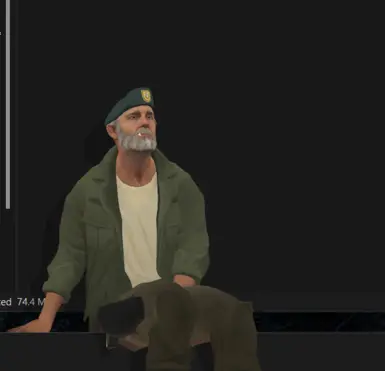
画像はNexus Mods項目12で公開された実物です。AI画像や別キャラの代用ではなく、公式DLCでもありません。
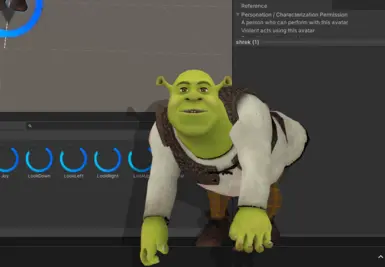
画像はNexus Mods項目11で公開された実物です。AI画像や別キャラの代用ではなく、公式DLCでもありません。
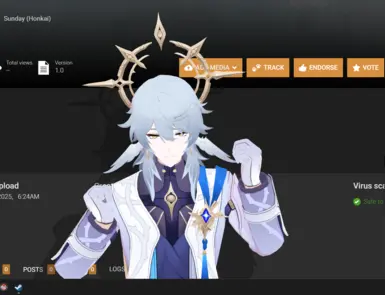
画像はNexus Mods項目10で公開された実物です。AI画像や別キャラの代用ではなく、公式DLCでもありません。
画像はNexus Mods項目9で公開された実物です。AI画像や別キャラの代用ではなく、公式DLCでもありません。
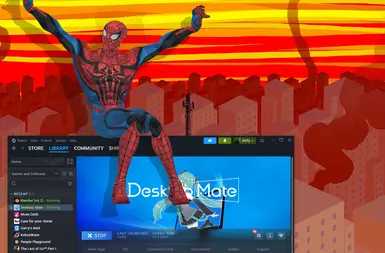
画像はNexus Mods項目7で公開された実物です。AI画像や別キャラの代用ではなく、公式DLCでもありません。
画像はNexus Mods項目6で公開された実物です。AI画像や別キャラの代用ではなく、公式DLCでもありません。
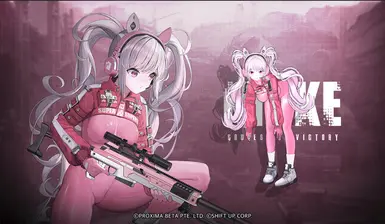
画像はNexus Mods項目4で公開された実物です。AI画像や別キャラの代用ではなく、公式DLCでもありません。
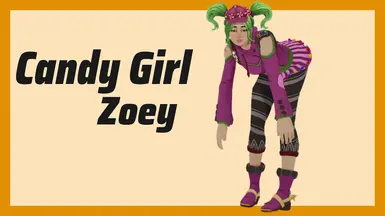
画像はNexus Mods項目3で公開された実物です。AI画像や別キャラの代用ではなく、公式DLCでもありません。
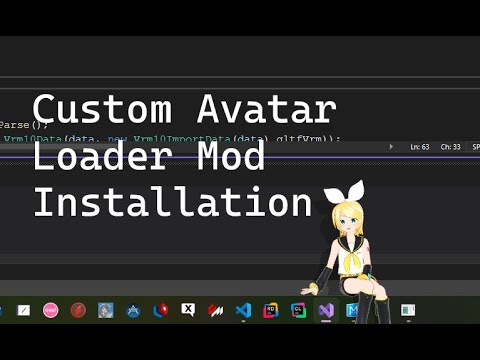
Custom Avatar Loaderはアバター向けのコミュニティプロジェクトです。版1.0.4、作者YusufOzmen01、MelonLoader 0.6.6環境を元資料で確認してから導入してください。
MateChatはAI・チャット向けのコミュニティプロジェクトです。版1.2.1、作者dvhsh、MelonLoader環境を元資料で確認してから導入してください。
Clothes Togglerは外観向けのコミュニティプロジェクトです。版1.1.1、作者SilverMoonDev、MelonLoader 0.6.6環境を元資料で確認してから導入してください。
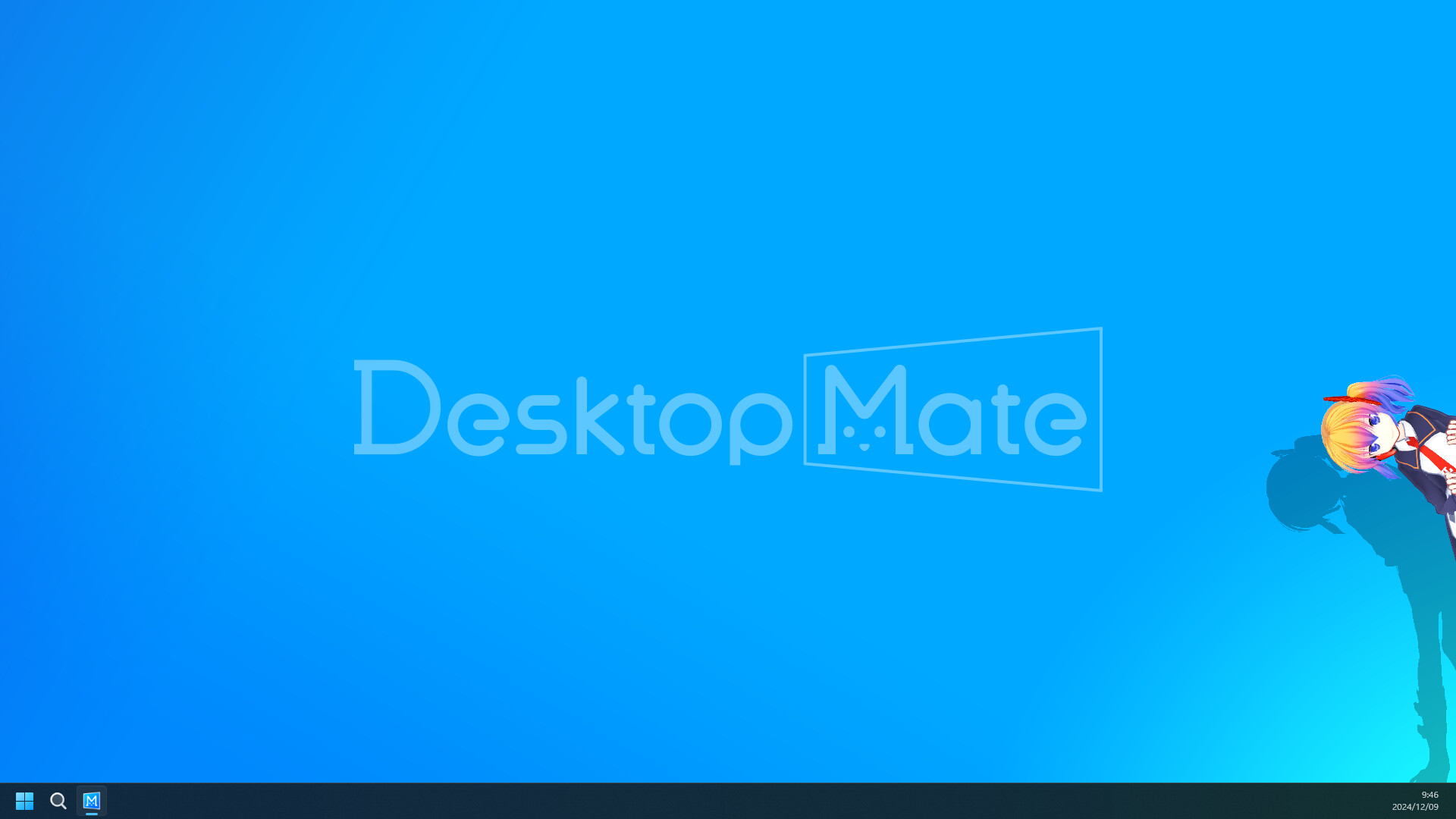
Disable Shadowsはパフォーマンス向けのコミュニティプロジェクトです。版1.0.0、作者SilverMoonDev、MelonLoader環境を元資料で確認してから導入してください。

Hide From Taskbarはウィンドウツール向けのコミュニティプロジェクトです。版1.0.1、作者20milliliter、MelonLoader環境を元資料で確認してから導入してください。
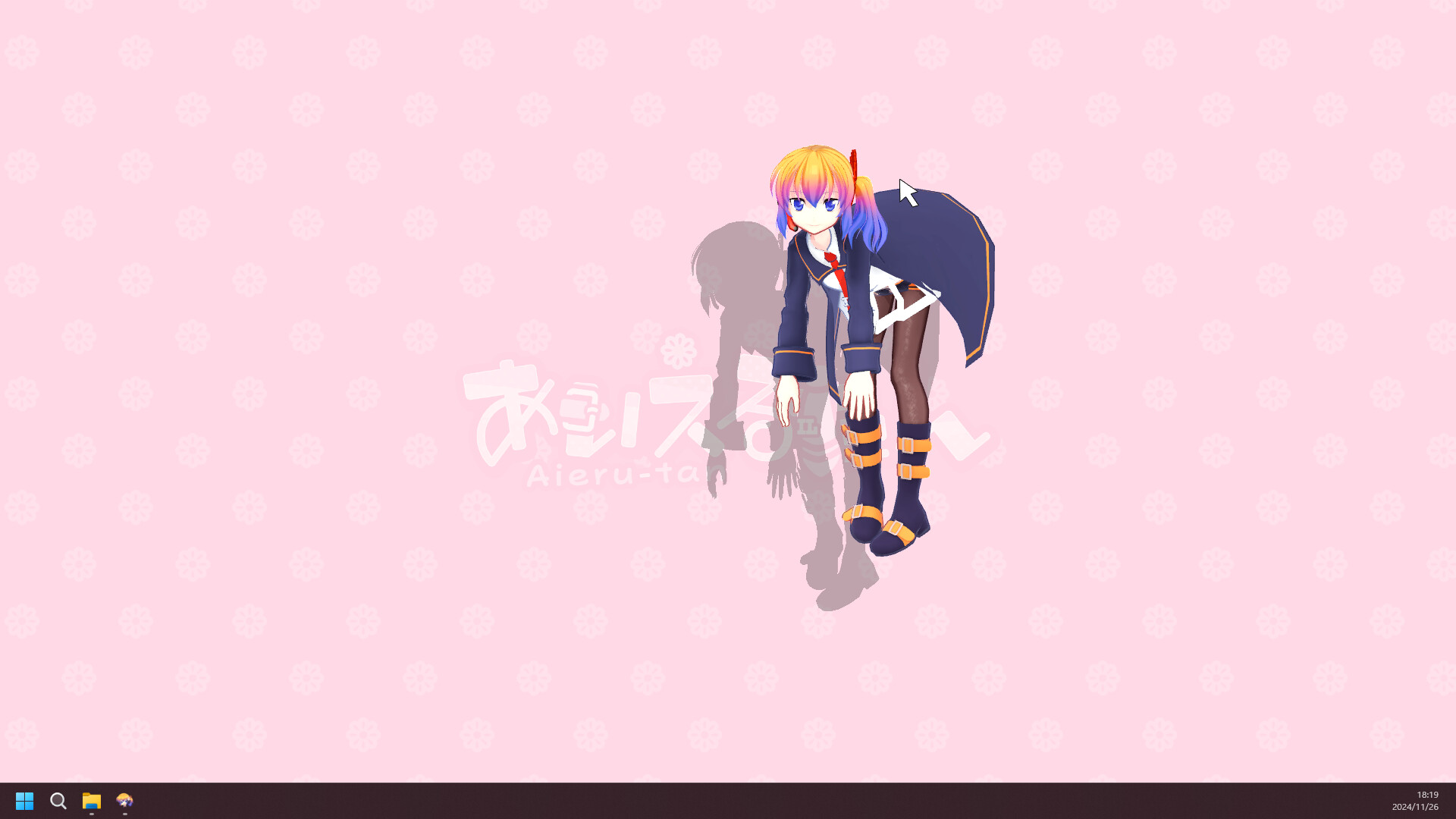
Character Rotatorは操作向けのコミュニティプロジェクトです。版1.1.0、作者StoneyTBoI、MelonLoader環境を元資料で確認してから導入してください。
NoSteamは起動ツール向けのコミュニティプロジェクトです。版1.0、作者Rafacasari、MelonLoader環境を元資料で確認してから導入してください。
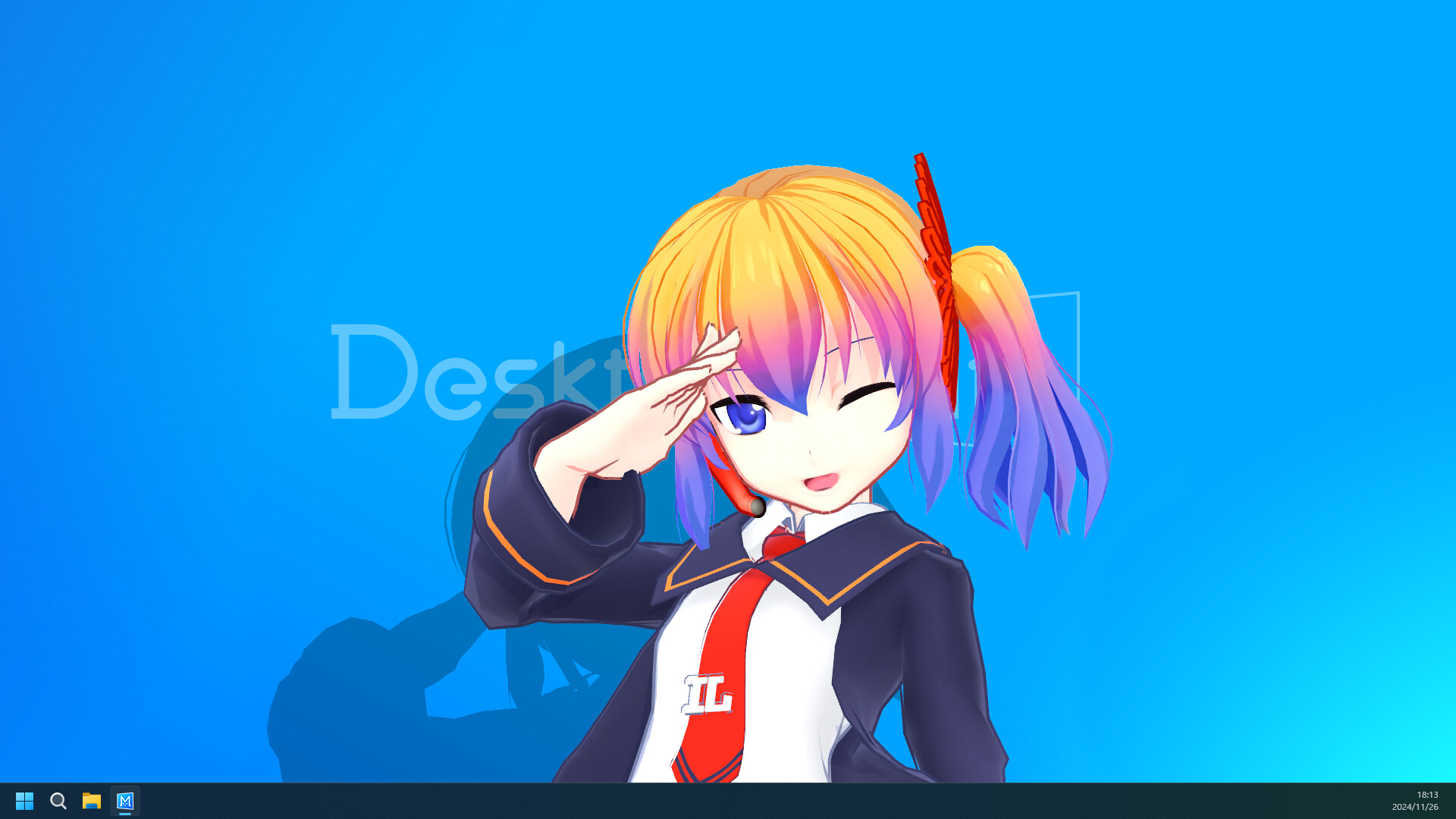
BepIn Character Swapperはアバター向けのコミュニティプロジェクトです。版1.0.0、作者EBro912、BepInEx 6 IL2CPP環境を元資料で確認してから導入してください。
Custom Avatar Loader C++はアバター向けのコミュニティプロジェクトです。版1.0.1、作者Kimjio、ネイティブ version.dll環境を元資料で確認してから導入してください。
ToggleTransparentはウィンドウツール向けのコミュニティプロジェクトです。版1.0.0、作者wit117 / Edge903、MelonLoader環境を元資料で確認してから導入してください。
Desktop Mate Controllerはウィンドウツール向けのコミュニティプロジェクトです。版ソースビルド、作者okisooo、Python 3.8+環境を元資料で確認してから導入してください。
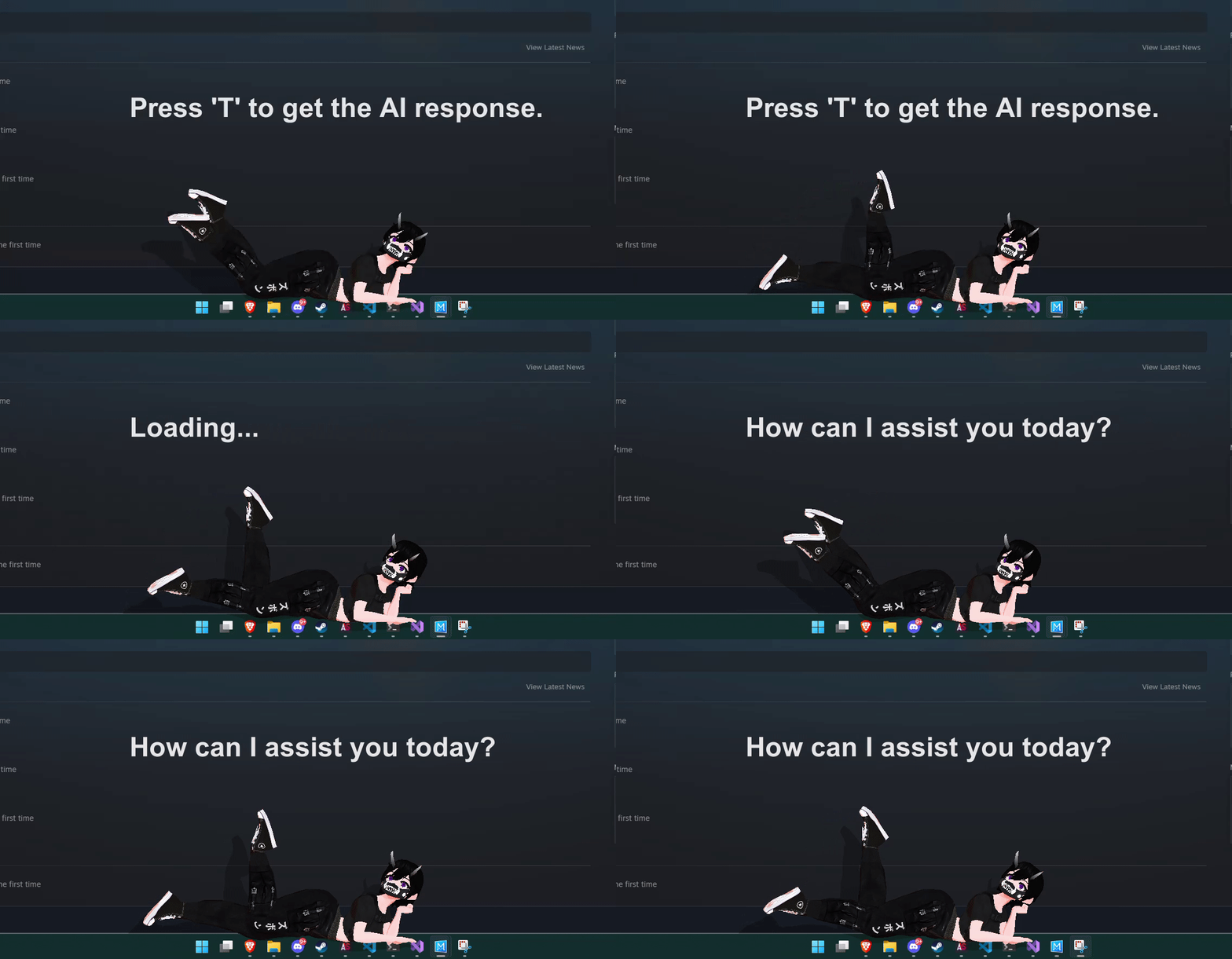
DM AI ChatterはAI・チャット向けのコミュニティプロジェクトです。版未リリースのソース、作者Geoffery10、MelonLoader ソースコード環境を元資料で確認してから導入してください。
Avatar Loader Autoinstallは導入ツール向けのコミュニティプロジェクトです。版1.1.1、作者RestartB、PowerShell または Python EXE環境を元資料で確認してから導入してください。
0
匿名ミラーではなく作者の配布元へ
有料DLC解除、出所不明の再投稿、セキュリティ無効化を求めるインストーラーは掲載しません。アーカイブ済み・動作不能・未検証もそのまま表示します。
導入前に版、ローダー、権利、削除方法を読み、一度に一つだけ変更します。
App ID 3301060を確認できるSteamストアを利用してください。本サイトはアプリを再配布しません。
現在の公式案内はApple Siliconと指定macOSが対象です。Intel Macは対応対象として案内されていません。
違います。DLCはSteam経由の公式コンテンツ、コミュニティMODは別作者・ローダー・権利・互換性条件があります。
製品情報はSteamとinfiniteloopを優先し、MODは作者リリースまたはNexusファイルを使います。