For work and study
Keep the character near a low-traffic edge of the screen and use the alarm as a visible cue for a short reset.
Open this routeDesktop companion guide
A desktop companion should add a little presence without taking over your workflow. Desktop Mate is a character-focused Steam app for that exact use case, with official DLC and a separate community-mod ecosystem.
Independent fan resource. Not affiliated with, endorsed by, or sponsored by infiniteloop Co., Ltd., Valve/Steam, or any character rights holder.
No registration on this guide
Base app on Steam
Alarm and interaction cues
Mods kept source-visible
Keep the character near a low-traffic edge of the screen and use the alarm as a visible cue for a short reset.
Open this routeOpen the clean app first, then close it before a full-screen session if the overlay or window behavior gets in the way.
Separate publisher DLC from community models so you know who made, licensed, and updates each character.
Desktop companion is a use-case description, not a separate Desktop Mate product. It means an app remains present while another task stays primary: writing, studying, chatting, or playing a game.
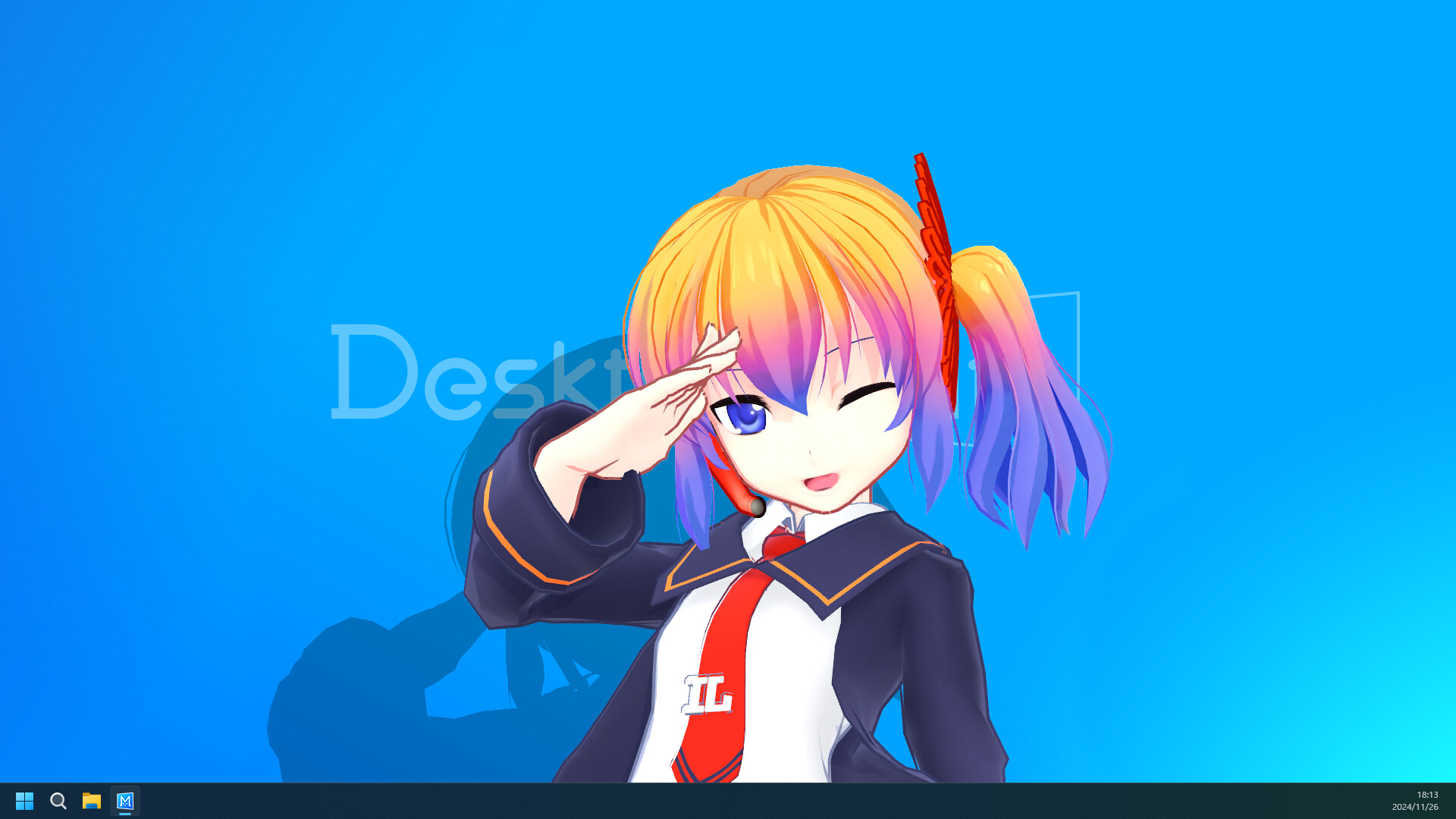
Desktop Mate's official screenshots show a character sharing space with desktop windows. That makes it a better fit for people who want a visible character cue than for someone looking for an automation assistant or a system utility.

Use the free base app from Steam, launch it once, and observe what the character does before changing anything. The first session tells you whether the scale, placement, sound, and interaction style fit your desk.
Keep notes about the settings you like. That small baseline makes later troubleshooting much easier because you can tell whether a change came from the app, a DLC character, or a community loader.
Desktop Mate is not an AI assistant, task manager, antivirus, screen recorder, or Linux desktop environment. Those are different search intents with different safety and support requirements.
It also is not a permission slip to redistribute character assets. Official DLC, community models, and the base application can have different rights owners and download rules.
Browse the source-verified mod catalog Check platform availability
Use Steam when you want publisher-delivered characters and a platform-managed install. Use a community mod page when you understand that the file comes from an individual author, may require a loader, and may not work with the current build.
Every documented mod on this site keeps the original release or Nexus Files route visible. That makes it possible to check updates, permissions, and scan information at the source.
No. It is a desktop companion with character presence, interaction, and routine cues. Keep a separate task manager or calendar for work planning.
Many people use a visible companion or alarm as a break cue. Start with one character and adjust placement so it does not cover notes or reading material.
No. DLC is publisher-delivered through Steam. A mod is community-created and can have separate requirements, permissions, and compatibility risks.
No. The base app is linked to Steam, GitHub mod releases stay on the author repository, and Nexus models stay on their original Files pages.
This page uses official product material for the Desktop Mate route and keeps similarly named projects or community files on their original sources.
Product and platform details checked on 2026-07-22. Recheck the live source pages after app or platform updates.