Desktop pet meaning
A desktop pet is a small character or creature that stays visible around your everyday computer work. The category includes animated companions, widgets, and virtual pets.
Open this routeDesktop pet guide
Desktop Mate belongs in the desktop-pet conversation, but it is a specific Steam app built around character presence, window interaction, and small routines rather than a generic virtual-pet simulator.
Independent fan resource. Not affiliated with, endorsed by, or sponsored by infiniteloop Co., Ltd., Valve/Steam, or any character rights holder.

Character presence
Window-aware interaction
Steam delivery
Official DLC and community models
A desktop pet is a small character or creature that stays visible around your everyday computer work. The category includes animated companions, widgets, and virtual pets.
Open this routeDesktop Mate uses licensed characters and interactions that can make a work, study, or gaming session feel more inhabited.
It is not a task manager, cleaner, mobile APK, Linux desktop environment, or a replacement for the tools in your windows.
A desktop pet stays in your visual field while you do something else. The useful test is not whether a page calls an app a pet; it is whether the character can remain present without becoming the task itself.
Desktop Mate fits that pattern through a character-based desktop experience distributed by infiniteloop on Steam. Its official screenshots show a character sitting beside or interacting with ordinary desktop windows, which is a different promise from a full-screen game.
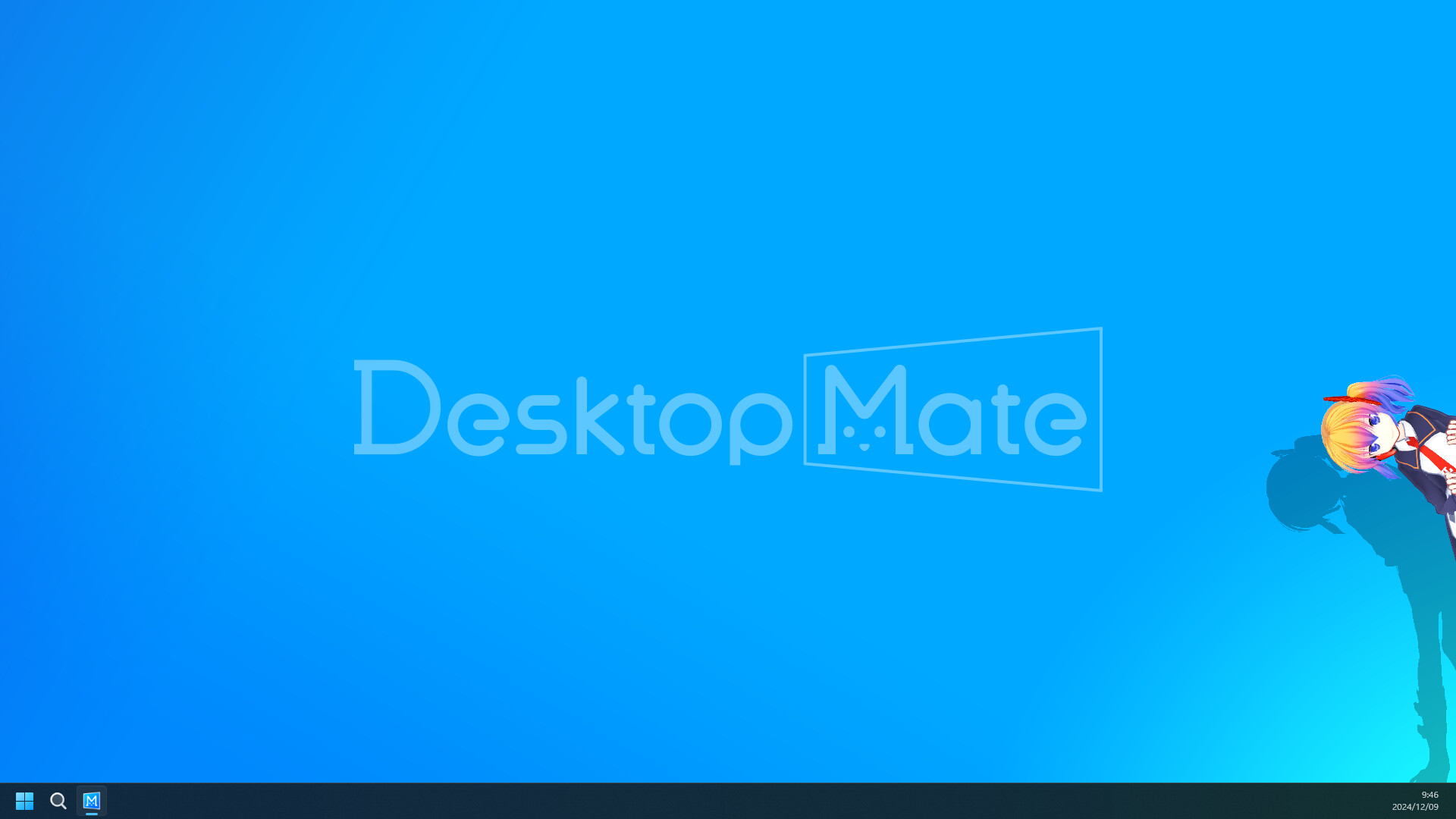
The base experience is best understood as a low-pressure companion layer. You can watch how the character occupies the screen, try the interaction behavior, and use the alarm feature as a simple break or study cue.
Official character DLC is delivered through the Steam product ecosystem. Community models and loaders are separate projects; they may be legacy, unverified, or incompatible, so the base app should be your first test.
Start with the clean Steam install and place the character where it does not cover a browser, editor, chat panel, or game HUD. A companion is useful when it adds presence without making the screen harder to read.
Spend one session learning the app's own settings before installing any community loader. If you later add a model, keep its source, license, version, and removal steps with the download record.
Search results often collapse these terms. The Desktop Mate base app is the desktop-pet experience. Licensed DLC is publisher-delivered content. A community mod can change loading, models, or behavior and is not automatically official or safe.
Use the mod catalog when you need a source-specific page, then read the compatibility and rollback notes before downloading. The safest button is the one that keeps you on the original author platform.
Browse the source-verified mod catalog Check platform availability
Yes, it fits the desktop-pet category because a character remains present around your everyday desktop. It is also a specific Steam application with its own interaction and DLC model.
It is not presented as a complete pet-care simulation. Expect character presence and interactions, not a full hunger, inventory, or mobile-pet system.
Install the base Desktop Mate app from its publisher-linked Steam listing first. Treat DLC and community models as separate sources with separate permissions.
Performance depends on the app, character, display, and other software. Test the clean base app first and remove one variable at a time if the desktop becomes sluggish.
This page uses official product material for the Desktop Mate route and keeps similarly named projects or community files on their original sources.
Product and platform details checked on 2026-07-22. Recheck the live source pages after app or platform updates.