Getting started
A first-launch checklist for installing the base app, learning placement and interaction, and keeping the desktop usable.
Open this routePractical guide index
Use this guide set to move from a verified Steam install to a comfortable first session, then decide whether official DLC or a community model actually belongs on your desktop.
Independent fan resource. Not affiliated with, endorsed by, or sponsored by infiniteloop Co., Ltd., Valve/Steam, or any character rights holder.
Install from Steam
Learn the clean base app
Compare platform status
Add mods one at a time
A first-launch checklist for installing the base app, learning placement and interaction, and keeping the desktop usable.
Open this routeWindows and Apple silicon Mac have publisher-listed routes; Linux, Deck, Android, and iOS need an honest availability answer.
Source, license, loader, compatibility, direct-release behavior, and rollback steps for community projects.
If you searched for a download, use the platform router first. It links Windows and Mac to the publisher's Steam listing and explains why the other platform pages do not provide a risky mirror.
If you searched for mods, open the catalog and choose a page with a real preview and original author route. Every mod page is intentionally separate so its requirements and warnings are not hidden inside a generic list.
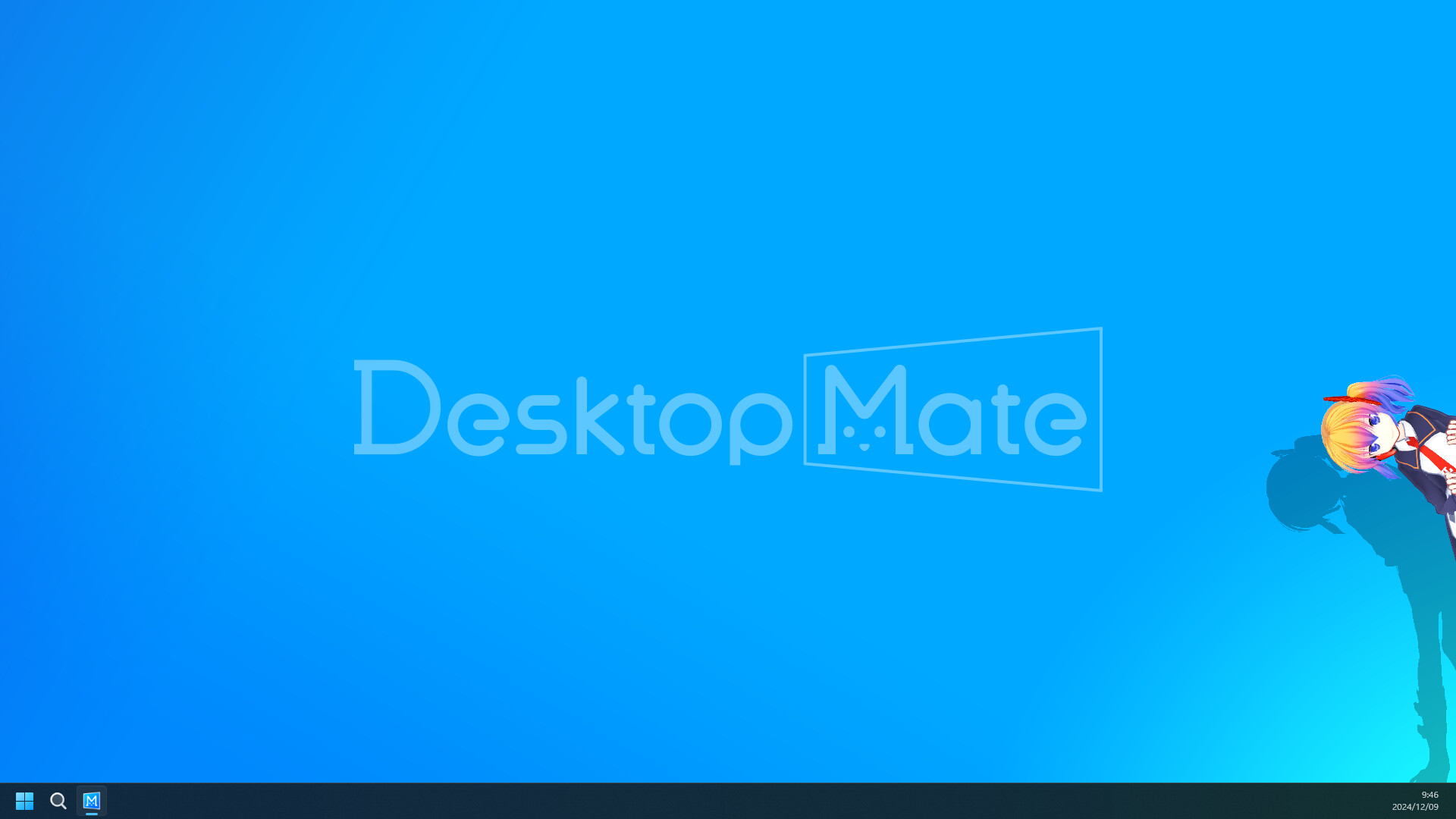
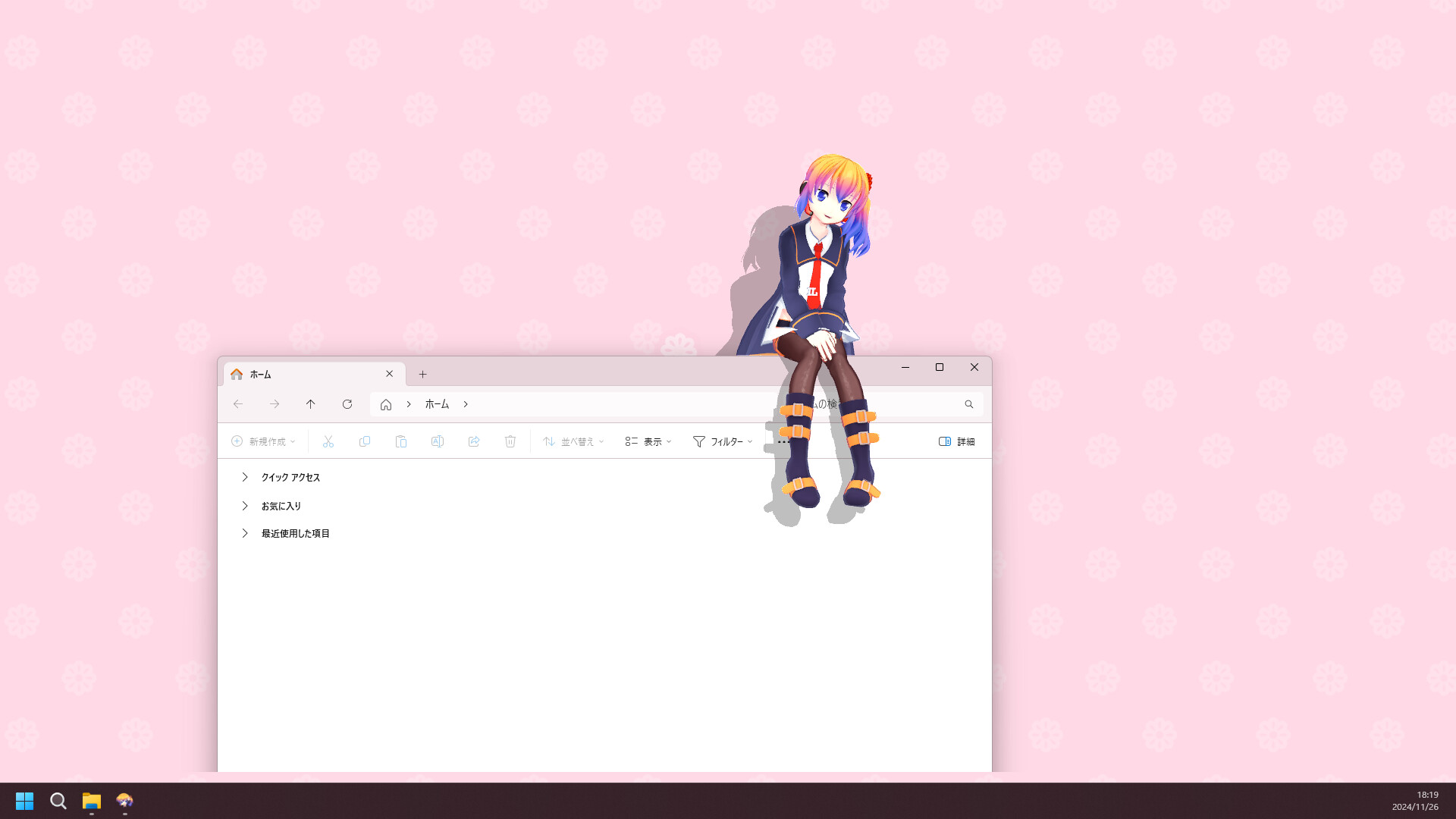
Install the clean base app, launch it once, and watch how the character occupies the desktop. Try the interaction and alarm features before adding DLC or loaders; this gives you a baseline for troubleshooting.
A good setup is one you can still read and control. Keep the character near an edge, close it for focused full-screen work, and make a note of the settings you want to preserve.
Treat every community mod as its own software decision. Read the original description, check the loader and Desktop Mate version, inspect the license, scan the archive, and install one project at a time.
GitHub tools may provide original release assets. Nexus character pages keep file access on Nexus because the uploader controls permissions and the Files tab; this site does not re-host those archives.
Browse the source-verified mod catalog Check platform availability
A Steam update can change file paths, rendering, input, or the assemblies a loader expects. If a mod stops working, remove the mod first, return to the clean app, and verify files through Steam before trying another version.
Keep the source URL and date with each experiment. That small record prevents you from downloading a random reupload months later.
Start with the official Steam install and the getting-started guide, then learn the clean base app before adding DLC or mods.
One at a time is the safest way to identify a loader conflict, broken model, or changed file path.
Base-app links go to Steam; GitHub tools can link to original release files; Nexus models stay on the original Files page and may require login.
Stop. An unknown mod or installer should not require disabling security software. Return to the original source and verify what the file actually is.
This page uses official product material for the Desktop Mate route and keeps similarly named projects or community files on their original sources.
Product and platform details checked on 2026-07-22. Recheck the live source pages after app or platform updates.
IN-DEPTH GUIDES
Longer walkthroughs for the questions the platform pages do not cover: official character DLC, running two characters at once, and every route to putting your own model on the desktop.