Search for MATE
You likely want the Linux desktop environment maintained at mate-desktop.org, with panels, menus, window management, and desktop utilities.
Open this routeName clarification
MATE Desktop Environment and Desktop Mate share the word “Mate” but solve different problems. MATE is a Linux desktop environment; Desktop Mate is a character companion application from infiniteloop on Steam.
Independent fan resource. Not affiliated with, endorsed by, or sponsored by infiniteloop Co., Ltd., Valve/Steam, or any character rights holder.
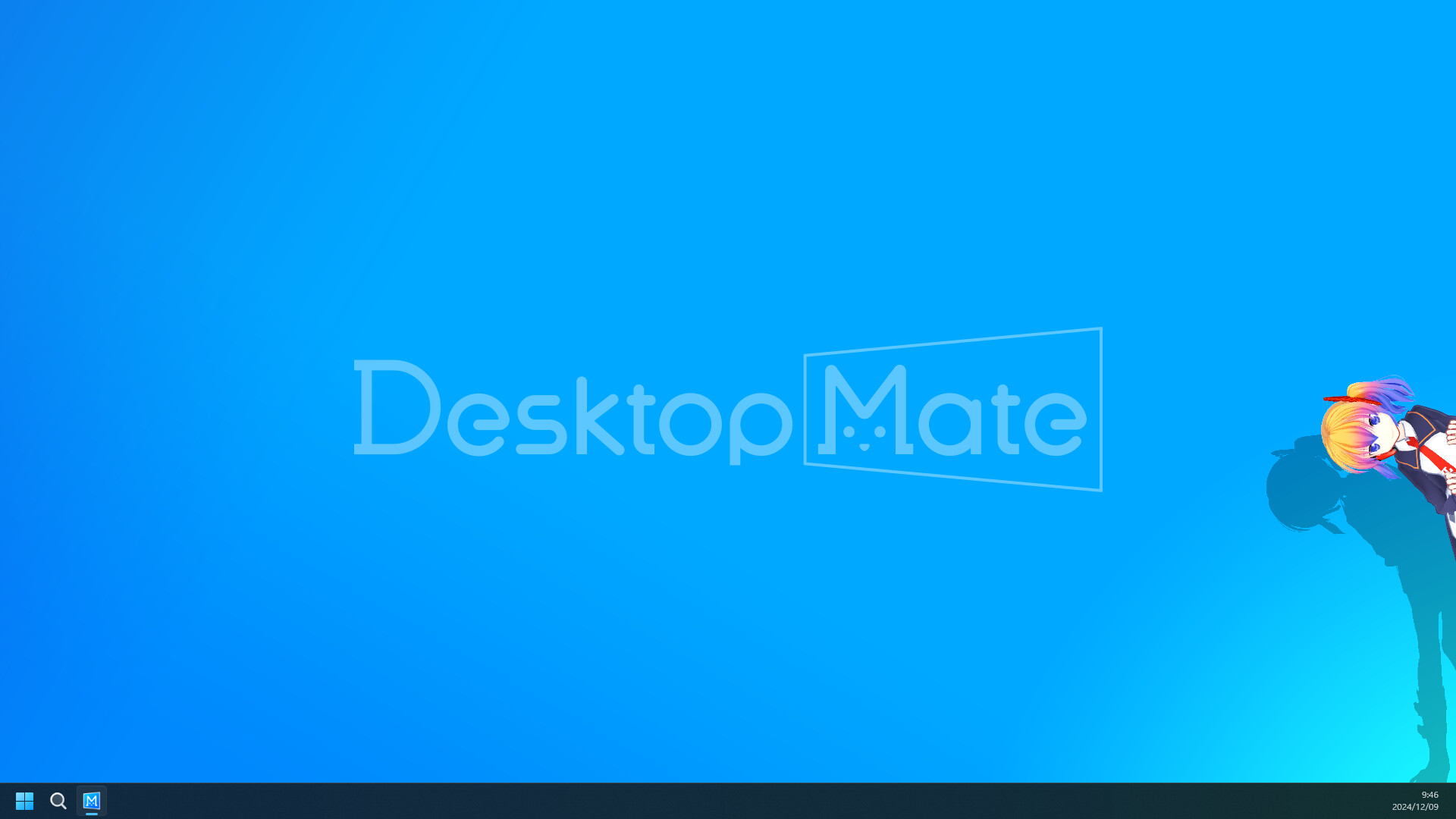
MATE: Linux desktop environment
Desktop Mate: Steam companion app
Different publishers and projects
Use the exact official source
You likely want the Linux desktop environment maintained at mate-desktop.org, with panels, menus, window management, and desktop utilities.
Open this routeYou likely want the character companion app developed and published by infiniteloop through Steam.
Check the publisher, operating system, destination domain, and package type instead of trusting a name-matching download page.
MATE is a free and open-source desktop environment for Linux and Unix-like systems. It continues the traditional desktop layout many users know: panels, menus, window controls, file management, and configurable desktop settings.
The authoritative project site is mate-desktop.org. Its documentation and distribution guidance are the right place to learn about packages, releases, and supported Linux systems.
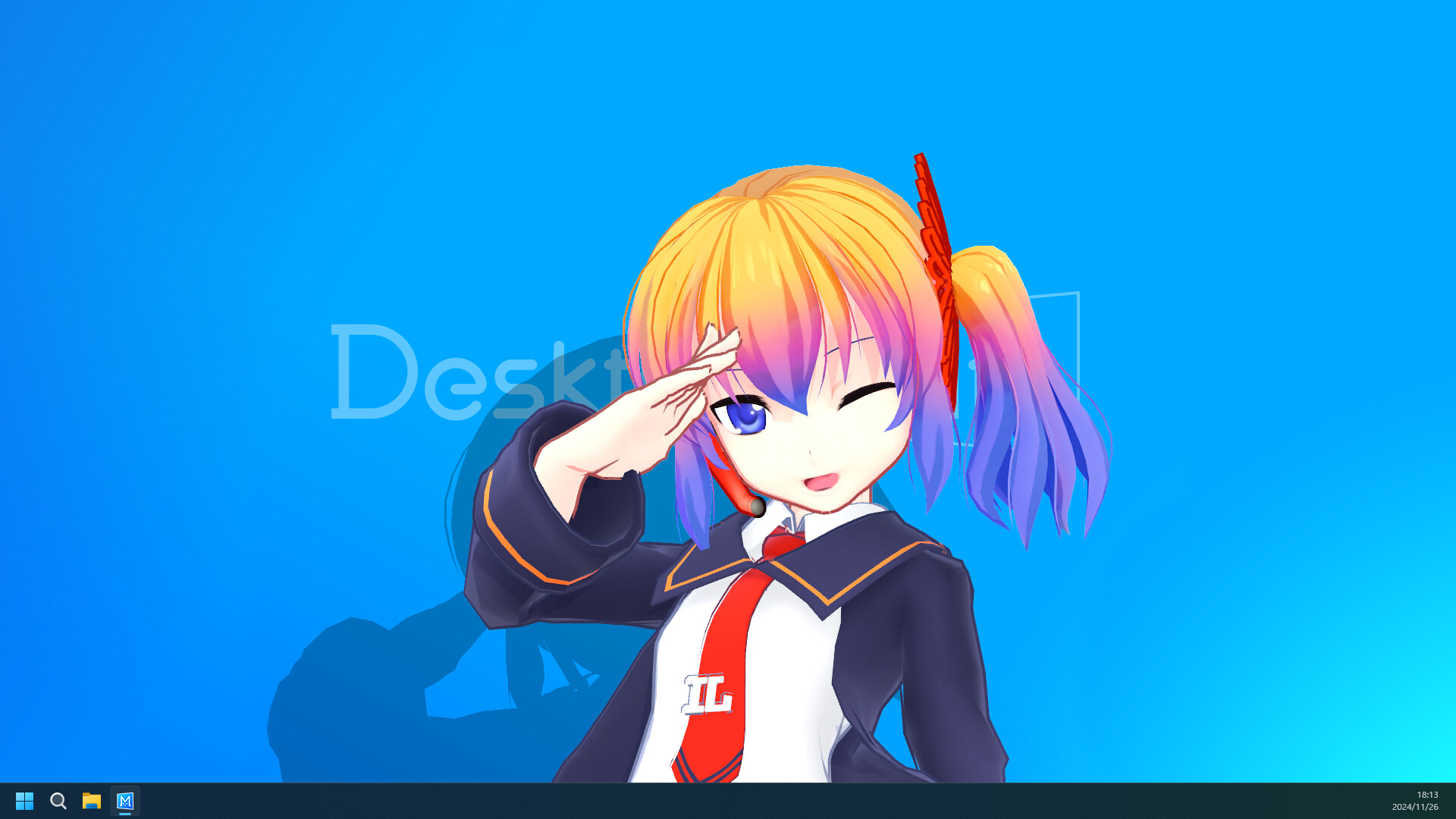
Desktop Mate is a separate application from infiniteloop. Its Steam listing presents a desktop companion experience where characters can remain visible around desktop windows, with official character DLC available through the Steam ecosystem.
The product name uses two words with a space: Desktop Mate. The Linux project uses the standalone name MATE Desktop Environment. The URL, publisher, and package manager should agree with the product you actually want.
Choose MATE when your goal is to change the Linux desktop interface. Choose Desktop Mate when your goal is a character companion running through Steam on a supported desktop platform.
If a page says “Desktop Mate for Linux” but offers a MATE package, it is answering a different query. If it offers an unknown executable, APK, or unlocked DLC file, leave it and use the official source links instead.
Browse the source-verified mod catalog Check platform availability
Read the first-party publisher line and the destination domain. infiniteloop's Desktop Mate page and the Steam listing should be the source for the companion app; mate-desktop.org should be the source for MATE. Ubuntu MATE has its own official site and is covered on the next comparison page.
This distinction is useful for search engines and people: a Linux desktop environment is not a character app, and a Steam companion is not a distribution package.
No. MATE is a Linux desktop environment; Desktop Mate is a separate character companion application from infiniteloop distributed through Steam.
Desktop Mate has no publisher-listed native Linux release. Running it through a compatibility layer would be unsupported experimentation, not the same as installing MATE.
Use the official MATE project at mate-desktop.org and the supported package guidance for your Linux distribution.
Use the publisher-linked Steam listing for App ID 3301060.
This page uses official product material for the Desktop Mate route and keeps similarly named projects or community files on their original sources.
Product and platform details checked on 2026-07-22. Recheck the live source pages after app or platform updates.