Download the free Desktop Mate base app through its publisher-linked Steam listing. Windows and Apple silicon Mac have official routes; the remaining platform pages explain the real availability status.
Independent fan resource. Not affiliated with, endorsed by, or sponsored by infiniteloop Co., Ltd., Valve/Steam, or any character rights holder.
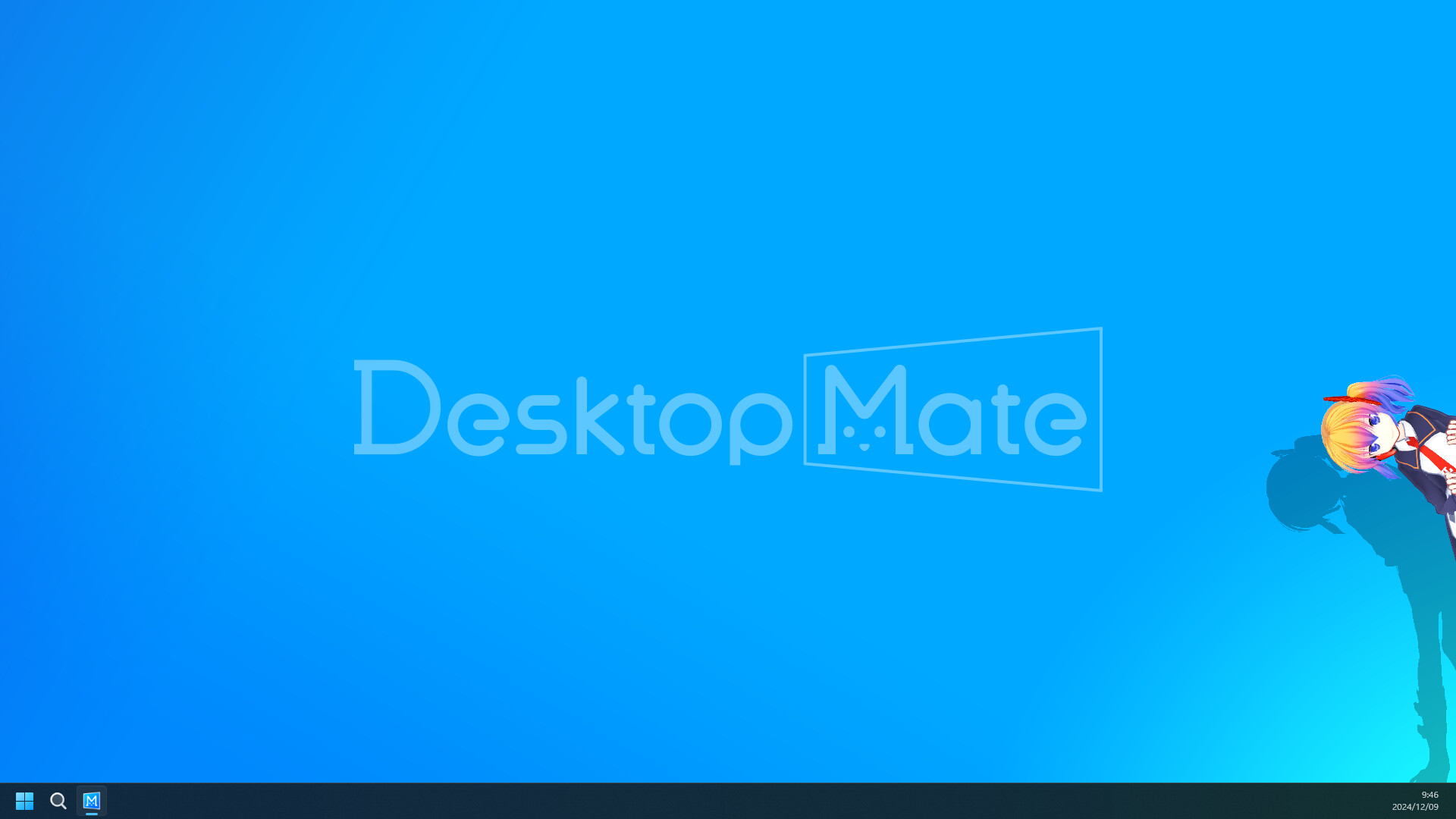
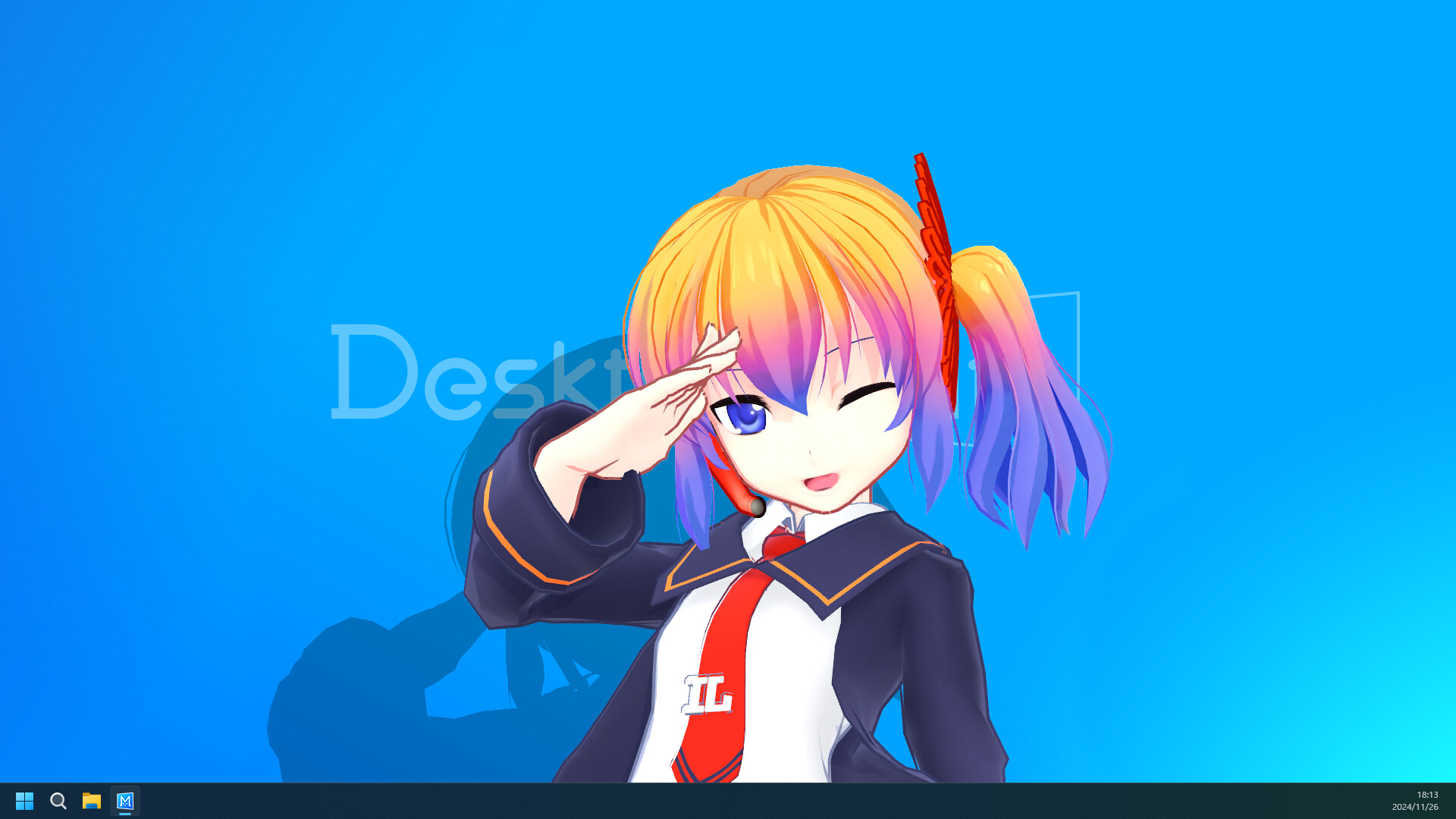
Official Desktop Mate product screenshotSteam listing
CHOOSE YOUR PLATFORM
Desktop Mate downloads, separated by device
Each route below answers one platform query. Only Windows and macOS lead to a publisher-listed install; unsupported platforms keep the warning visible instead of substituting a third-party file.
The verified listing identifies infiniteloop as developer and publisher and uses Steam App ID 3301060. Steam supplies the correct build for a supported platform, manages updates, and offers file verification.
The base application is free to play. Official character DLC is a separate product decision, while community tools and model replacements follow their own author sources and can require loaders.
Official product screenshot: launch the clean base app and learn its settings before adding a mod.
SAFE DOWNLOAD CHECK
Verify the source before installing
Confirm the destination is Steam or infiniteloop's official Desktop Mate site.
Check that the Steam listing shows App ID 3301060 and names infiniteloop as developer and publisher.
Match the live platform requirements to your computer before selecting Install.
Open the base app once without DLC unlockers, avatar loaders, or model replacements.
Use a documented original author route for every community mod.
AFTER THE BASE INSTALL
Choose DLC or a community mod deliberately
Licensed character DLC is distributed through Steam. A community mod may add a model, loader, chat feature, visibility control, or another behavior, but it is not automatically current, endorsed, or licensed for redistribution.
Use the visual mod catalog to see a real preview, status, original author, requirements, and removal guidance on a separate page for every documented project.
Official product screenshot: the base experience uses the desktop and its windows as the character's space.
Desktop Mate download FAQ
Where can I download Desktop Mate?
Use the Desktop Mate Steam listing for App ID 3301060. The publisher does not provide the base app through this fan site or an anonymous file mirror.
Which platforms officially support Desktop Mate?
The current publisher-listed routes cover Windows 10/11 64-bit and Apple silicon Mac on the stated macOS version. Linux, Steam Deck, Android, and iOS do not have a verified publisher-listed release here.
Is Desktop Mate free to download?
The base application is listed as free to play on Steam. Licensed character DLC can be paid, and community mods have separate authors and permissions.
Can I download a Desktop Mate EXE, DMG, APK, or IPA directly?
The verified base-app route is Steam. This site does not repackage the program as an EXE, DMG, APK, IPA, or unlocked bundle.