Mac download guide
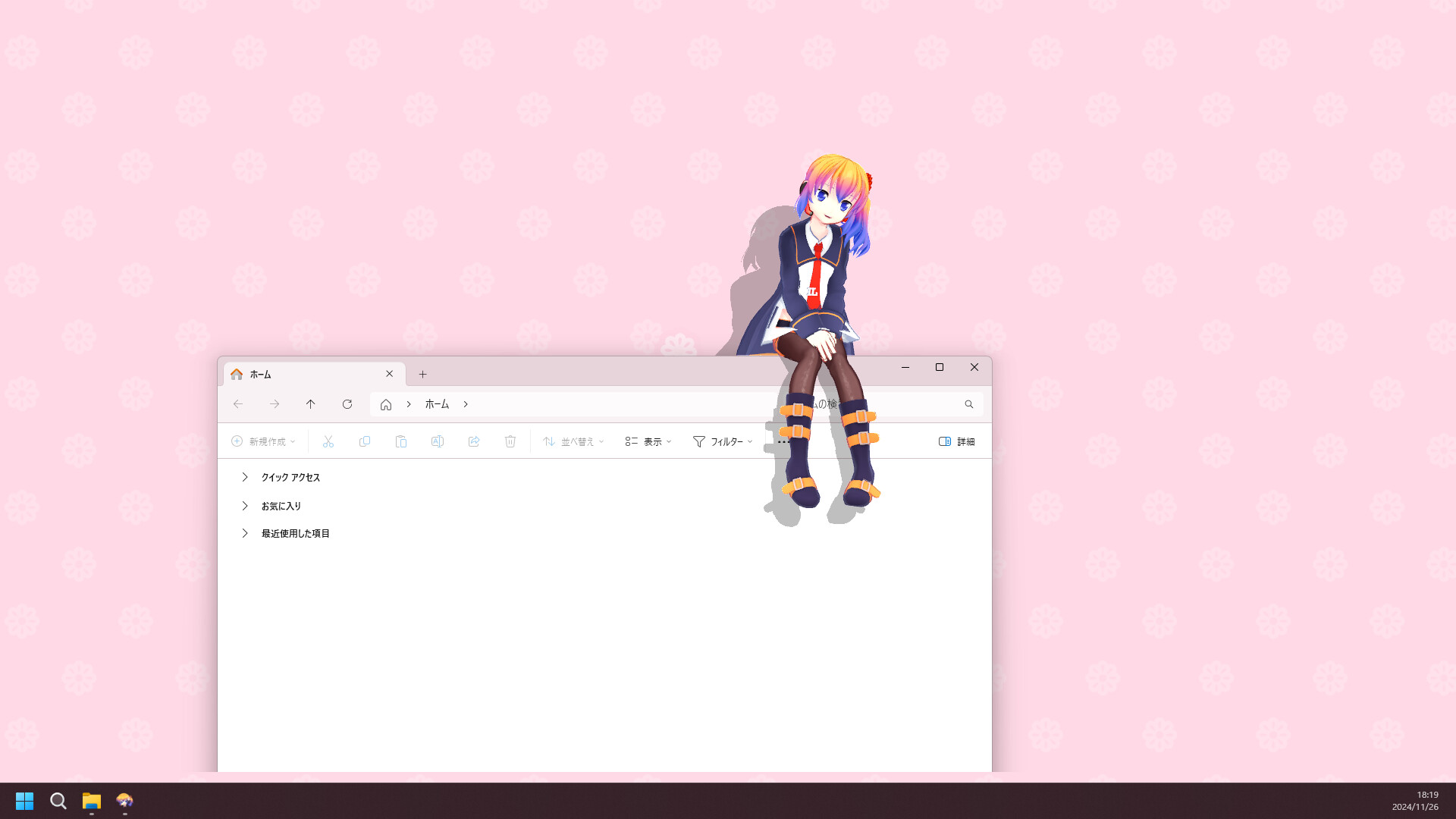
Desktop Mate for Mac
Desktop Mate has a publisher-listed macOS route through Steam, but the current official FAQ narrows it to Apple silicon and macOS Tahoe or later.
Independent fan resource. Not affiliated with, endorsed by, or sponsored by infiniteloop Co., Ltd., Valve/Steam, or any character rights holder.

Apple silicon only
macOS Tahoe or later
Steam App ID 3301060
DLC can follow the same Steam account
What you need for macOS
- Apple silicon Mac (M-series)
- macOS Tahoe or later according to the current official FAQ
- A Steam account and the Steam client for macOS
- Enough free space for Steam and the listed app files
Next steps
- Check About This Mac and confirm the chip says Apple or M-series.
- Install Steam for Mac from Valve's official page, then sign in.
- Open the Desktop Mate listing and choose Install; the client supplies the Mac build when available to your account and system.
- Run the base app before adding DLC or community models, because older Windows-first mod instructions may not apply.
REAL PRODUCT CONTEXT
Check the clean app before adding extras
Do not treat a generic Mac download button or an Intel compatibility claim as proof of support; the publisher's current requirements are the authority.
The official FAQ says DLC purchased with the same Steam account can be used on Windows and macOS, subject to the exact DLC listing.
If a third-party loader page lists Windows-only paths, stop and check its current documentation rather than copying a Windows folder into the Mac app.
Desktop Mate for Mac FAQ
Does Desktop Mate work on Intel Mac?
The current official information says Intel Macs are not supported. Use an Apple silicon Mac that meets the listed macOS requirement.
Is there a DMG download for Desktop Mate?
The verified publisher route is Steam. This site does not repackage the app as a DMG.
Can I use my Desktop Mate DLC on Mac?
The official FAQ says DLC purchased on the same Steam account can be used on Windows and macOS; check each live DLC listing for exceptions.
Official sources
Platform status checked on 2026-07-22. Store metadata and publisher requirements can change, so use the linked first-party page for the final install decision.