Windows download guide
Desktop Mate download for Windows
The publisher-listed Windows route is Steam. Use the store page to install the free base app, receive updates, and keep the source chain visible.
Independent fan resource. Not affiliated with, endorsed by, or sponsored by infiniteloop Co., Ltd., Valve/Steam, or any character rights holder.
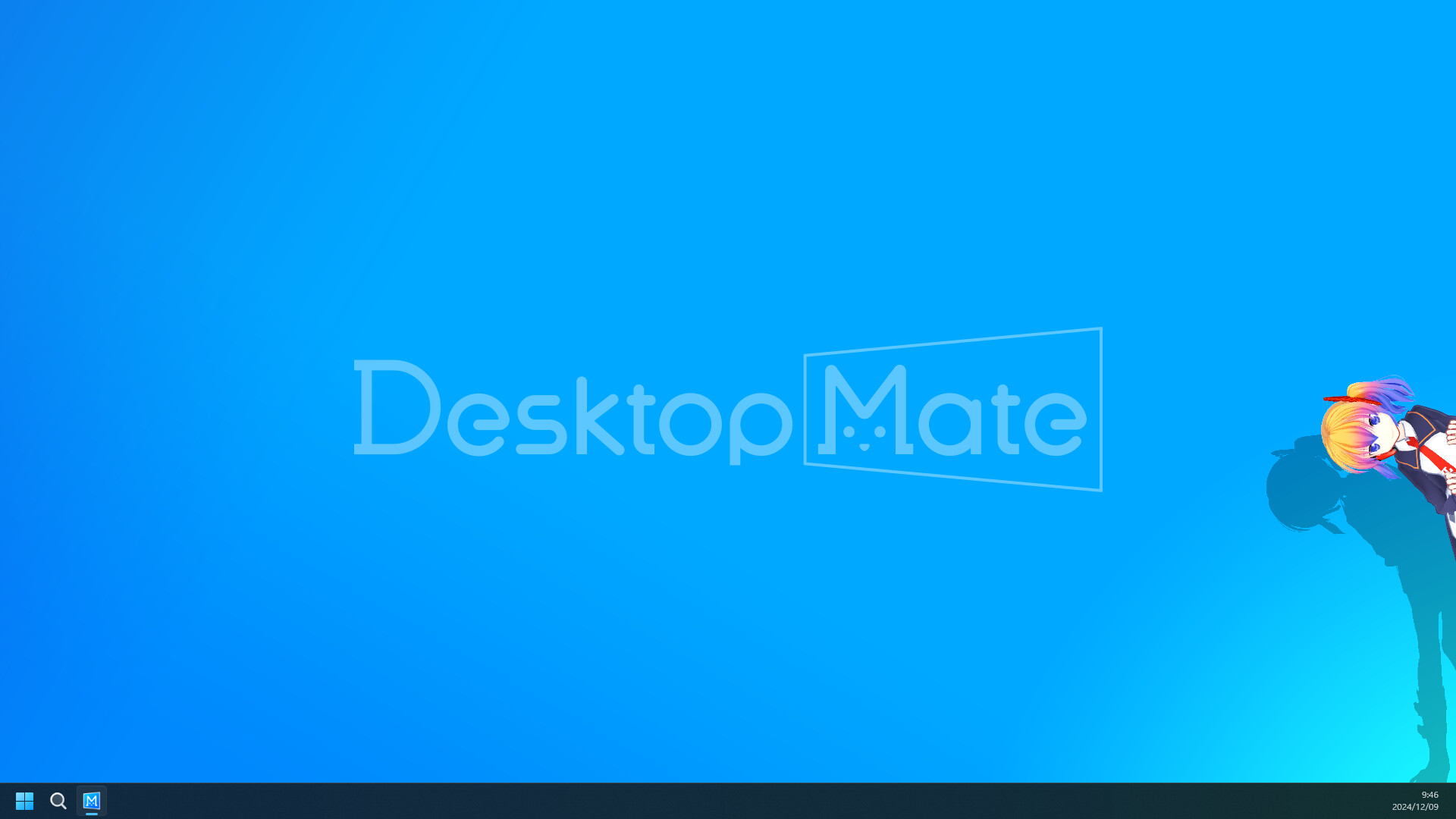
Windows 10/11 64-bit
Steam App ID 3301060
Free base application
500 MB listed storage
What you need for Windows
- Windows 10 or Windows 11, 64-bit
- 8 GB RAM listed by Steam
- 500 MB available storage listed by Steam
- A GPU or integrated GPU that meets the live Steam listing
Next steps
- Install the official Steam client from Steam's own download page.
- Open the Desktop Mate store page and select Play Game or Install while signed in.
- Let Steam choose the library location and deliver updates through the client.
- Launch the unmodified base app once before adding DLC or community models.
REAL PRODUCT CONTEXT
Check the clean app before adding extras
Steam handles the executable, updates, and file verification; this site does not mirror a Windows installer.
If the character is hidden behind a window, try the app's own placement and interaction settings before changing third-party files.
For a clean rollback, use Steam > Properties > Installed Files > Verify integrity after removing an experimental loader or model.
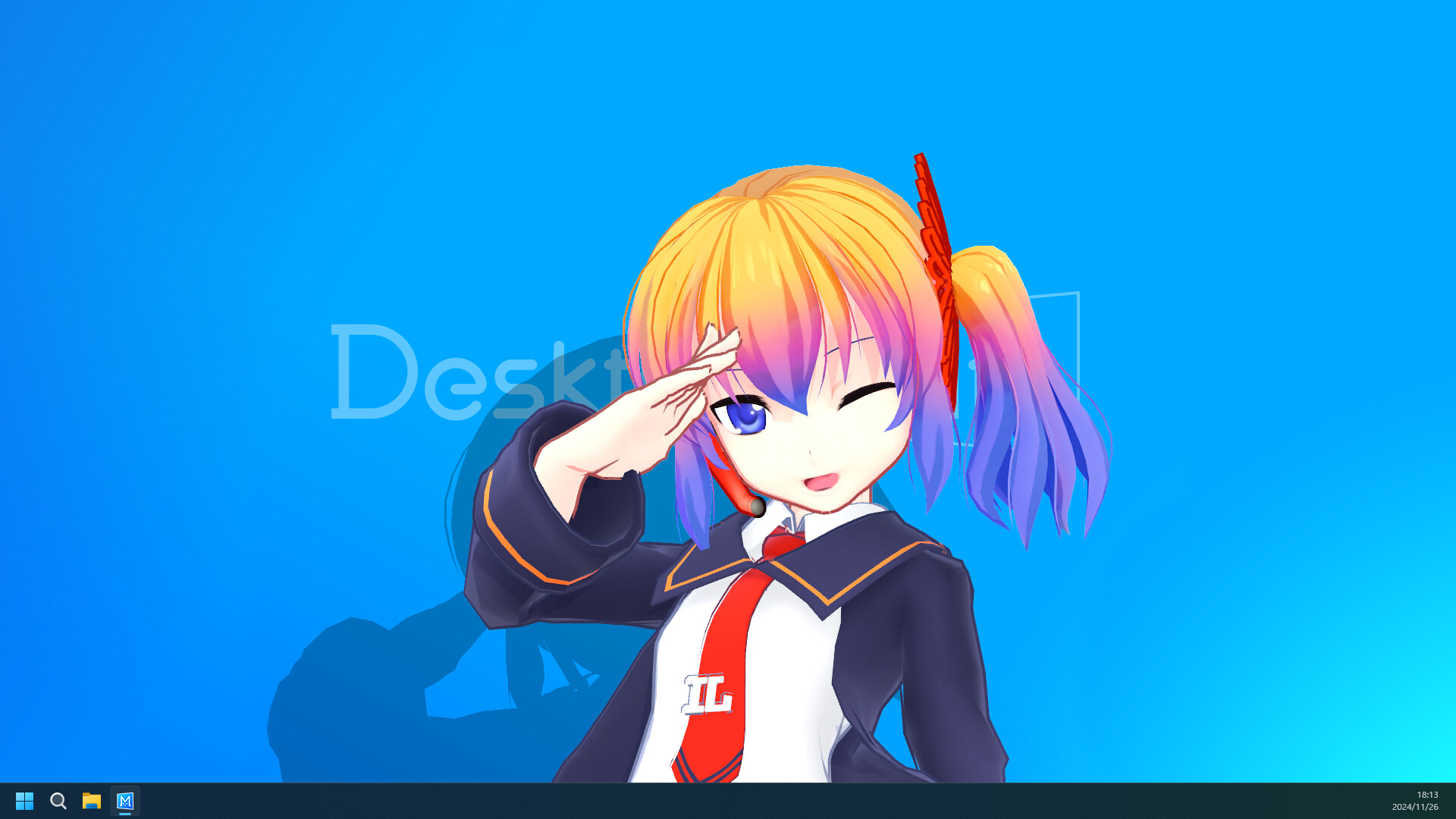
Desktop Mate download for Windows FAQ
Is Desktop Mate free on Windows?
The base Desktop Mate application is listed as free to play on Steam. Character DLC and community files are separate.
Where is the Desktop Mate Windows download?
The publisher-linked Steam page is the verified route. There is no independent desktop-mate.com .exe mirror.
Can I install Windows mods immediately?
Launch the clean base app first, then check each mod's loader, version, license, and rollback instructions.
Official sources
Platform status checked on 2026-07-22. Store metadata and publisher requirements can change, so use the linked first-party page for the final install decision.