Use the official beta
Multi-Character Mode is a real Steam branch published by infiniteloop. It needs no third-party code and cannot be broken by a mod update.
Multi-character setup
For most of Desktop Mate's life, showing two characters at the same time meant duplicating the installation and swapping a Steam library file. That is no longer the sensible answer: infiniteloop opened an official Multi-Character Mode beta on 28 January 2026, and it is opt-in through the Steam client.
Independent fan resource. Not affiliated with, endorsed by, or sponsored by infiniteloop Co., Ltd., Valve/Steam, or any character rights holder.
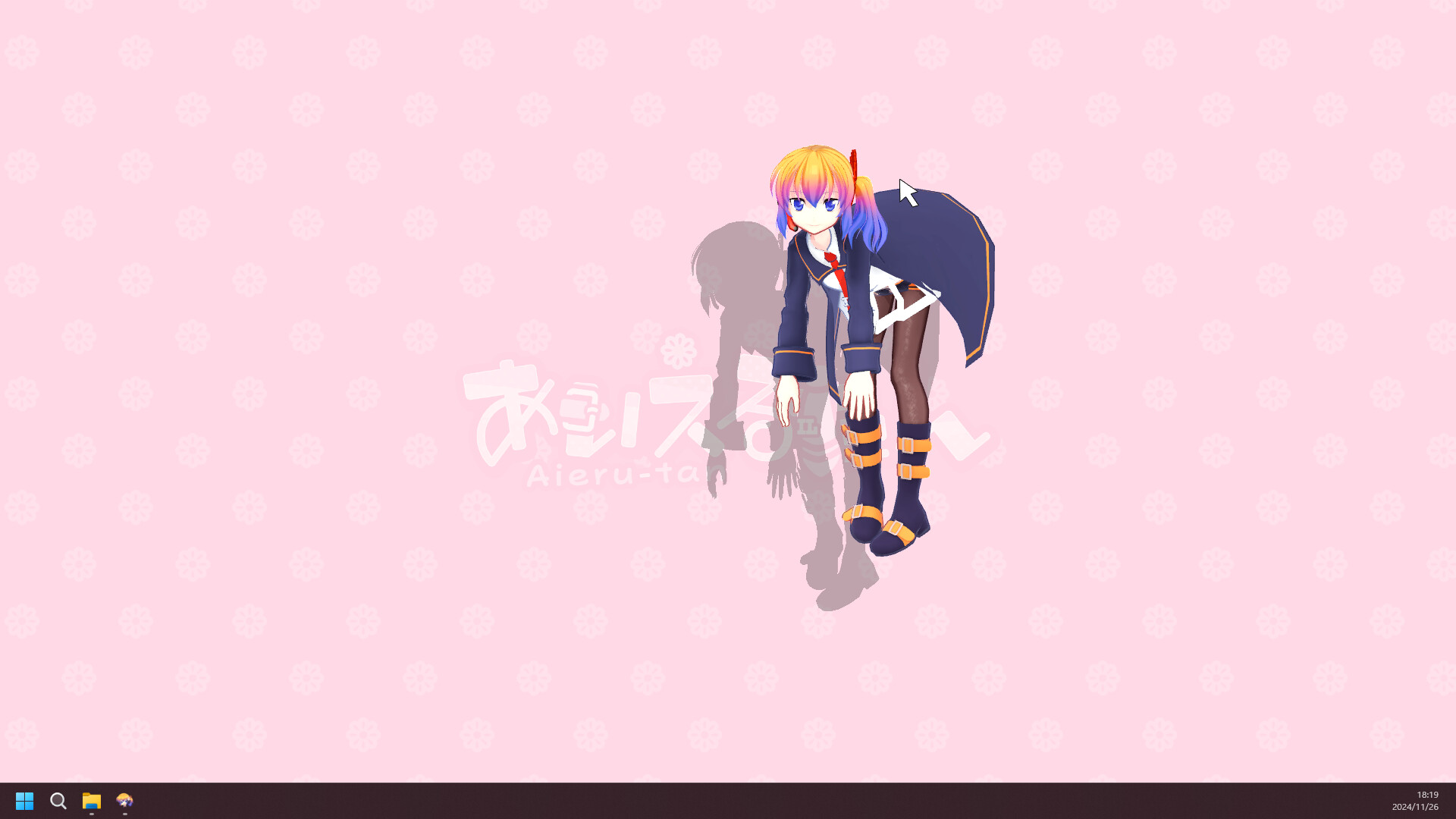
Official beta since 28 Jan 2026
Two characters during the beta
Opt in via Steam betas
No mod or loader required
Multi-Character Mode is a real Steam branch published by infiniteloop. It needs no third-party code and cannot be broken by a mod update.
The beta caps the on-screen count at two characters. The publisher has said it intends to raise that limit in the full release.
The beta branch is time-limited. When the feature ships properly, the branch disappears and the standard version reinstalls itself.
infiniteloop announced the beta on 28 January 2026 to coincide with the Kagamine Rin and Kagamine Len DLC releases. The announcement is explicit that this was originally planned as a standard feature and was moved to an open beta so the implementation could be reviewed further before general release.
The beta also carries “Combo Action”, an interaction between two characters, which stays in the beta branch until it is promoted to the standard version.
Because it is a Steam branch rather than a mod, nothing about your installation is modified by hand. Steam downloads a different build, and switching back is a menu choice.
To go back, return to the same field and select Default public version. Steam will restore the standard build.
multi_character option is removed and the standard version is reinstalled automatically.Because it is a beta, treat it as one. If something misbehaves, the publisher opened a feedback thread in the Desktop Mate Steam discussions, which is a more useful destination than a mod forum for a first-party feature.
The workaround that spread before the official beta was to copy the entire Desktop Mate folder, rename it, and replace the Steam API library inside the copy with one from a Steam emulator so the duplicate would launch without checking in with Steam. It works, in the narrow sense that two windows open. It is still a bad trade, and we do not document the steps here.
What you give up: the duplicated copy no longer receives updates, so it drifts out of sync with the real installation and with any DLC you own. Replacing the Steam API library is a DRM circumvention, which puts you outside both the Steam Subscriber Agreement and the publisher's terms. The replacement library itself comes from a third party and runs with the same privileges as the app. And any character DLC in the duplicated copy is being loaded outside the entitlement check that normally governs it.
All of that was a somewhat defensible risk when there was no alternative. There is now an official one, published by the developer, that takes about thirty seconds to enable. Use that instead.
Two animated 3D characters cost roughly twice as much as one. Desktop Mate's published minimum is 8 GB of RAM with a recommended 16 GB, and those figures were set for the single-character app. On a laptop running on battery, or on a machine near the minimum specification, expect the second character to be noticeable — in frame pacing, in fan noise, and in battery life.
If you are testing the beta on modest hardware, add the second character only after confirming the first one behaves normally, and watch memory use in Task Manager for a few minutes before deciding the setup is stable.
Yes. Multi-Character Mode (β) is an official Steam beta branch opened on 28 January 2026. It allows a maximum of two characters on screen while the beta is running.
In the Steam client: Desktop Mate > Properties > Game Versions & Betas, then select multi_character in the Selected Game Version field.
Return to the same Game Versions & Betas field and choose Default public version. Steam reinstalls the standard build.
No. The publisher has said the branch is time-limited and that the multi_character option will be removed once the feature ships in the standard version.
No. It lets characters you already own appear together. You still need the DLC for each character you want on screen.
No. It circumvents DRM, breaks updates and DLC entitlements for the duplicated copy, and requires running a third-party library with full desktop privileges. The official beta does the same job without any of that.
Checked against the sources above on 2026-09-01. Desktop Mate, its DLC line-up, and community tooling all change; recheck the originals before acting on anything time-sensitive here.
RELATED GUIDES