REQUIREMENTS
Check the stack before installing
- Platform: Windows
- Loader or runtime: Native version.dll
- Release: 1.0.1
- License: MIT
- File: version.dll (134 KB)
Avatars / community project
Custom Avatar Loader C++ is a native port of YusufOzmen01's loader. Its documentation is unusually specific: version 1.0.1 supports Desktop Mate 1.1.1 only.
Independent fan resource. Not affiliated with, endorsed by, or sponsored by infiniteloop Co., Ltd., Valve/Steam, or any character rights holder.
The author or project documentation says it does not work with the current app.
WHAT IT DOES
Unlike the MelonLoader original, the port uses a native version.dll placed beside the Desktop Mate executable. This loading method is convenient but sensitive to application version and DLL search behavior. The repository points users back to the original loader's F4 workflow and optionally exposes a console through a launch argument.
REQUIREMENTS
The author states that only Desktop Mate 1.1.1 is supported. That makes the release incompatible with current automatic Steam updates unless independently updated by its maintainer.

Close Desktop Mate and remove only the version.dll added by this mod. Be careful not to delete an unrelated system or application DLL from another folder. Verify Steam files afterward.
Its documented installation uses version.dll directly and does not list MelonLoader.
No such claim is made; the README explicitly says Desktop Mate 1.1.1 only.
No. Kimjio created the C++ port and credits YusufOzmen01's original project.
Page checked against the linked project material on 2026-07-22. Compatibility can change after Desktop Mate, MelonLoader, BepInEx, or the mod updates.
RELATED PROJECTS
Custom Avatar Loader is the best-known community mod for loading VRM 0.x character files into legacy Desktop Mate builds. Its original repository was archived on December 4, 2025, so current Steam compatibility should not be assumed.
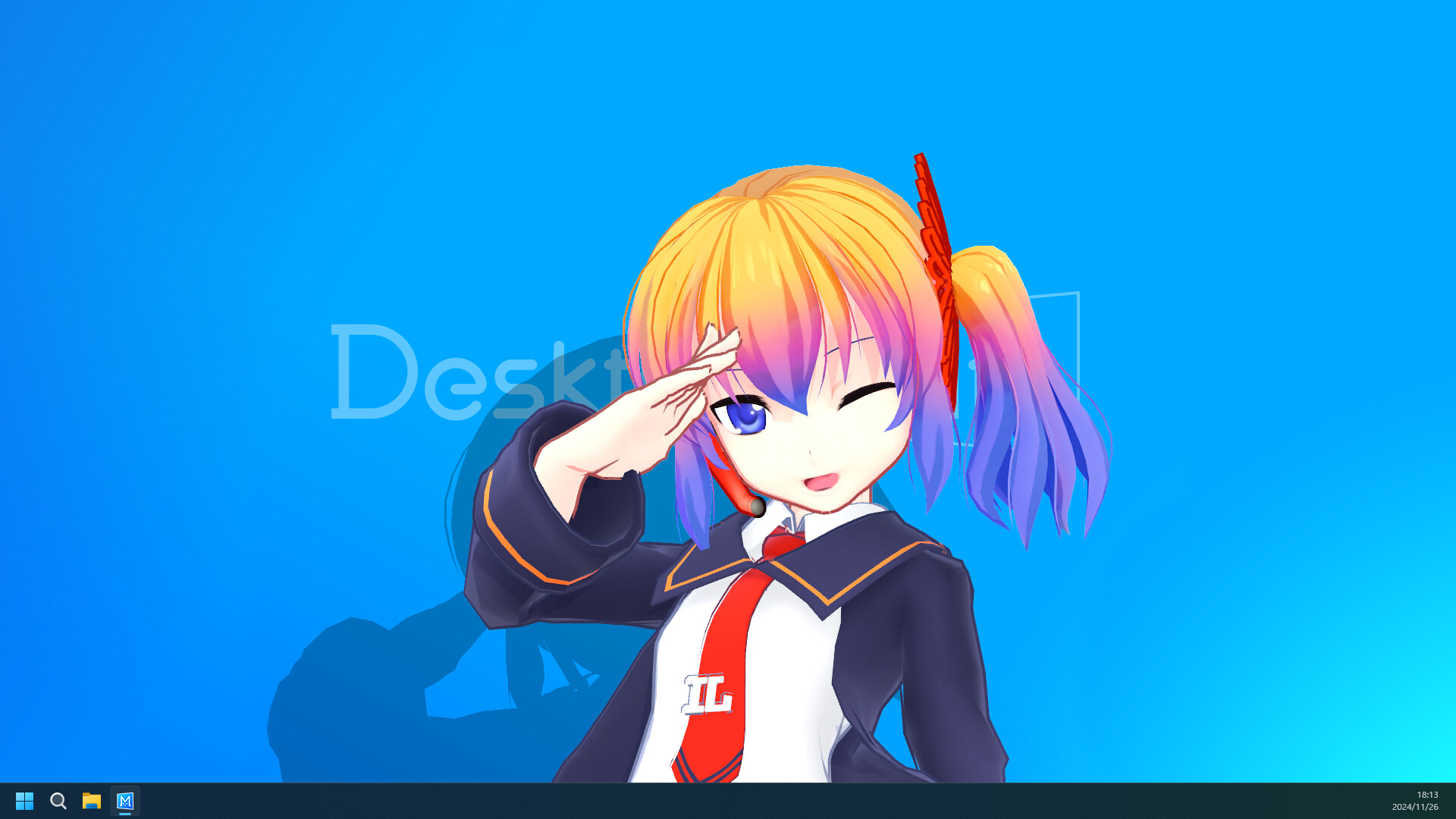
BepIn Character Swapper is an alternative VRM loader built for BepInEx 6 rather than MelonLoader. It scans a local vrm folder and adds model buttons to Desktop Mate's Change Character menu.