REQUIREMENTS
Check the stack before installing
- Platform: Windows
- Loader or runtime: MelonLoader 0.6.6
- Release: 1.0.4
- License: MIT
- File: CustomAvatarLoader.zip (69 KB)
Avatars / community project
Custom Avatar Loader is the best-known community mod for loading VRM 0.x character files into legacy Desktop Mate builds. Its original repository was archived on December 4, 2025, so current Steam compatibility should not be assumed.
Independent fan resource. Not affiliated with, endorsed by, or sponsored by infiniteloop Co., Ltd., Valve/Steam, or any character rights holder.
Built for an older Desktop Mate or loader version. Verify compatibility before using it.
WHAT IT DOES
The mod adds an F4 file picker that replaces the active character with a VRM file stored on your PC. It was built around MelonLoader 0.6.6 and .NET Desktop Runtime 6, and its GitHub release passed 250,000 downloads before the repository was archived on December 4, 2025. That popularity does not make it an official feature: infiniteloop does not support this loader, third-party VRM licenses still apply, and Desktop Mate updates can break it.
REQUIREMENTS
The repository was archived on December 4, 2025. Its documentation targets MelonLoader 0.6.6 and an early Desktop Mate build; it does not claim support for the current Steam release. Do not downgrade Desktop Mate unless you understand the security, update, and DLC consequences.

Remove the Custom Avatar Loader files from MelonLoader's Mods and UserLibs folders, then use Steam > Desktop Mate > Properties > Installed Files > Verify integrity if the base app no longer starts.
The archived repository does not confirm current-version support. Treat it as a legacy mod until a reproducible current-build test says otherwise.
Technically compatible VRM files may load, but you must also follow the model creator's license and character rights.
No. The button uses the original author's GitHub release asset, so the source chain remains visible.
Page checked against the linked project material on 2026-07-22. Compatibility can change after Desktop Mate, MelonLoader, BepInEx, or the mod updates.
RELATED PROJECTS
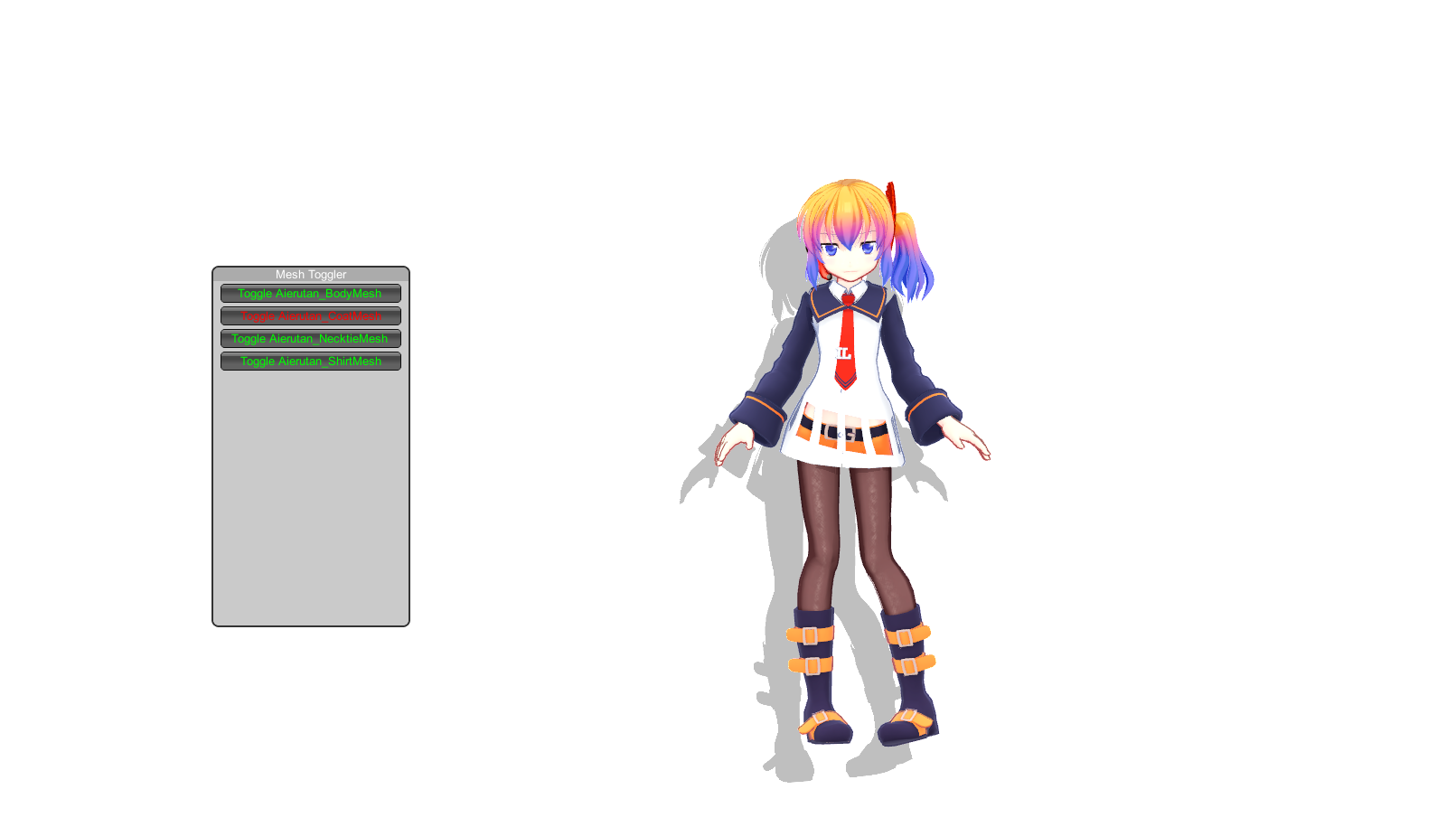
Clothes Toggler opens an F1 mesh menu for hiding or showing parts of the active avatar and remembers the selected state. It also claims support for custom avatars, but its release predates major Desktop Mate modding changes.
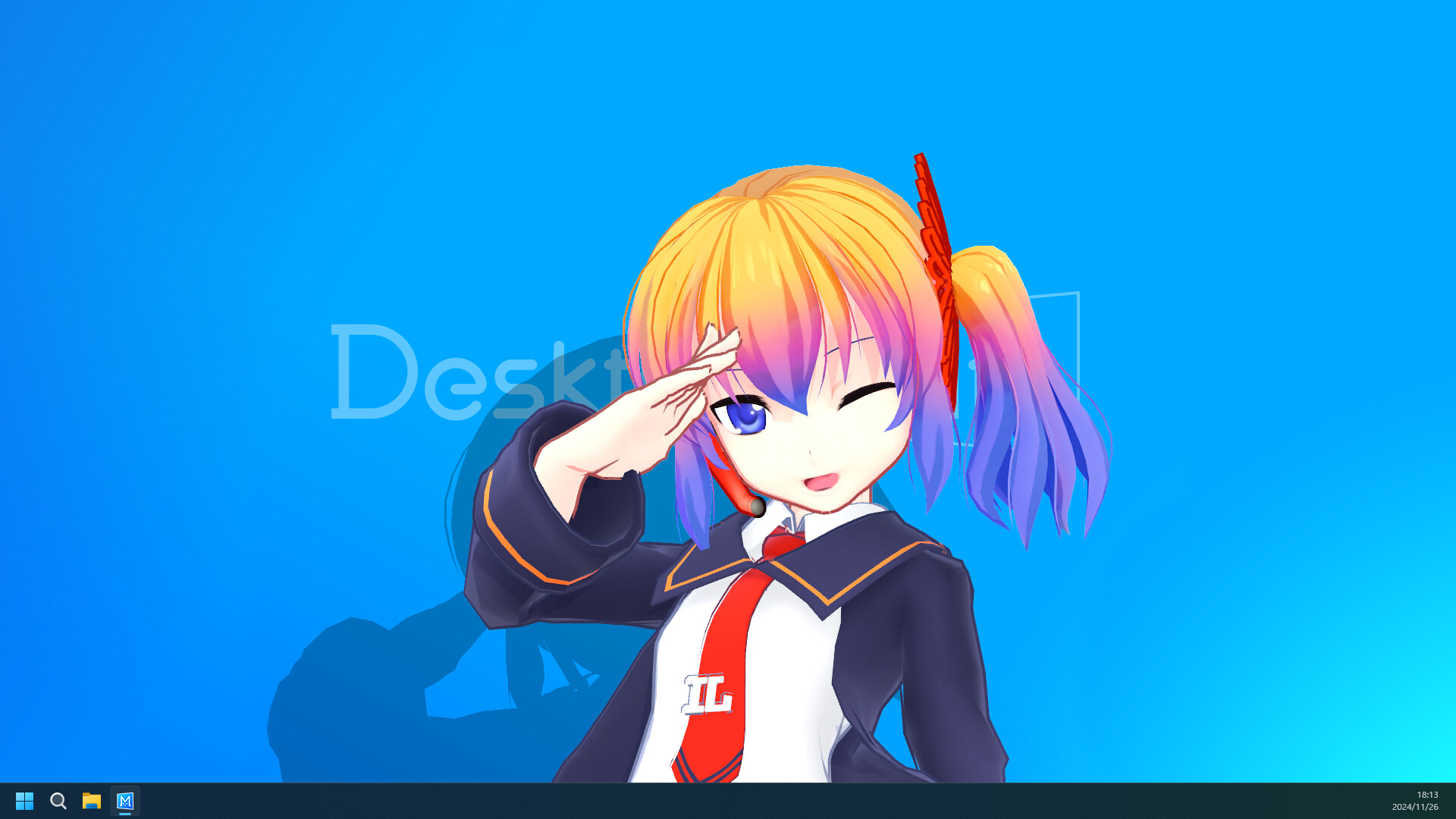
BepIn Character Swapper is an alternative VRM loader built for BepInEx 6 rather than MelonLoader. It scans a local vrm folder and adds model buttons to Desktop Mate's Change Character menu.
Custom Avatar Loader C++ is a native port of YusufOzmen01's loader. Its documentation is unusually specific: version 1.0.1 supports Desktop Mate 1.1.1 only.