Conversion is required
PMX and VRM are different formats with different skeletons, different material systems, and different physics. No loader reads PMX directly.
MMD to VRM conversion
MikuMikuDance models are the largest body of anime-style 3D characters on the internet, including official hololive releases. None of them work in Desktop Mate as-is: MMD uses PMX, Desktop Mate needs VRM, and the gap between them is a real conversion job. This page covers both halves — the technical route and the permission rules that most conversion tutorials leave out.
Independent fan resource. Not affiliated with, endorsed by, or sponsored by infiniteloop Co., Ltd., Valve/Steam, or any character rights holder.
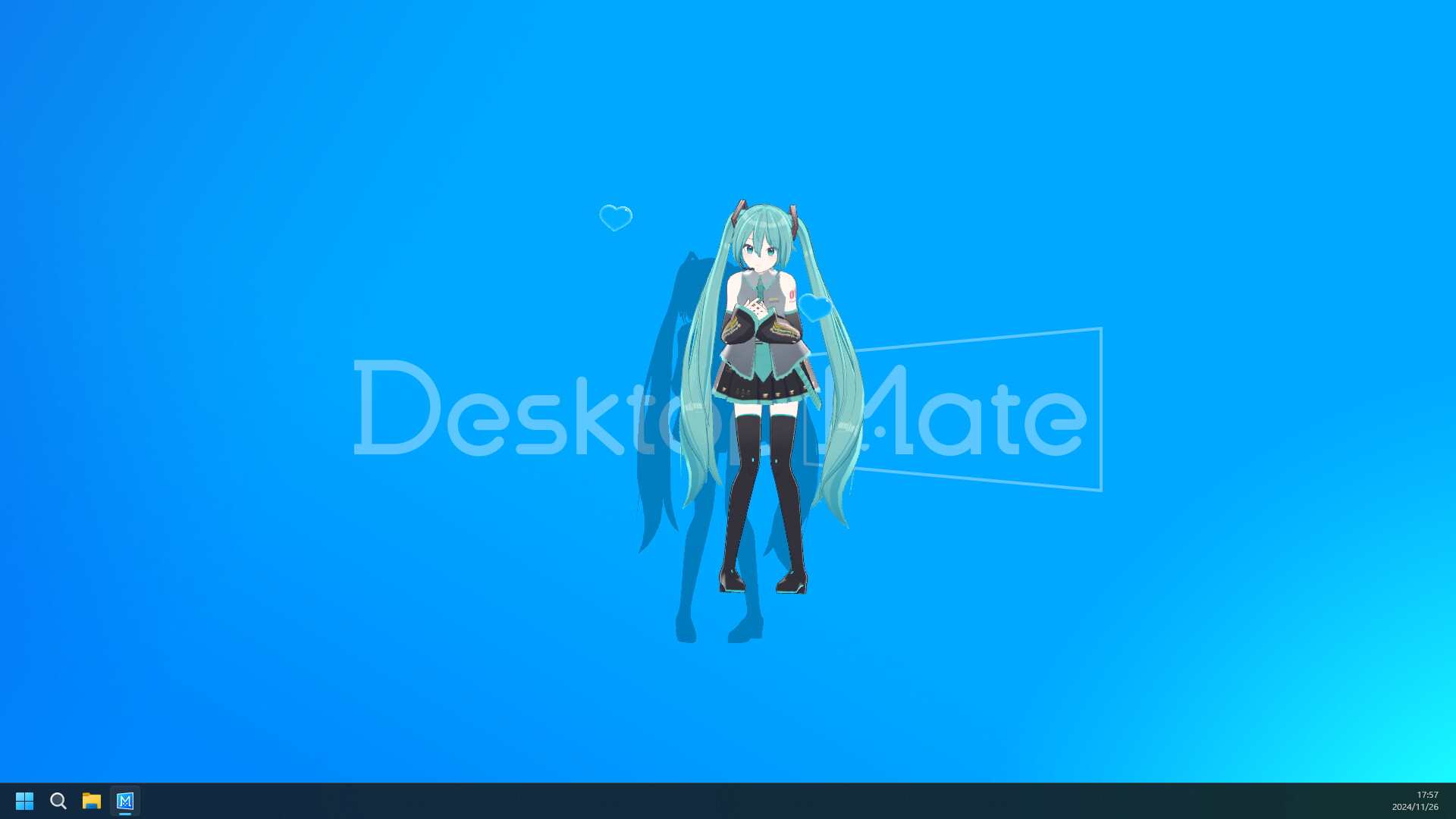
PMX is not VRM
Blender plus VRM add-on
Bone mapping is the hard part
Permissions come first
PMX and VRM are different formats with different skeletons, different material systems, and different physics. No loader reads PMX directly.
Official hololive MMD models are released under Cover's derivative works guidelines. Fan-made models carry their author's own readme terms.
Expressions, physics, and materials rarely survive a conversion untouched. Rebuilding them is most of the work.
This section is deliberately first, because it is the one that decides whether the rest is worth doing.
Official hololive models. Cover Corp has released official MMD models for its talents, and their use is governed by hololive production's derivative works guidelines. In broad terms those guidelines keep derivative works at a fan or hobby level, prohibit commercial use, and ask creators to avoid content the talents would find unpleasant or that presents them in a crude or offensive light. Converting a model to another format for personal desktop use is a derivative work, and the guidelines apply to it. Read the current text at the source rather than trusting a summary — including this one.
Fan-made MMD models. These carry a readme, usually in Japanese, with the author's own terms. Common restrictions include no redistribution, no format conversion, no modification, and no use outside MMD itself. “No conversion” is a genuinely frequent term, and it means exactly what this page describes is not permitted for that model.
The underlying character. Model permissions and character rights are separate. A fan-made model of a game character can be freely licensed by the modeller while the character remains the property of a publisher.
If any of the three is unclear, the honest answer is to pick a different model. There are plenty.
MMD models are .pmx files built around MikuMikuDance's own conventions: a Japanese-named bone hierarchy, a morph system for expressions, MMD-specific material flags, and a rigid-body physics setup for hair and clothing.
VRM standardises all of those differently. It defines a fixed humanoid bone list so any application can animate any model, uses its own expression definitions, uses MToon materials, and uses spring bones for secondary motion.
So a conversion is not a file-format change. It is a re-rig, a re-material, and a re-physics job, with an export at the end. Tools automate parts of it; none of them automate all of it well.
The current route runs through Blender with the VRM Add-on for Blender.
Newer workflows push the MMD-side preparation into external tools and keep only the VRM add-on on the Blender side, which sidesteps the add-on breakage that comes with each Blender release. If you are starting fresh in 2026, check what the VRM add-on's current documentation recommends before committing to an older tutorial.

Once you have a VRM 1.0 file, the loading procedure is identical to any other custom model, and carries the same caveat: Desktop Mate has no publisher-supported way to load one. The community Custom Avatar Loader is the usual route, its repository has been archived since 4 December 2025, and it targets MelonLoader 0.6.6 with .NET Desktop Runtime 6.
Work through the safe install checklist checklist, and keep Steam > Desktop Mate > Properties > Installed Files > Verify integrity as the recovery path. Details specific to the loader are on the Custom Avatar Loader page.
Set expectations before you spend an evening on this. A converted MMD model in Desktop Mate will generally be heavier than a purpose-built VRM, because MMD models are made for a renderer that only has to draw one character at a time and not for something sitting on your desktop all day. Expression range will be narrower than in MMD, because only the expressions you rebuilt survive. Hair and clothing will move differently, because the physics system is not the same one. And detailed models may read as noisy at desktop-mascot scale, where the character is a couple of hundred pixels tall.
None of that makes the conversion pointless. It does mean that a simpler source model usually produces a better result than an elaborate one, which is the opposite of most people's instinct when browsing.
No. MMD models are PMX files and Desktop Mate works with VRM. A conversion in Blender is required, and it involves re-rigging, re-materialling, and rebuilding physics.
Cover Corp's derivative works guidelines govern their use, keeping derivative works at a fan or hobby level and prohibiting commercial use. Read the current guidelines at hololivepro.com before converting.
Each carries its author's own readme terms, often in Japanese. Prohibitions on conversion and redistribution are common, and 'no conversion' means this workflow is not permitted for that model.
Blender with the VRM Add-on for Blender, plus an MMD import add-on. Match add-on releases to your Blender version, as 4.x releases have repeatedly broken older MMD-side add-ons.
Almost always incorrect humanoid bone mapping. VRM requires specific named bones and MMD's Japanese-named hierarchy does not map onto them automatically.
The materials were not converted to MToon. MMD material settings do not carry over, and a model can export cleanly and still render with nothing on it.
Checked against the sources above on 2026-09-01. Desktop Mate, its DLC line-up, and community tooling all change; recheck the originals before acting on anything time-sensitive here.
RELATED GUIDES