REQUIREMENTS
Check the stack before installing
- Platform: Windows
- Loader or runtime: Python 3.8+
- Release: Source build
- License: Not specified
- File: Source repository (No packaged release)
Window tools / community project
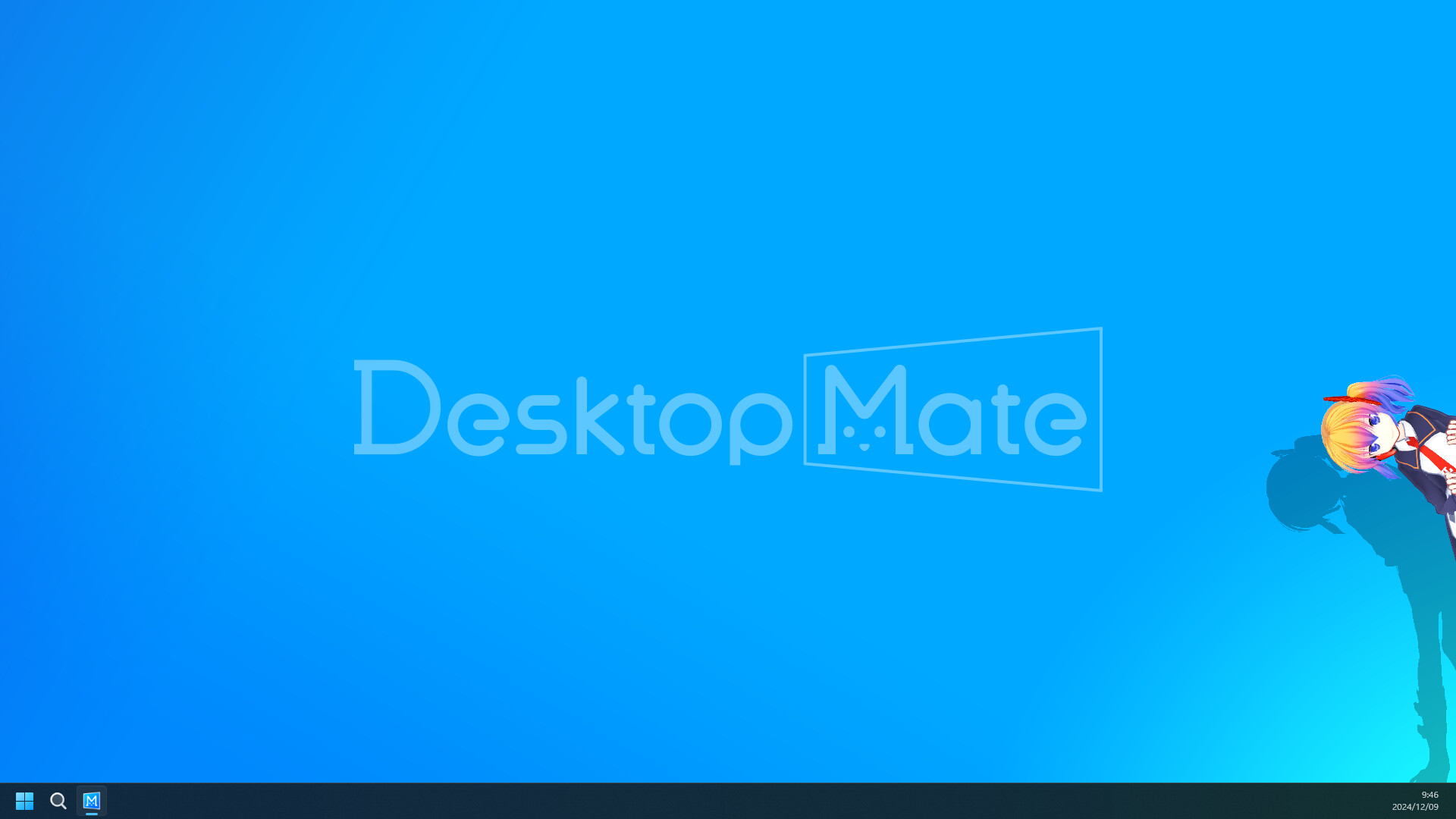
Desktop Mate Controller is a separate Python utility rather than an injected mod. It launches Desktop Mate through Steam, hides the window from the taskbar, and provides a system-tray controller.
Independent fan resource. Not affiliated with, endorsed by, or sponsored by infiniteloop Co., Ltd., Valve/Steam, or any character rights holder.
There is no author-published binary release. Review and build the original source yourself.
WHAT IT DOES
The project watches the Desktop Mate process, can restart it, maintains a tray icon, and writes logs for troubleshooting. It requires Python 3.8+, psutil, pywin32, pystray, and Pillow. There is no packaged release or declared license, so users must review and run the source themselves instead of downloading an executable from this site.
REQUIREMENTS
The tool targets Windows APIs and depends on Python packages. It is not a macOS solution and publishes no packaged, signed release or current Desktop Mate test matrix.

Exit the tray process, delete any shortcut you created, and remove the virtual environment or cloned folder. Desktop Mate itself remains installed through Steam.
No. It is an external Python process and does not use the documented MelonLoader Mods folder.
The author provides no packaged release. This site will not compile and redistribute an unsigned executable.
Controller adds launch, monitoring, tray, and restart logic; Hide From Taskbar is a small injected DLL.
Page checked against the linked project material on 2026-07-22. Compatibility can change after Desktop Mate, MelonLoader, BepInEx, or the mod updates.
RELATED PROJECTS
Hide From Taskbar removes the primary Desktop Mate window from the Windows taskbar after the app is clicked, reducing taskbar clutter while the character remains visible on the desktop.
ToggleTransparent disables Desktop Mate mouse interaction so clicks can pass to the window behind while cursor tracking continues. The author documents an F8 focus limitation and publishes source, but no packaged Release asset.