REQUIREMENTS
Check the stack before installing
- Platform: Windows
- Loader or runtime: MelonLoader
- Release: 1.0.1
- License: Not specified
- File: DesktopMate_HideFromTaskbarMod.dll (7 KB)
Window tools / community project
Hide From Taskbar removes the primary Desktop Mate window from the Windows taskbar after the app is clicked, reducing taskbar clutter while the character remains visible on the desktop.
Independent fan resource. Not affiliated with, endorsed by, or sponsored by infiniteloop Co., Ltd., Valve/Steam, or any character rights holder.

A release exists, but current Desktop Mate compatibility has not been independently confirmed.
WHAT IT DOES
The author documents one important behavior: changing window values during a drag can interrupt that drag. The intended sequence is to click once so the mod hides the taskbar entry, then position the character. The repository does not publish a license or current Desktop Mate compatibility test, so the site links to the original binary but does not mirror it.
REQUIREMENTS
Version 1.0.1 was published in May 2025. The repo is not archived, but it provides no supported Desktop Mate version matrix and no license. Compatibility with the current Steam build is therefore unverified.
Exit Desktop Mate, delete DesktopMate_HideFromTaskbarMod.dll, and relaunch. The taskbar entry should return without editing game assets.
The author uses the first interaction to apply the window state and warns that changing it during a drag disrupts movement.
No. Hide From Taskbar is a MelonLoader DLL; Desktop Mate Controller is a separate Python tray application.
The source is visible on GitHub, but the repository does not specify a license, so redistribution rights are unclear.
Page checked against the linked project material on 2026-07-22. Compatibility can change after Desktop Mate, MelonLoader, BepInEx, or the mod updates.
RELATED PROJECTS
MateChat connects a Desktop Mate character to configurable language-model APIs and optional text-to-speech. The project is archived and its author states that current Desktop Mate no longer supports the modding path it used.
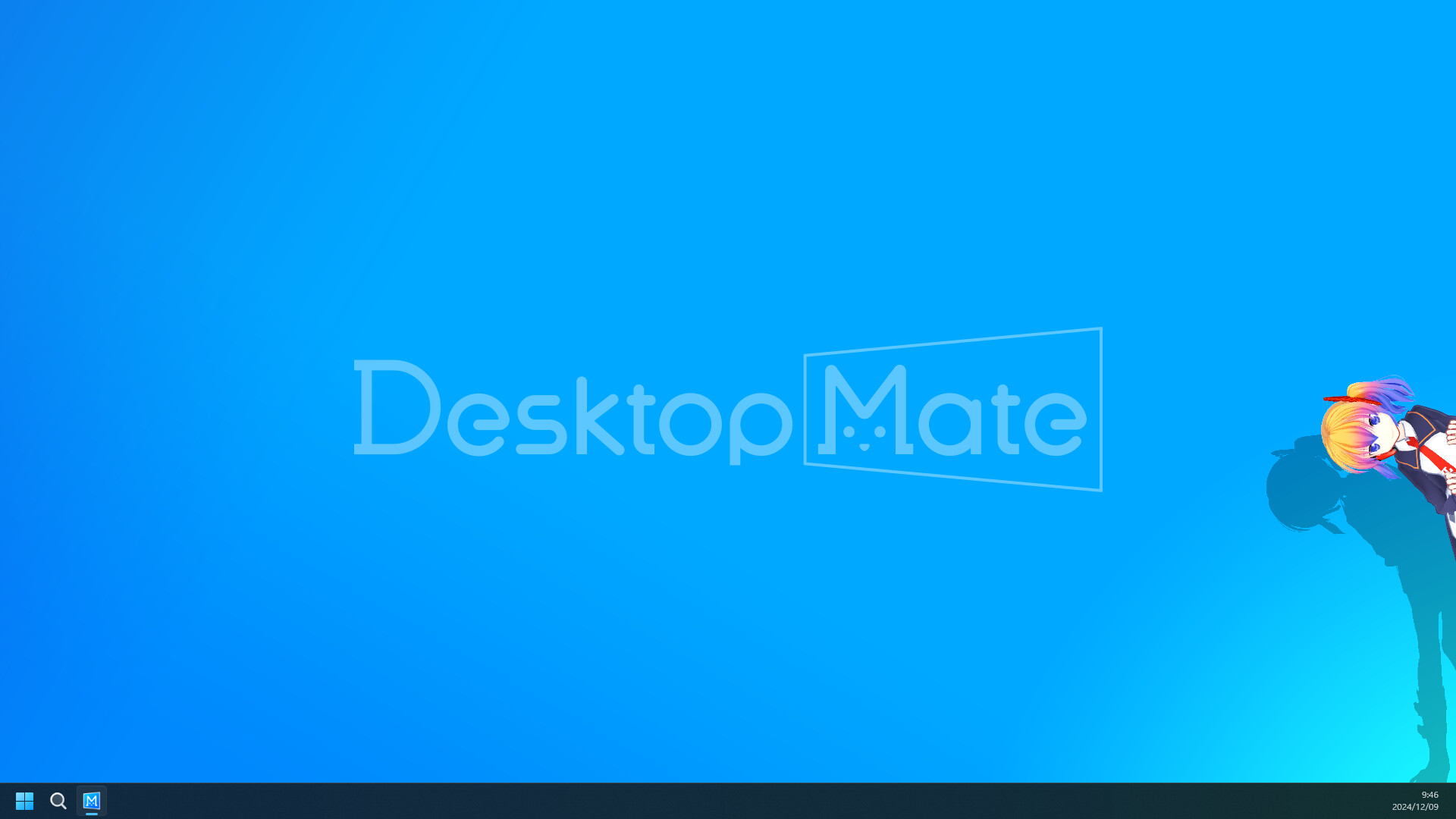
Disable Shadows is a tiny MelonLoader mod that turns off shadows cast by the active avatar. Its goal is lower rendering cost, but the author published no benchmark and current-version compatibility is unverified.
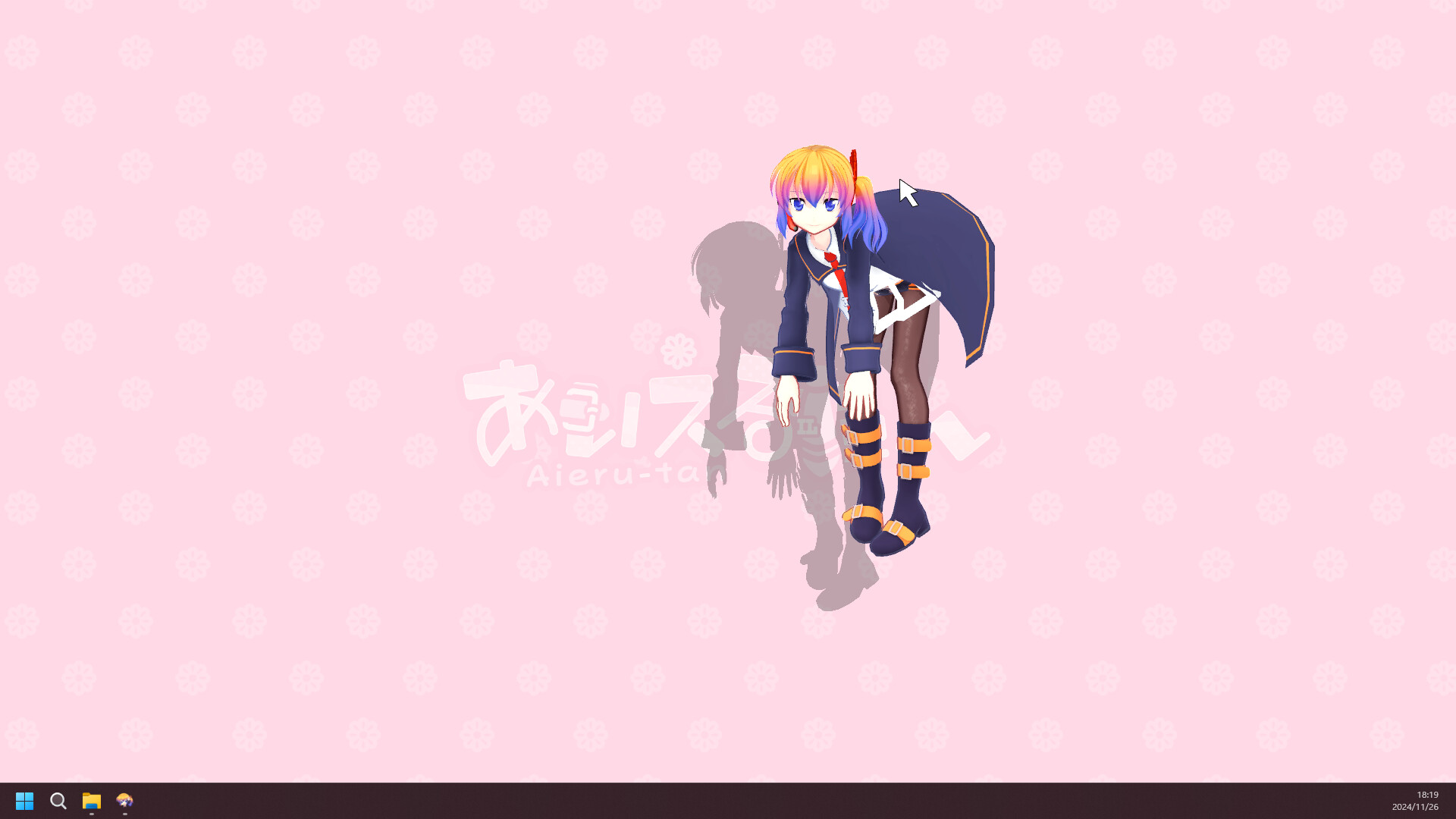
Character Rotator adds roll, pitch, and yaw controls with configurable keys. Its repository headline says the current Desktop Mate version is broken, so this is a legacy reference page with an explicit warning.