REQUIREMENTS
Check the stack before installing
- Platform: Windows
- Loader or runtime: MelonLoader
- Release: 1.0.0
- License: Not specified
- File: Source repository (No packaged release)
Window tools / community project
ToggleTransparent disables Desktop Mate mouse interaction so clicks can pass to the window behind while cursor tracking continues. The author documents an F8 focus limitation and publishes source, but no packaged Release asset.
Independent fan resource. Not affiliated with, endorsed by, or sponsored by infiniteloop Co., Ltd., Valve/Steam, or any character rights holder.

There is no author-published binary release. Review and build the original source yourself.
WHAT IT DOES
The mod is designed for moments when a desktop companion overlaps controls you need to use. Pressing F8 toggles the click-through state, but the shortcut only works while Desktop Mate has focus. Re-enabling interaction can therefore require Alt+Tab to focus Desktop Mate first. Because there is no release package and no license, this site links to source instead of compiling or redistributing it.
REQUIREMENTS
The source describes v1.0.0 but has no release artifact, license, or supported Desktop Mate version. Current compatibility is unknown.
Remove your locally built DLL from the MelonLoader Mods folder and relaunch. If input remains blocked, restart Desktop Mate without MelonLoader.
The original repository has no packaged release, so offering a third-party binary would break the verified-source rule.
The shortcut is read by Desktop Mate and requires that window to be focused.
No. ToggleTransparent changes mouse hit testing; Hide From Taskbar changes taskbar visibility.
Page checked against the linked project material on 2026-07-22. Compatibility can change after Desktop Mate, MelonLoader, BepInEx, or the mod updates.
RELATED PROJECTS
MateChat connects a Desktop Mate character to configurable language-model APIs and optional text-to-speech. The project is archived and its author states that current Desktop Mate no longer supports the modding path it used.
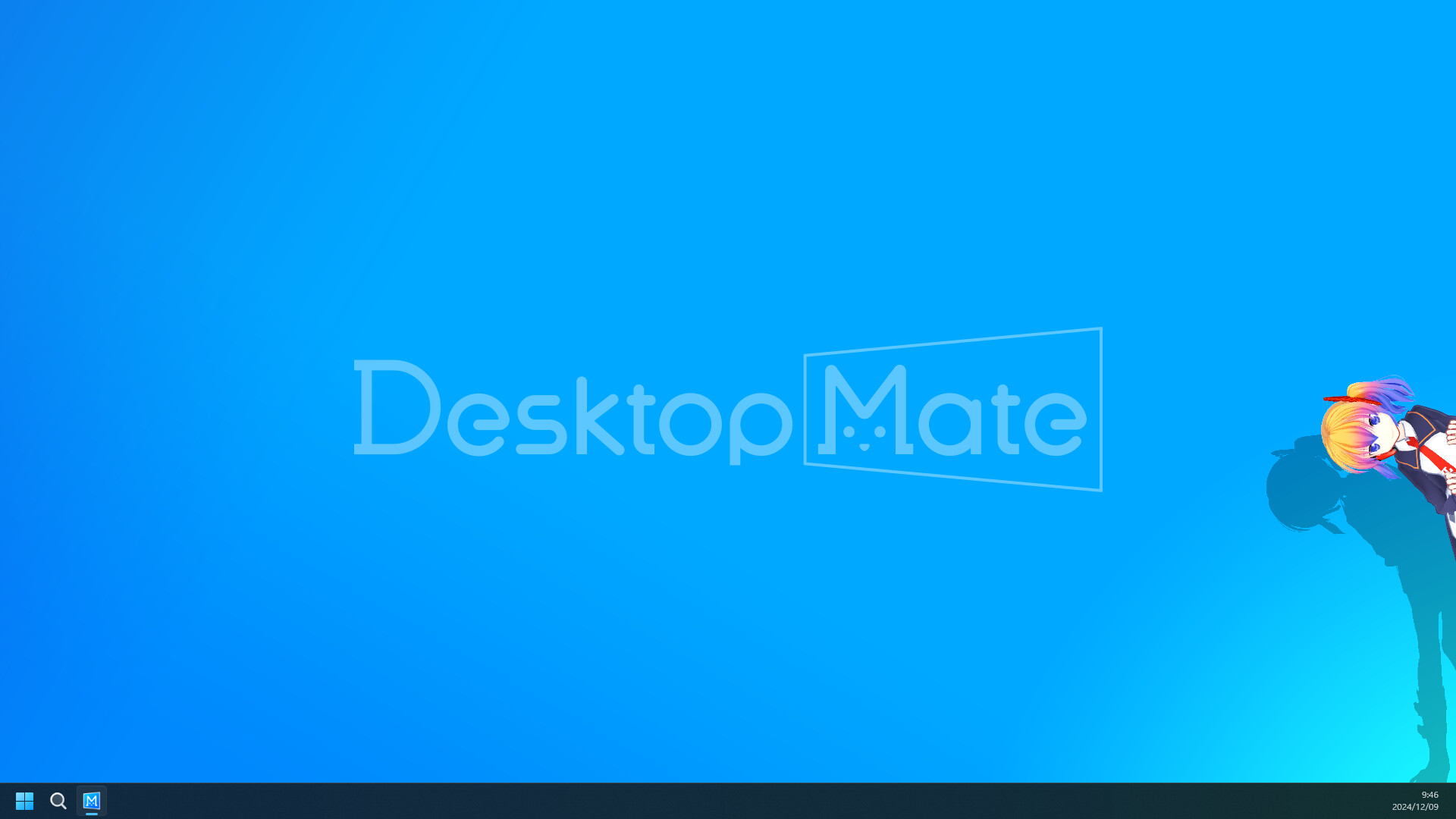
Disable Shadows is a tiny MelonLoader mod that turns off shadows cast by the active avatar. Its goal is lower rendering cost, but the author published no benchmark and current-version compatibility is unverified.
Hide From Taskbar removes the primary Desktop Mate window from the Windows taskbar after the app is clicked, reducing taskbar clutter while the character remains visible on the desktop.