REQUIREMENTS
Check the stack before installing
- Platform: Windows
- Loader or runtime: MelonLoader
- Release: 1.1.0
- License: Not specified
- File: DM_UnlockedRotation_1.1.0.dll (9 KB)
Controls / community project
Character Rotator adds roll, pitch, and yaw controls with configurable keys. Its repository headline says the current Desktop Mate version is broken, so this is a legacy reference page with an explicit warning.
Independent fan resource. Not affiliated with, endorsed by, or sponsored by infiniteloop Co., Ltd., Valve/Steam, or any character rights holder.
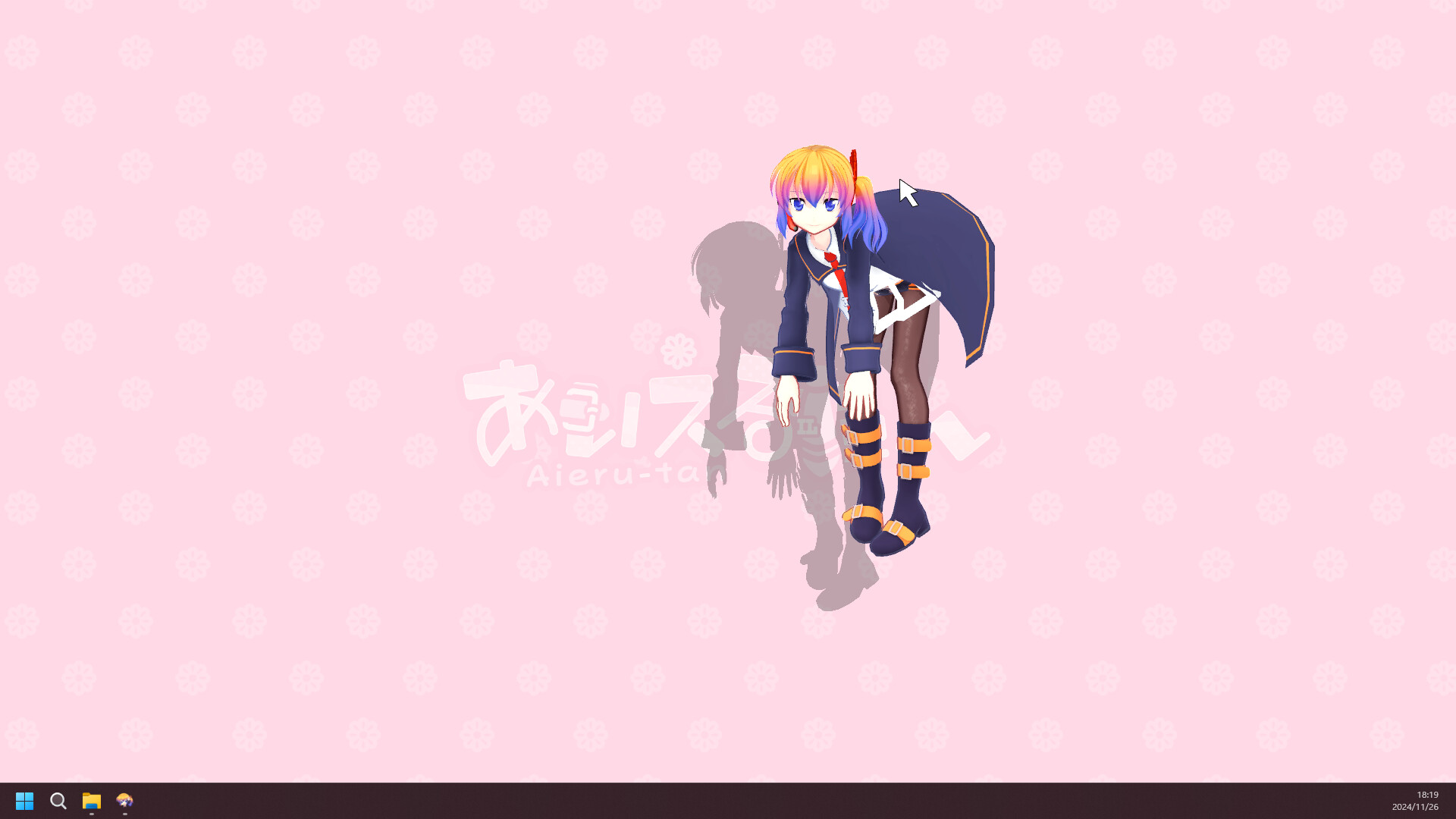
The author or project documentation says it does not work with the current app.
WHAT IT DOES
The mod exposes six directional rotations, an F8 toggle, a debug option, and MelonPreferences key remapping. It was tested with official and custom VRM characters in its original environment. Rotation can make picking or clicking a character unreliable at some angles, and the author lists that as a known issue.
REQUIREMENTS
The author explicitly marks the current Desktop Mate version as broken and links to an issue discussion. The repository is archived. Do not present this release as current-build compatible.

Delete the Character Rotator DLL and its MelonPreferences entry. Relaunch before troubleshooting character selection or orientation problems.
The author's repository says the current Desktop Mate version is broken. The downloadable file is retained for legacy reference.
The author reports support for VRM 0.0 and 1.0 when the model already loads successfully.
The page prevents users from mistaking an old DLL for a supported release and preserves accurate controls, removal, and source information.
Page checked against the linked project material on 2026-07-22. Compatibility can change after Desktop Mate, MelonLoader, BepInEx, or the mod updates.
RELATED PROJECTS
MateChat connects a Desktop Mate character to configurable language-model APIs and optional text-to-speech. The project is archived and its author states that current Desktop Mate no longer supports the modding path it used.
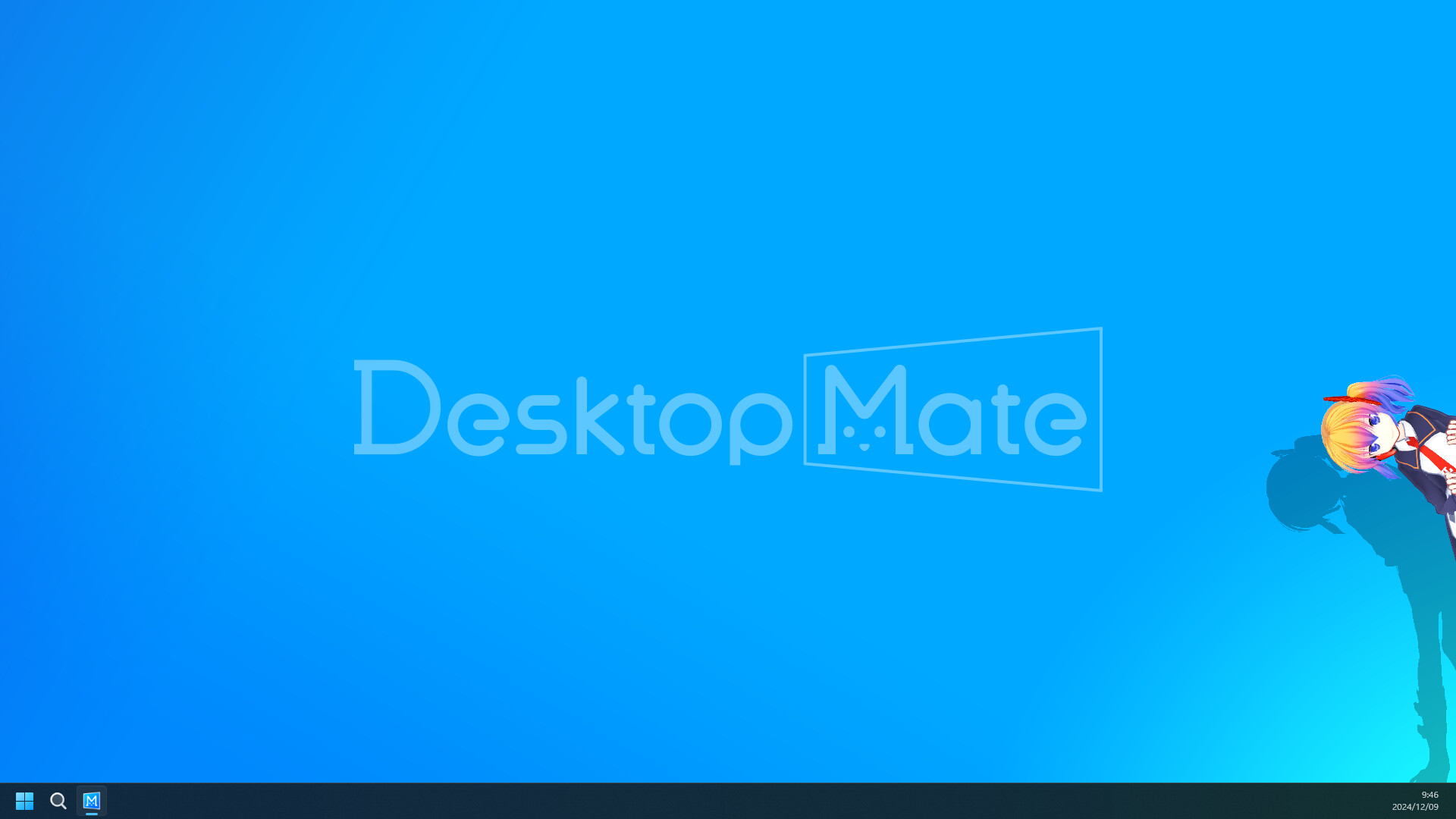
Disable Shadows is a tiny MelonLoader mod that turns off shadows cast by the active avatar. Its goal is lower rendering cost, but the author published no benchmark and current-version compatibility is unverified.
Hide From Taskbar removes the primary Desktop Mate window from the Windows taskbar after the app is clicked, reducing taskbar clutter while the character remains visible on the desktop.