REQUIREMENTS
Check the stack before installing
- Platform: Windows
- Loader or runtime: MelonLoader
- Release: 1.2.1
- License: GPL-3.0
- File: Desktop.Mate.zip (1.17 MB)
AI & chat / community project
MateChat connects a Desktop Mate character to configurable language-model APIs and optional text-to-speech. The project is archived and its author states that current Desktop Mate no longer supports the modding path it used.
Independent fan resource. Not affiliated with, endorsed by, or sponsored by infiniteloop Co., Ltd., Valve/Steam, or any character rights holder.
Built for an older Desktop Mate or loader version. Verify compatibility before using it.
WHAT IT DOES
MateChat adds a chat window, an F8 shortcut, provider configuration, custom system prompts, and optional GPT-SoVITS speech. It can use third-party or self-hosted AI endpoints, which means prompts and API credentials may leave your computer depending on your configuration. The ZIP is still available from the original GitHub release, but the repository explicitly says it is no longer maintained or supported.
REQUIREMENTS
MateChat was archived on March 17, 2025. Its README says Desktop Mate no longer supports modding and no further support will be provided. The page is retained as a sourced historical guide, not a current compatibility promise.

Delete the MateChat DLL and related UserLibs files listed in its ZIP. Remove UserData/MateChat.cfg if it contains credentials, then rotate any API key that may have been exposed.
No. It is an archived community MelonLoader mod and is not affiliated with infiniteloop.
It can. Data handling depends on the API endpoint you configure; read that provider's privacy policy before use.
The download button points directly to the original GitHub v1.2.1 release asset, with a legacy warning shown first.
Page checked against the linked project material on 2026-07-22. Compatibility can change after Desktop Mate, MelonLoader, BepInEx, or the mod updates.
RELATED PROJECTS
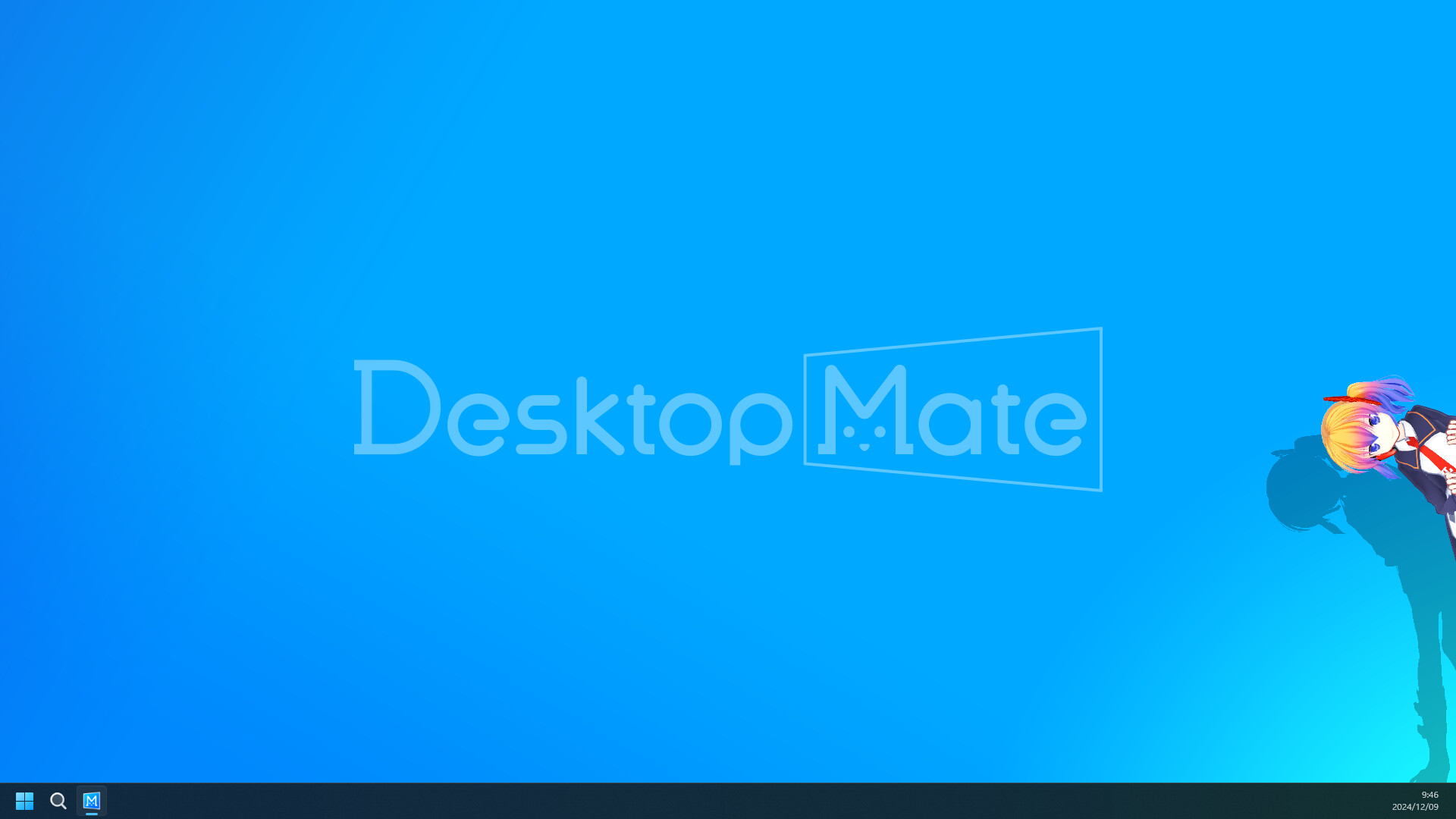
Disable Shadows is a tiny MelonLoader mod that turns off shadows cast by the active avatar. Its goal is lower rendering cost, but the author published no benchmark and current-version compatibility is unverified.
Hide From Taskbar removes the primary Desktop Mate window from the Windows taskbar after the app is clicked, reducing taskbar clutter while the character remains visible on the desktop.
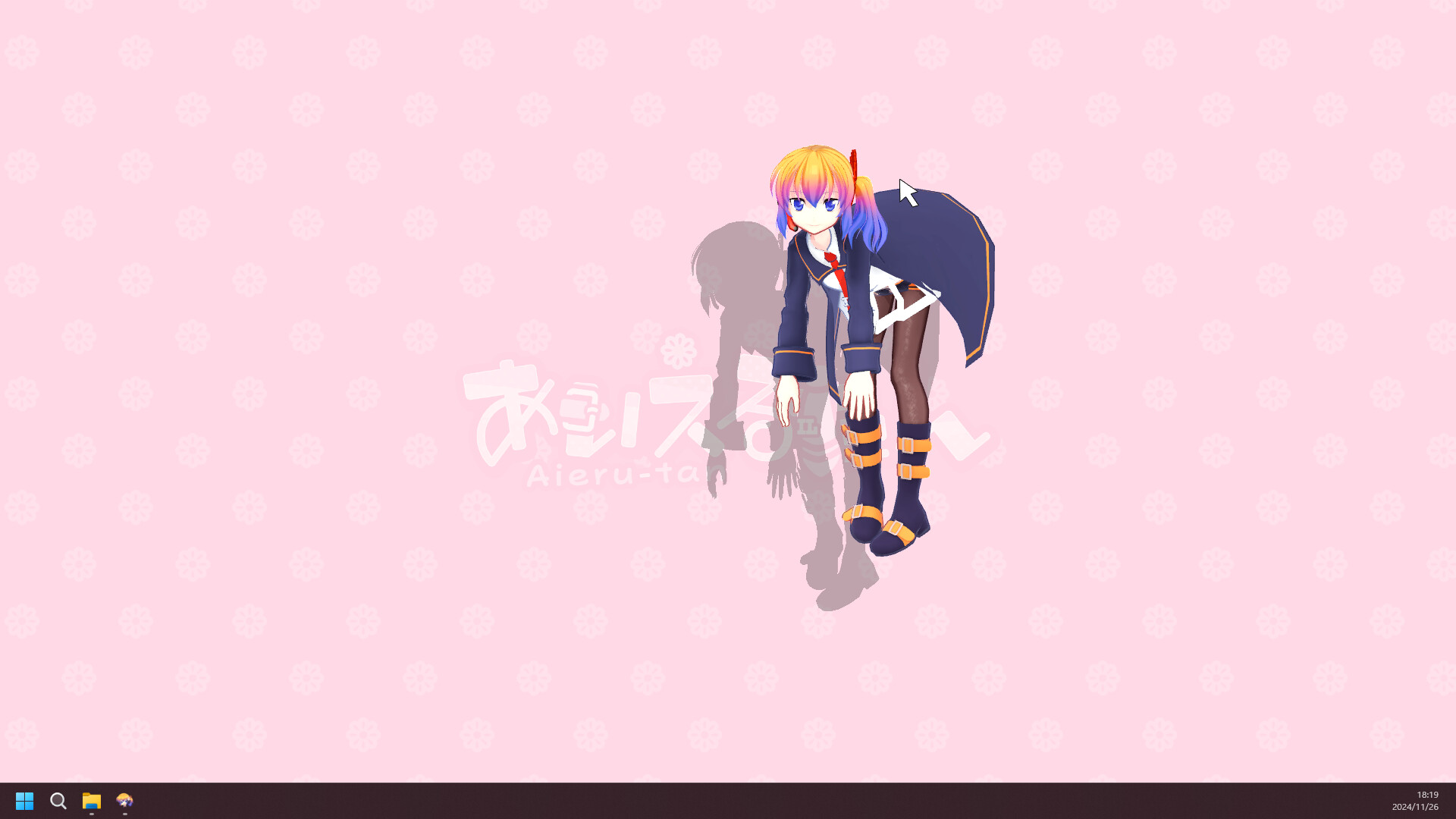
Character Rotator adds roll, pitch, and yaw controls with configurable keys. Its repository headline says the current Desktop Mate version is broken, so this is a legacy reference page with an explicit warning.